
Step 1
Open Krea Video
Pick Gemini Omni Flash from the model selector in the Krea Video tool.
Generate
Edit
Customize
"People running, risograph poster"
Generate
Edit
Customize
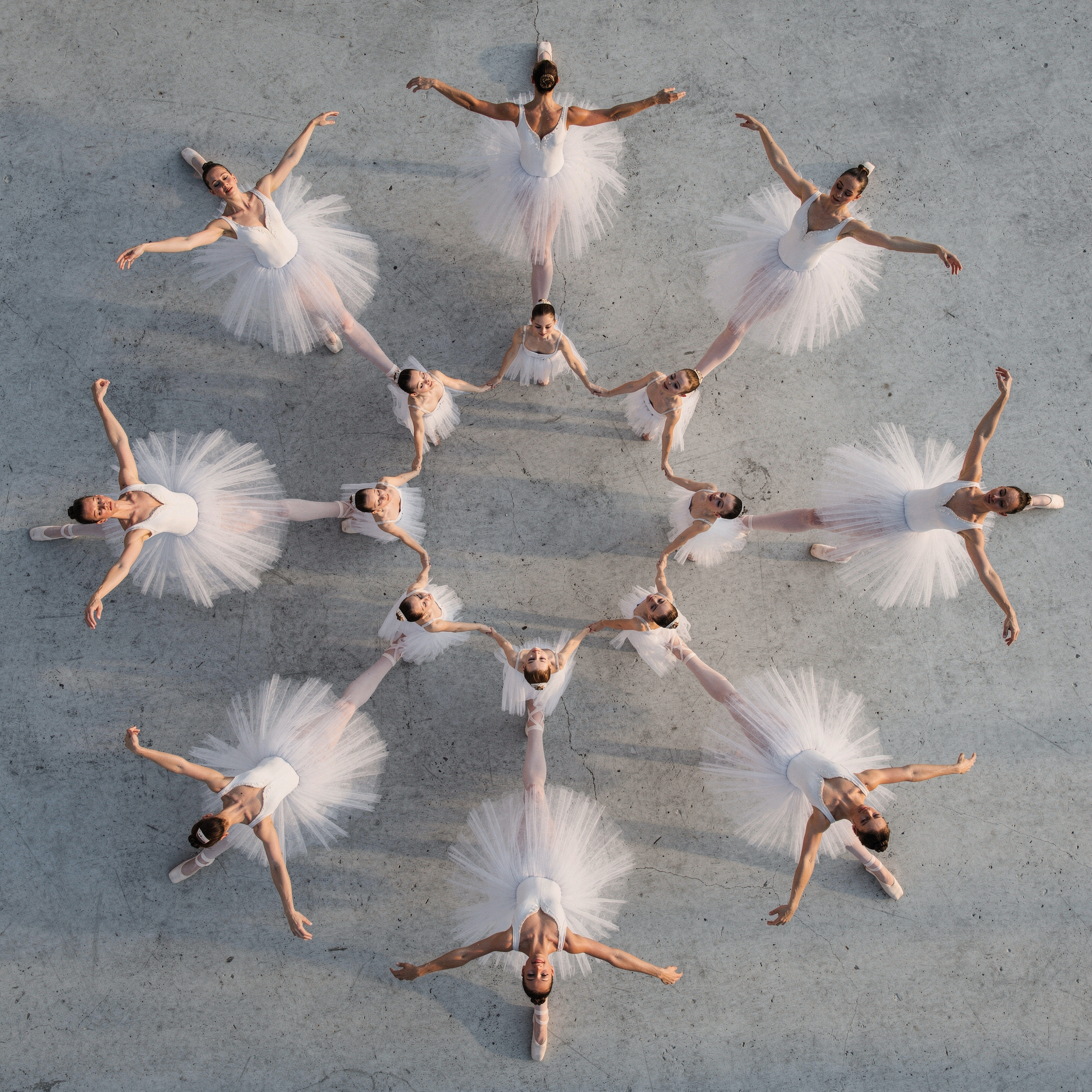
Create AI videos with native audio using Gemini Omni Flash on Krea. Generate from text, a start frame, or tagged image references — with speech, music, and sound effects in the same pass — then refine clips with prompt-based editing.
How It Works
From first prompt to production-ready video in four steps.
Step 1
Pick Gemini Omni Flash from the model selector in the Krea Video tool.
2Step 2
Upload up to 10 images and tag them in the prompt to lock characters, products, and style — or set a start frame.
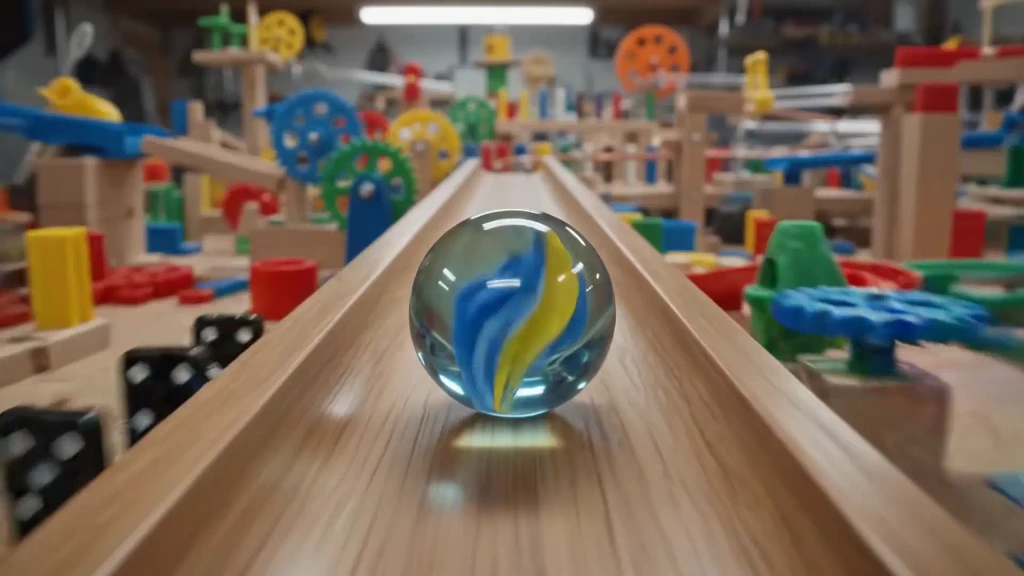
A marble rolling fast on a chain reaction style track, continuous smooth shot.
Step 3
Describe the shot and the sound: subject, camera, timing, plus the speech, music, or effects you want.
Step 4
Compare takes, then revise the best one with a follow-up edit instruction — all inside Krea.
Clips from 3 to 10 seconds, generated with audio in a single pass
Tagged image references to steer subjects, styles, and scenes
Vertical output alongside 16:9 landscape
Speech, music, and sound effects generated in the same pass as the video
Text-to-video and start-frame image-to-video in one tool
Upload a clip up to 10 seconds and revise it with a text instruction
Gemini-family scene understanding keeps timing, physics, and on-screen text coherent
Gemini Omni Flash is built for prompts that bring media references together: tag up to 10 images to guide a shot with visual direction and scene context in one request, or animate a start frame.
Generate from Image ReferencesUpload a clip — or reuse a generation — and describe the change in plain language. Gemini Omni Flash re-renders the video to match the instruction instead of restarting every shot from scratch.
Edit a Video with a PromptThe model produces native audio-video output — generated voiceover, music, and sound effects synchronized to on-screen action — for richer storyboards, ads, explainers, and cinematic experiments.
Generate Video with AudioPrompt Examples
Gemini Omni Flash generates the picture and the soundtrack together — music, speech, and effects land in sync with on-screen action, and Gemini-family world knowledge keeps timing, physics, and text legible. Every example below is paired with the exact prompt that generated it.
Prompt
A marble rolling fast on a chain reaction style track, continuous smooth shot.
Try this promptA marble rolling fast on a chain reaction style track, continuous smooth shot.
Try this promptPrompt
The video shows items of the alphabet. An unusual item starting with each letter is shown sitting on a table (like a Capybara for C, disco globe for D and Lava Lamp for L). All 26 letters must be represented by 26 items with matching lower thirds displaying the letter. Only one item and lower third at a time. Each lower third must look like a black marker written on a slip of paper in the bottom left. Rapid fire, roughly 9 frames per item at 24FPS. Last frame is a slip of paper "THE END". The whole video is accompanied by calm smooth music.
Try this promptThe video shows items of the alphabet. An unusual item starting with each letter is shown sitting on a table (like a Capybara for C, disco globe for D and Lava Lamp for L). All 26 letters must be represented by 26 items with matching lower thirds displaying the letter. Only one item and lower third at a time. Each lower third must look like a black marker written on a slip of paper in the bottom left. Rapid fire, roughly 9 frames per item at 24FPS. Last frame is a slip of paper "THE END". The whole video is accompanied by calm smooth music.
Try this promptPrompt
Claymation explainer of protein folding, everything is made out of clay, no hands, stop motion, accurate.
Try this promptClaymation explainer of protein folding, everything is made out of clay, no hands, stop motion, accurate.
Try this promptThe lights of the apartments start turning on in sync with the music.
Try this promptPrompt
A skeuomorphism stop motion explainer about how the brain hippocampus works with a compelling voiceover. Don’t add seahorses. No voice cuts at the end. Don’t add text.
Try this promptA skeuomorphism stop motion explainer about how the brain hippocampus works with a compelling voiceover. Don’t add seahorses. No voice cuts at the end. Don’t add text.
Try this promptTrusted by over 30 million creators worldwide.
Real reviews on TrustpilotSo many AI tools out there but I always come back to Krea. It's really the one AI platform that 'just works'.

FYN
Verified review
Krea's interfaces are still the best in the industry. Everything looks and feels so clean and easy to use! Imo the easiest to use gen AI website.

Lynn
Verified review
Ultra fast generations. Extremely simple to use. All the latest AI models.

Daniel
Verified review
KREA is the only AI subscription I have right now besides ChatGPT.

Sophia M.
Verified review
I'm a Krea Max user. It's crazy how fast they add models. I see a new AI model on twitter and the same day krea already offers it.

Wirot Ch.
Verified review
Still the most powerful AI creative suite out there.

Gravion
Verified review
Free
Get free daily credits to try basic features.
Pro
Advanced features and discounts on compute units
Max
Full access with higher discounts on compute units
For Teams and Enterprises
Workplace management, collaboration, and enterprise customizations
Business
Secure and collaborative workspace for growing teams
Enterprise
Enterprise-grade security with dedicated support and admin features
Gemini Omni Flash is a Google video-first media generation model for multimodal storytelling and world simulation. It accepts text, image, and video guidance to generate video with native audio.
Yes. Gemini Omni Flash is live in the Krea Video tool — pick it from the model selector, add your prompt and references, and generate.
Gemini Omni Flash works with detailed text prompts plus a start frame, up to 10 tagged image references, or an uploaded video clip to edit. That makes it useful for briefs that need visual references, motion direction, and sound cues together.
Yes. Gemini Omni Flash generates video with native audio — speech, music, and sound effects — in the same pass as the picture, synchronized to on-screen action.
Conversational editing means refining generated media with natural-language instructions. On Krea, upload a clip up to 10 seconds — or reuse a generation — and describe the change; the model re-renders the video to match.
Clips run from 3 to 10 seconds, with 8 seconds as the default, in 16:9 landscape or 9:16 vertical.
Yes. Gemini Omni Flash outputs include SynthID watermarking and C2PA content credentials to help identify generated media.
Open the Krea Video tool, choose Gemini Omni Flash, add your prompt and supported references, then generate — the same Krea workflow you use for other video models.
Gemini Omni is aimed at filmmakers, storytellers, marketers, designers, and creative teams that want one model to reason across prompts, references, video, and sound for richer AI video concepts.
Latest news, tutorials, and updates from the Krea team

DALL-E 3 is retired and ChatGPT's free image limit is roughly 2-3 a day. Five free and freemium alternatives, with current pricing and honest limits.
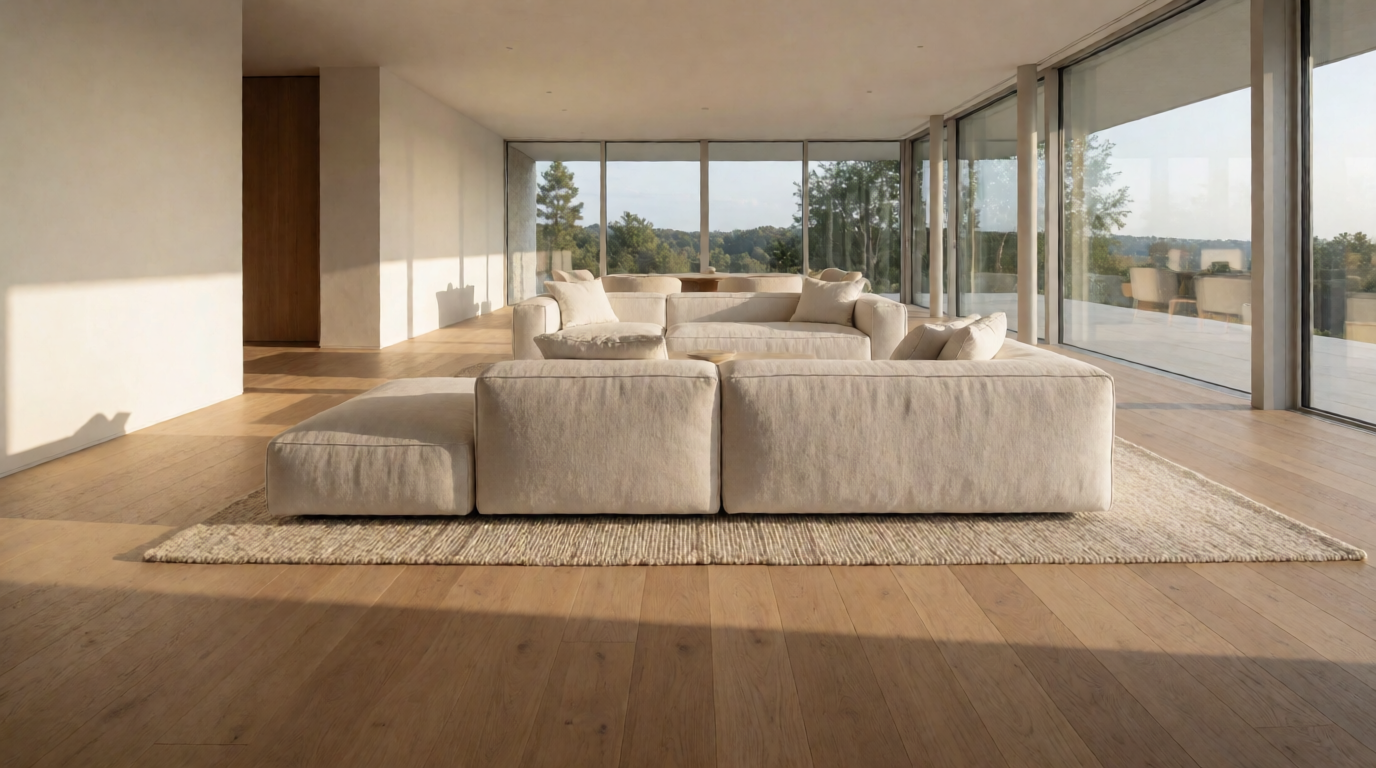
LetsEnhance is a legitimate AI upscaler, 4.1 on Trustpilot, 10 free credits, $9-45/month paid. How to cancel it, and how it compares to Photoshop and Krea.
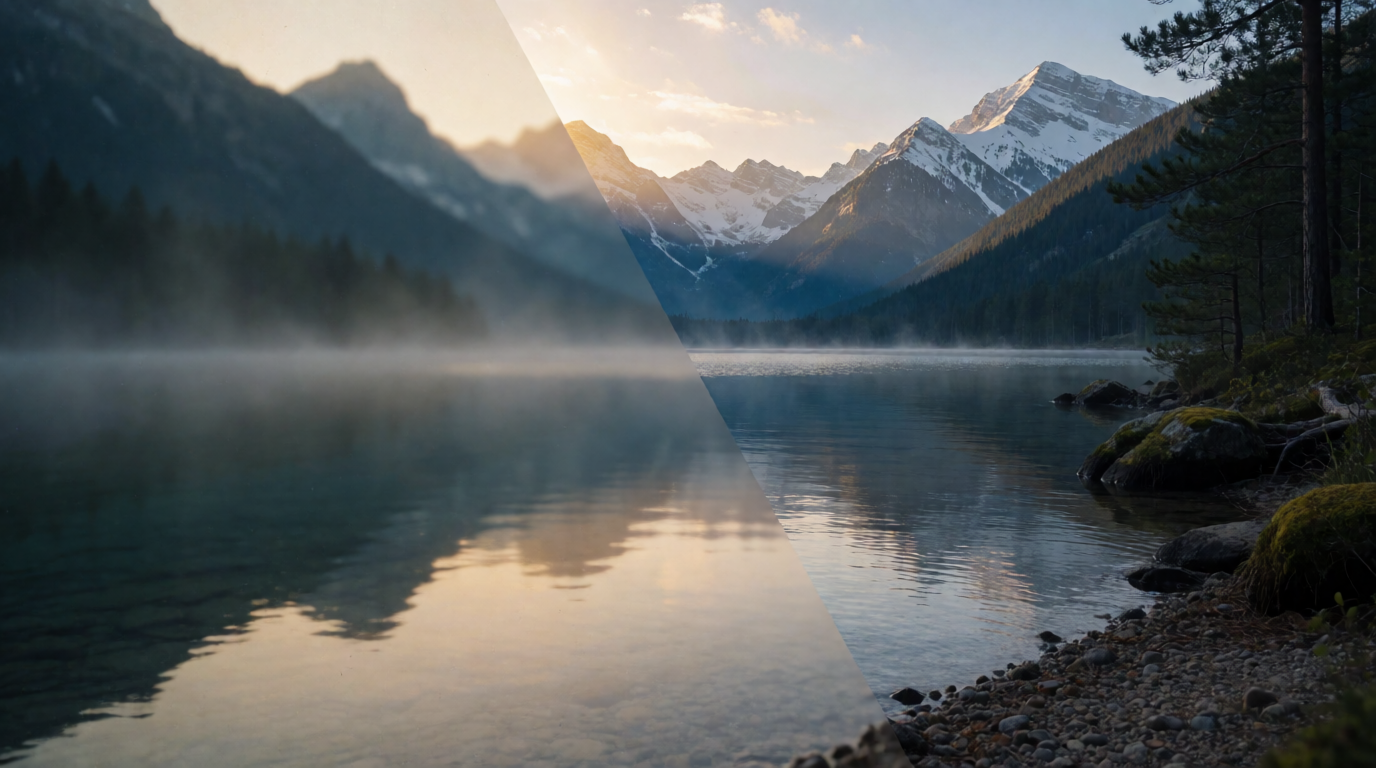
Topaz Photo AI and Video AI dropped perpetual licenses in 2025. What they cost now, whether you can trial them, the RAM a desktop install actually needs, and three alternatives.
Gemini Omni Flash is Google’s video-first multimodal model, now live on Krea. Generate clips with native speech, music, and sound effects from text, a start frame, or up to 10 tagged image references — then revise any clip with prompt-based video editing.
Try Gemini Omni on KreaExplore other Google models available on Krea
Nano Banana Pro
ImageWorld's most intelligent model.
Nano Banana 2
ImageCheaper quality version of Nano Banana.
Nano Banana 2.1
ImageGoogle's latest image model. Pro-level quality at Flash speed.
Nano Banana 2 Lite
ImageFast Google image model.
Nano Banana
ImageMost versatile intelligent model.
Veo 3.1 Lite
VideoFaster, affordable Veo 3.1.
Veo 3.1
VideoBest video model. Highest quality with audio.
Veo 3 Fast
VideoFaster, affordable Veo 3 with audio.
Veo 3.1 Fast
VideoFaster, affordable Veo 3.1 with audio.
Discover more AI models for images and videos on Krea
Or try every model side by side in Krea's free AI video generator and AI image generator.
Page last updated