














Step 1
Open Krea Video
Pick MiniMax H3 from the model selector in the Krea Video Tool.
Create
Edit & enhance

Krea 3
Our most advanced image model. Photoreal, editorial, on-brand.
Try Krea 320+ AI tools for images, video, 3D and audio in one app.
Open KreaCreate
Edit & enhance
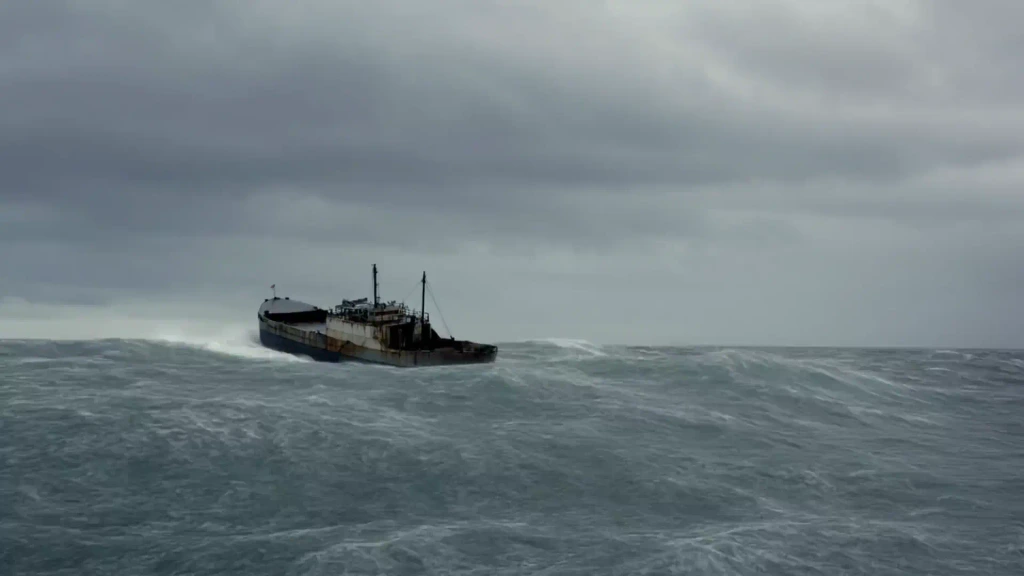
Generate cinematic AI video with dynamic, physics-aware motion at 2K — from a text prompt, a start frame, or tagged image, video, and audio references.
How It Works
From first prompt to production-ready video in four steps.

Step 1
Pick MiniMax H3 from the model selector in the Krea Video Tool.
2Step 2
Optionally upload a start image to lock subject and composition before motion.
Describe the subject, composition, lighting, and mood — the more specific, the better the result.
Step 3
Describe the shot like a director: subject, camera movement, lighting, and mood.
Step 4
Compare takes against other video models, then enhance and upscale the best one.
Output resolution, across six aspect ratios from 21:9 to 9:16
Clip length, selectable per second — up from 10s on Hailuo 2.3
Tagged references per generation: up to 9 images, 3 videos, and 3 audio clips
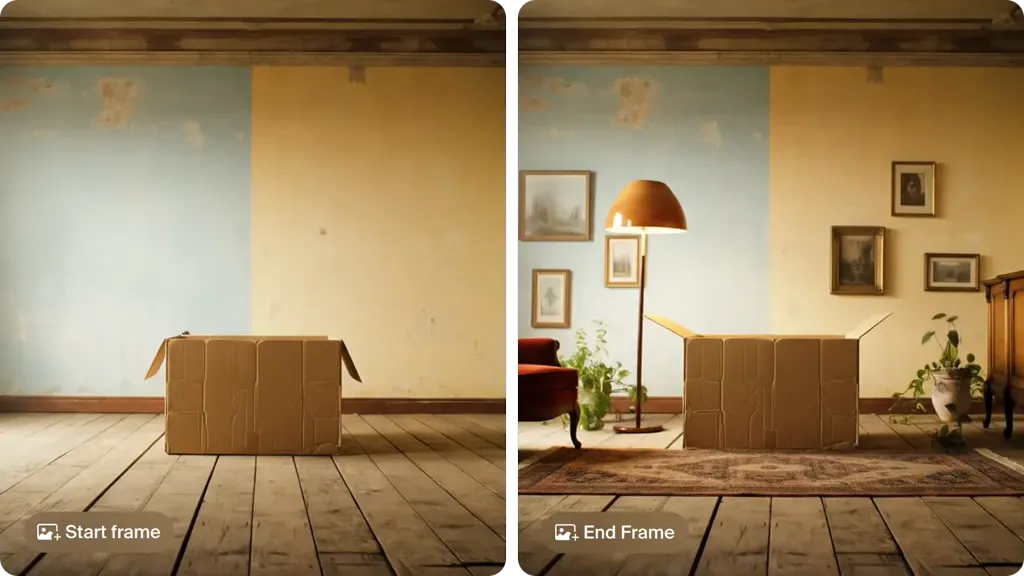
Animate between two frames to lock how a shot begins and ends
Text-to-video and start-image guidance, as across the Hailuo family
The Hailuo family signature: fabric, water, crowds, and camera motion that hold together
Hailuo 2.3 Fast is still in the Krea Video selector. Hailuo 2.3 is not.
The Hailuo family is known for dynamic, physics-aware motion from detailed text prompts. MiniMax H3 continues that direction for cinematic shots, ads, and social clips.
Generate Video from TextHailuo models on Krea support start-image guidance, so you can turn a still frame into motion while keeping subject and composition locked to your reference.
Animate a Start FrameTest motion directions, storyboards, and campaign concepts quickly, then compare Hailuo outputs against other video models in the same Krea workflow.
Start Iterating in Krea VideoTrusted by over 30 million creators worldwide.
Real reviews on TrustpilotSo many AI tools out there but I always come back to Krea. It's really the one AI platform that 'just works'.

FYN
Verified review
Krea's interfaces are still the best in the industry. Everything looks and feels so clean and easy to use! Imo the easiest to use gen AI website.

Lynn
Verified review
Ultra fast generations. Extremely simple to use. All the latest AI models.

Daniel
Verified review
KREA is the only AI subscription I have right now besides ChatGPT.

Sophia M.
Verified review
I'm a Krea Max user. It's crazy how fast they add models. I see a new AI model on twitter and the same day krea already offers it.

Wirot Ch.
Verified review
Still the most powerful AI creative suite out there.

Gravion
Verified review
Free
Get free daily credits to try basic features.
100 units / day
Basic
Access our most popular features
5,000 units / month
Pro
Advanced features and discounts on compute units
20,000 units / month
Max
Full access with higher discounts on compute units
60,000 units / month
For Teams and Enterprises
Workplace management, collaboration, and enterprise customizations
Business
Secure and collaborative workspace for growing teams
80,000 units / month

Enterprise
Enterprise-grade security with dedicated support and admin features
MiniMax H3 is the frontier video generation model from MiniMax and the successor to Hailuo 2.3. It renders at 2K, generates clips from 5 to 15 seconds, and conditions on tagged image, video, and audio references. The Hailuo family is known for dynamic, physics-aware motion and expressive character performance — including facial micro-expressions — in AI-generated video.
Yes. MiniMax H3 is the official name; Hailuo 3, Hailuo 3.0, and Hailuo H3 all refer to the same frontier Hailuo video model from MiniMax. On Krea it is listed as MiniMax H3 in the video model selector.
Yes. MiniMax H3 is live on Krea — open the Krea Video Tool, pick MiniMax H3 from the model selector, and generate. Hailuo 2.3 Fast is still in the selector. Hailuo 2.3 is not.
MiniMax H3 has been released and is available on Krea now. You can generate with it in the Krea Video Tool without waiting for a rollout.
No. The 2.7-trillion-parameter model in July 2026 reporting is M3 Pro, a large language model MiniMax plans to open-source — not a video model. MiniMax has not published a parameter count for MiniMax H3.
MiniMax H3 renders at 2K, extends clip length to 15 seconds, and adds tagged references — up to 9 images, 3 videos, and 3 audio clips in a single generation — alongside start and end frame animation. Hailuo 2.3 is not in the Krea Video selector. Hailuo 2.3 Fast still is.
Yes. Add a start image to guide the opening frame, or set both a start and an end frame to animate between them and lock how the shot begins and ends.
No. MiniMax H3 generates video, and accepts audio clips as tagged references to condition a generation. For video with generated sound, use a model with native audio output such as LTX-2.3 or Veo 3.1 on Krea.
Open the Krea Video Tool, choose MiniMax H3 from the model selector, add your prompt or start image, and generate — the same workflow you use for other video models on Krea.
Yes. On Krea paid plans, generated videos include commercial licensing for campaigns, products, client work, and other production projects.
Yes. Krea lets you switch between video models like Kling, Veo, Sora, and Seedance in the same workflow, so you can run the same prompt through MiniMax H3 and the others and compare motion, prompt adherence, and output quality.
MiniMax H3 is aimed at filmmakers, marketers, designers, and creative teams that want cinematic AI video with realistic motion for ads, social content, storyboards, and production iteration.
Latest news, tutorials, and updates from the Krea team
The best image to video AI tools in 2026: Krea, Kling 4.0, Veo 3.1 in Google Flow, Runway, Firefly, Luma, Pika, HeyGen, Hailuo and Vidu, with free tiers, prices and clip lengths.
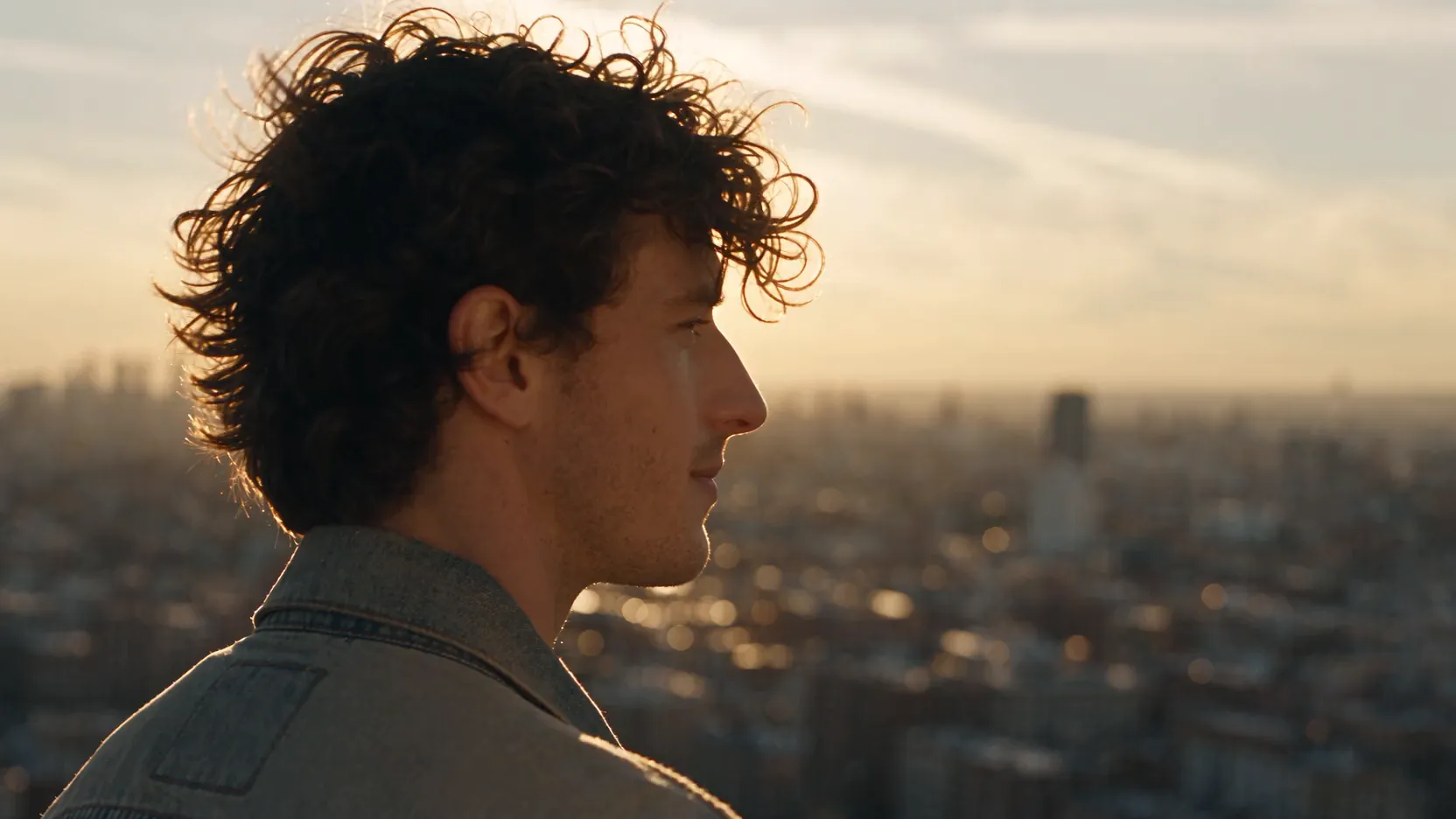
HeyGen's free plan gives 1 to 3 watermarked 720p videos a month, up to 1 minute each. Paid plans start at $24. HeyGen pricing, credits, and the best alternatives compared.
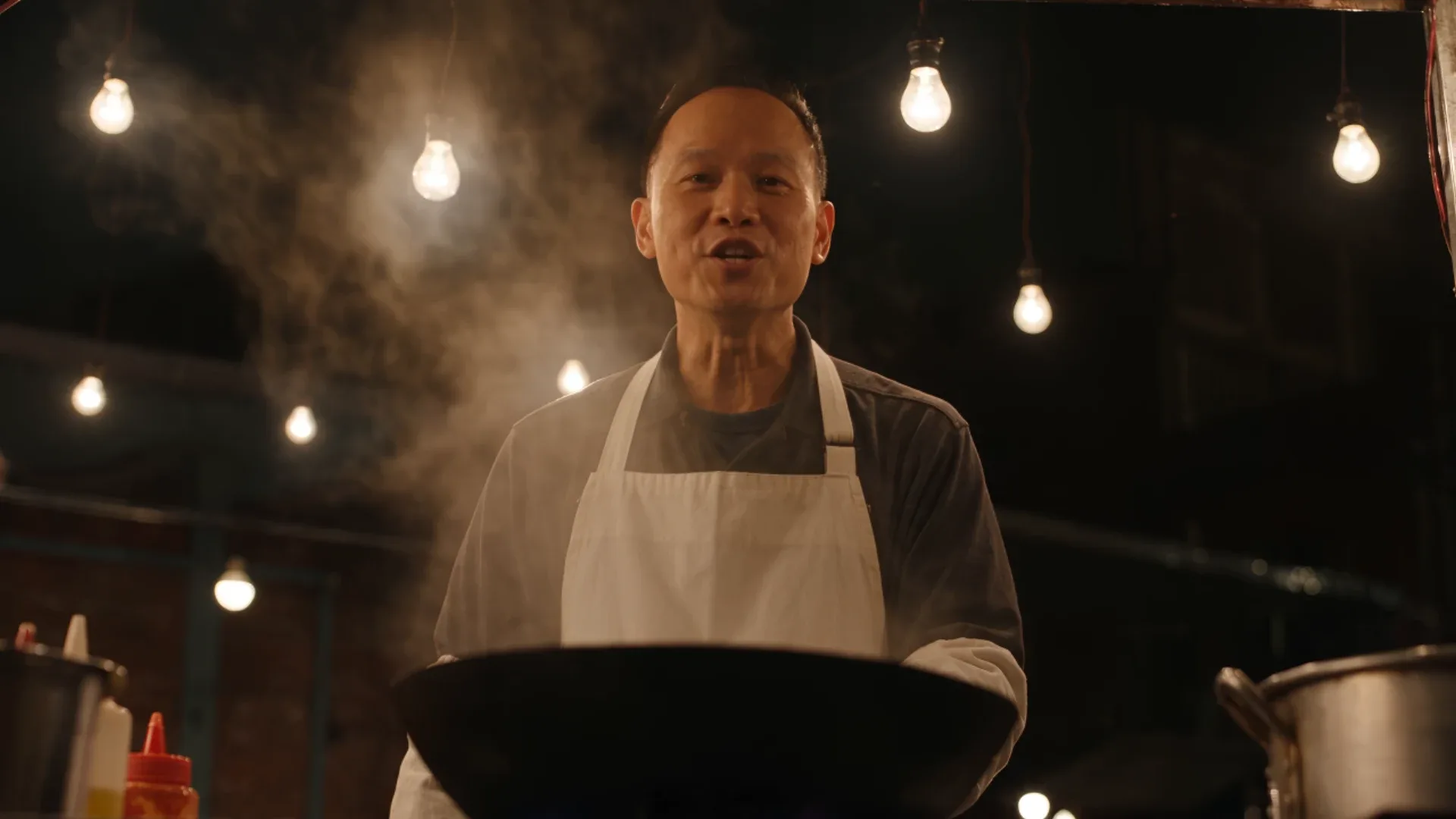
Seedance 2.5 vs MiniMax H3 and H3 Max, tested on Krea with matched prompts: dialogue, action, clip length, references and cost per second.
MiniMax H3 (also written Hailuo 3, Hailuo 3.0, or Hailuo H3) is the frontier video generation model from MiniMax and the successor to Hailuo 2.3. It renders at 2K, generates 5 to 15 second clips, animates between start and end frames, and conditions on tagged image, video, and audio references — and it is live on Krea.
Try MiniMax H3 on KreaExplore other MiniMax models available on Krea
Hailuo 2.3 Fast
VideoCheapest medium-quality model.
MiniMax H3 Max
VideoPost-trained H3 variant with stronger prompt adherence, better aesthetics, and image/video/audio references.
MiniMax H3 Max Turbo
VideoFaster, cheaper H3 Max tier with the same prompt adherence, at 480p, 768p, or native 1080p up to 15 seconds.
Hailuo
VideoHigh-quality model with camera control.
Hailuo 02
VideoFrontier model with dynamic motion.
Hailuo 2.3
VideoFrontier model with dynamic motion.
MiniMax 01-Live
VideoHigh-quality model for animating people.
Discover more AI models for images and videos on Krea
Or try every model side by side in Krea's free AI video generator and AI image generator.
The Hailuo video model family is developed by MiniMax. For official announcements about MiniMax H3 and the rest of the Hailuo lineup, check the provider’s official site.
Visit the official Hailuo sitePage last updated