
Krea, right inside  Illustrator
Download 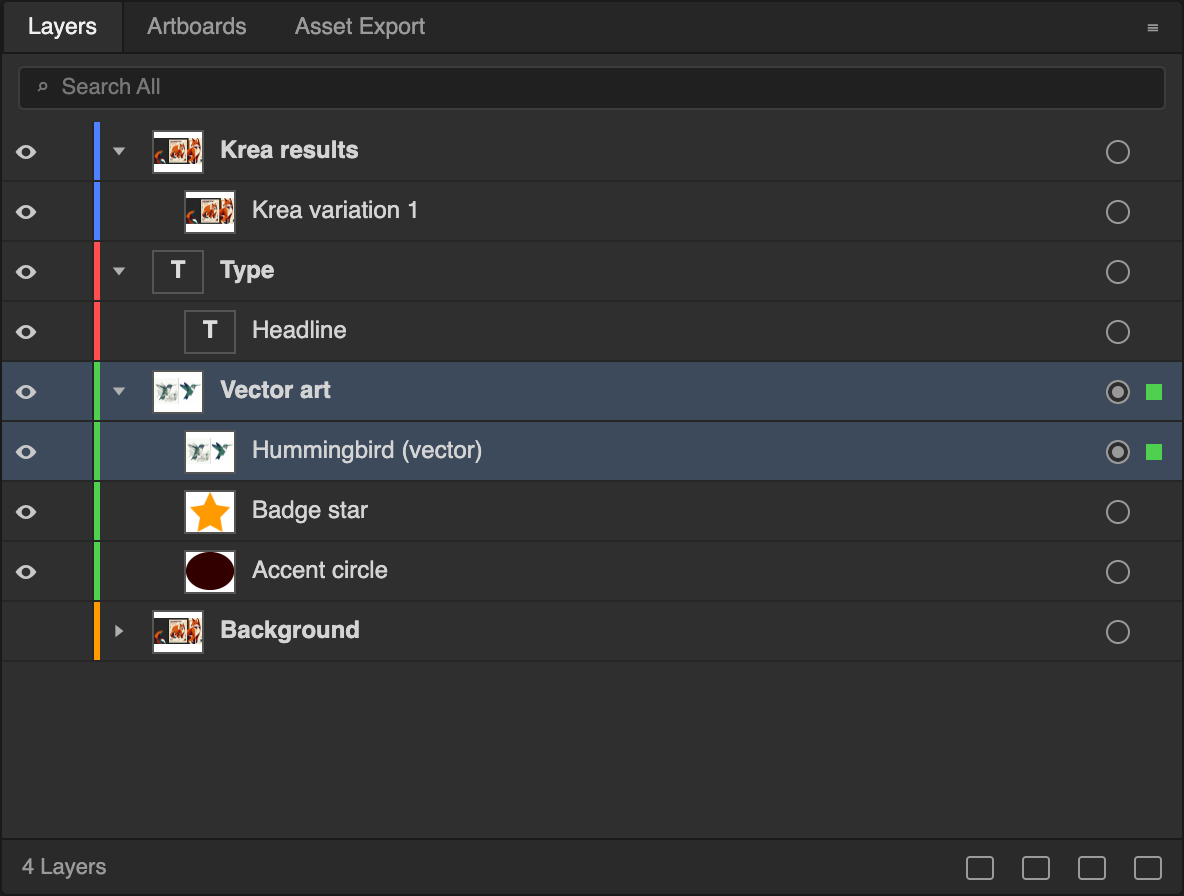
 Enhancing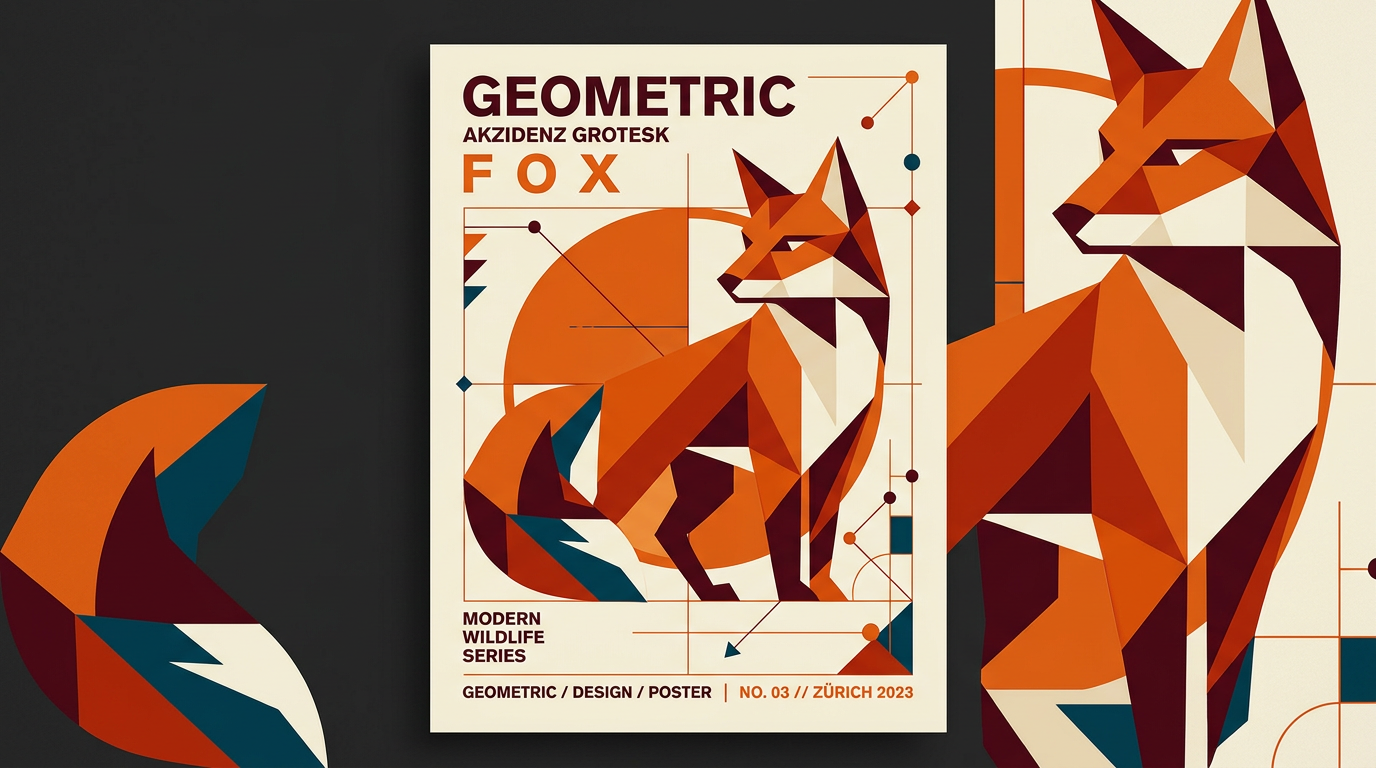
Install Krea for Illustrator
-
Download the installer
Download the signed Krea installer for Illustrator.
Install the plugin
Open the installer and follow the prompts.
Open Krea in Illustrator
Open Illustrator and choose Window → Extensions → Krea.
What Krea for Illustrator can do
Generate artwork, vectorize it, and build designs with Krea Agent without leaving your document.
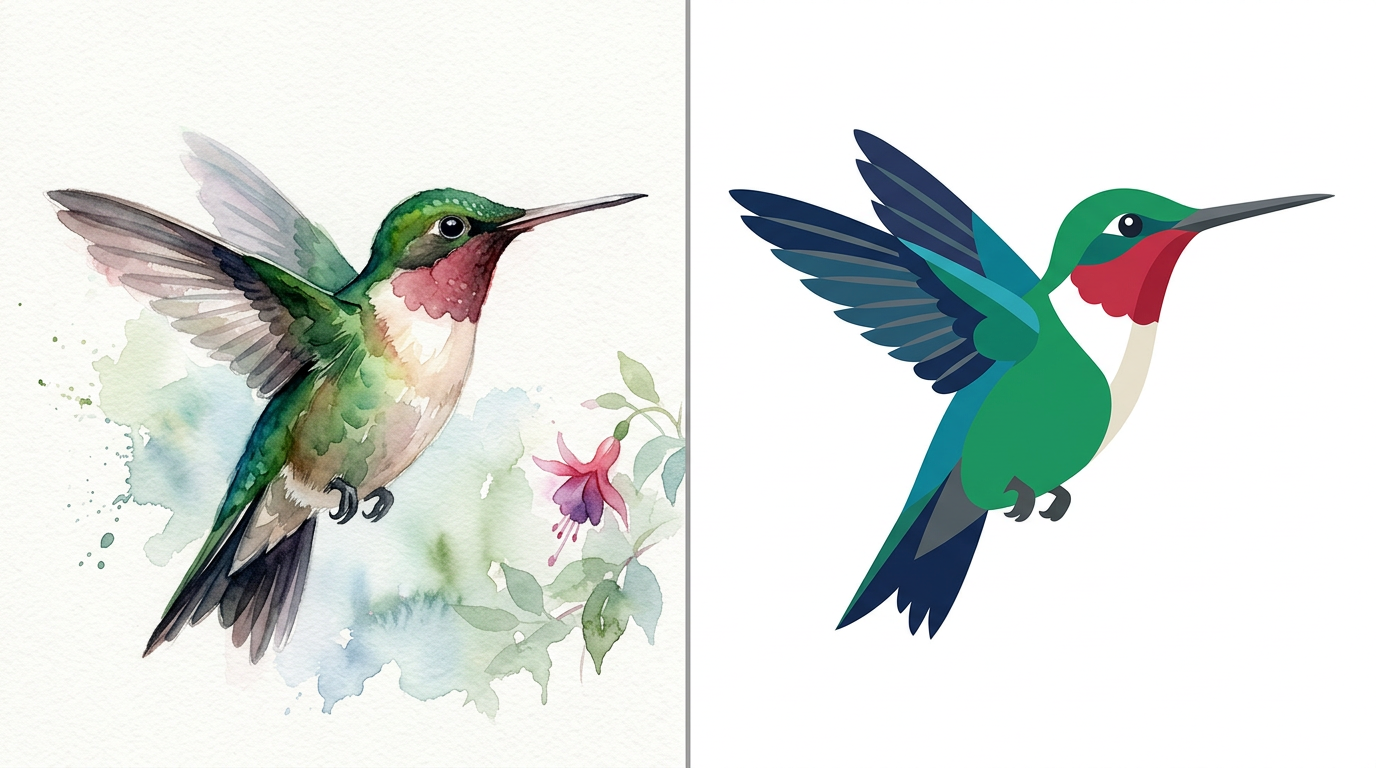
Turn images into editable vectors
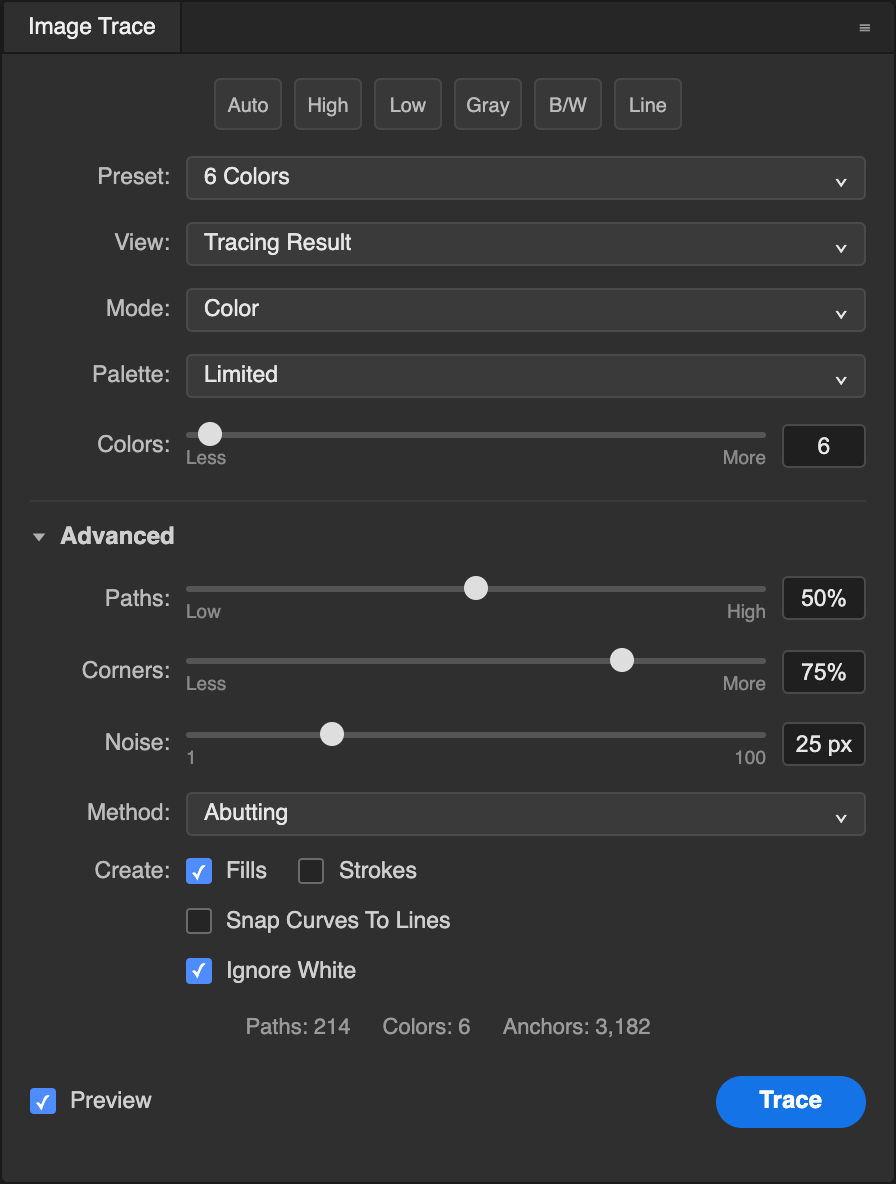
Generate an illustration, then vectorize it with Image Trace into paths you can recolor and reshape.
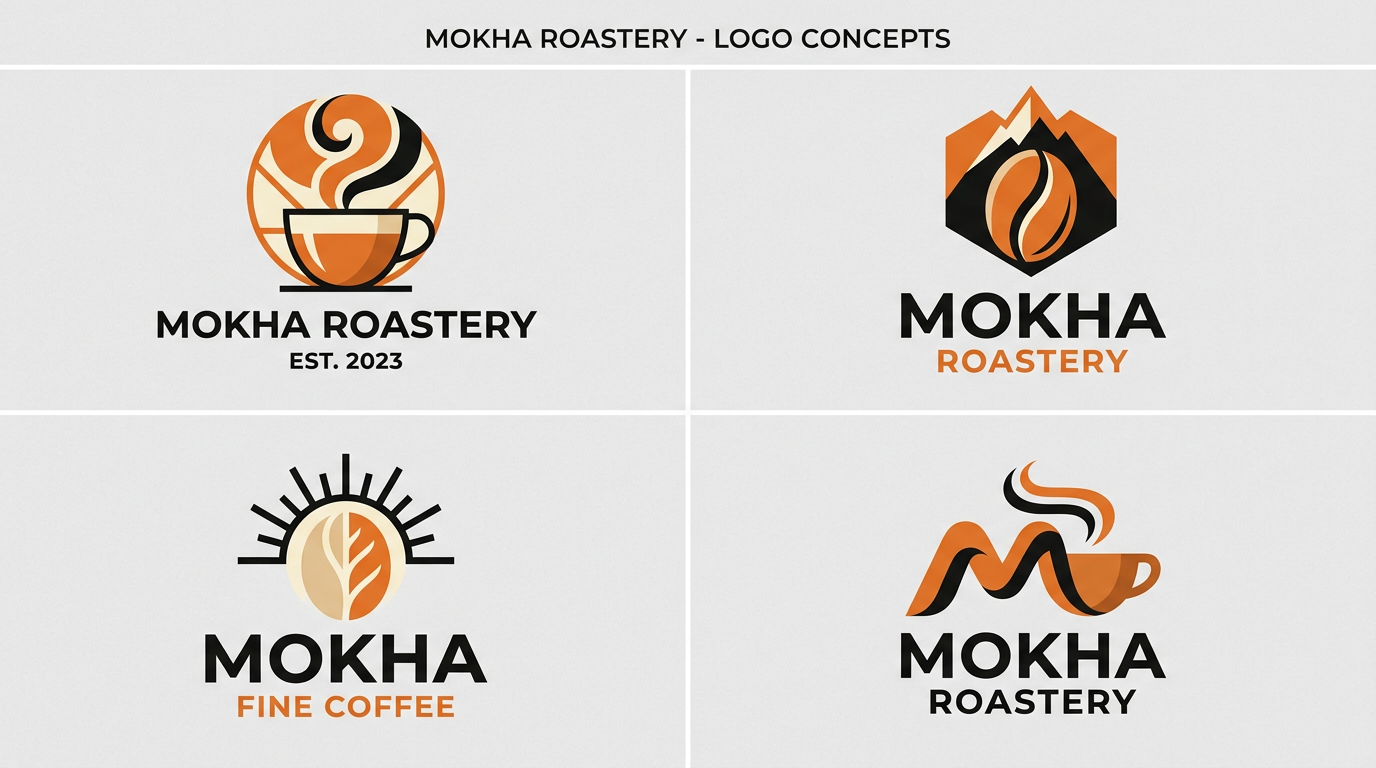
Explore brand directions
Generate logo concepts and marks from a prompt or your selected artwork, then refine the strongest one.

Let Krea Agent build with you
Ask the Agent to draw shapes, set type, arrange layers and artboards, and check its own work in your document.

Keep a whole set consistent
Create matching icons, illustrations and textures that share one style across a project.
Krea, right insideIllustrator
Trusted by over 30,000,000 users From 191 countries. We've got a plan for everybody...
Free
Get free daily credits to try basic features.
Basic
Access our most popular features
Pro
Advanced features and discounts on compute units
Max
Full access with higher discounts on compute units
For Teams and Enterprises
Workplace management, collaboration, and enterprise customizations
Business
Secure and collaborative workspace for growing teams
Enterprise
Enterprise-grade security with dedicated support and admin features
Frequently asked questions
Everything you need to know about Krea for Illustrator.
It brings Krea’s creative AI tools and Krea Agent into Illustrator, so you can generate artwork and work it into your document without leaving it.
Download the installer for your Mac or PC, run it, then restart Illustrator and choose Window → Extensions → Krea.
Krea generates images; Image Trace turns a result into editable vector paths you can recolor, reshape and scale.
Yes. Send the selection or the active artboard to Krea, edit it, and place the result back exactly where it came from.
Yes. Generations run on Krea’s servers, so the plugin needs an internet connection.
Yes. Sign in with your Krea account when you first open the plugin.
Krea for Illustrator runs on macOS 12 or later and Windows 10 or later, with Illustrator 2025 or newer.