
Mood boards in Krea 2
by The Krea Team
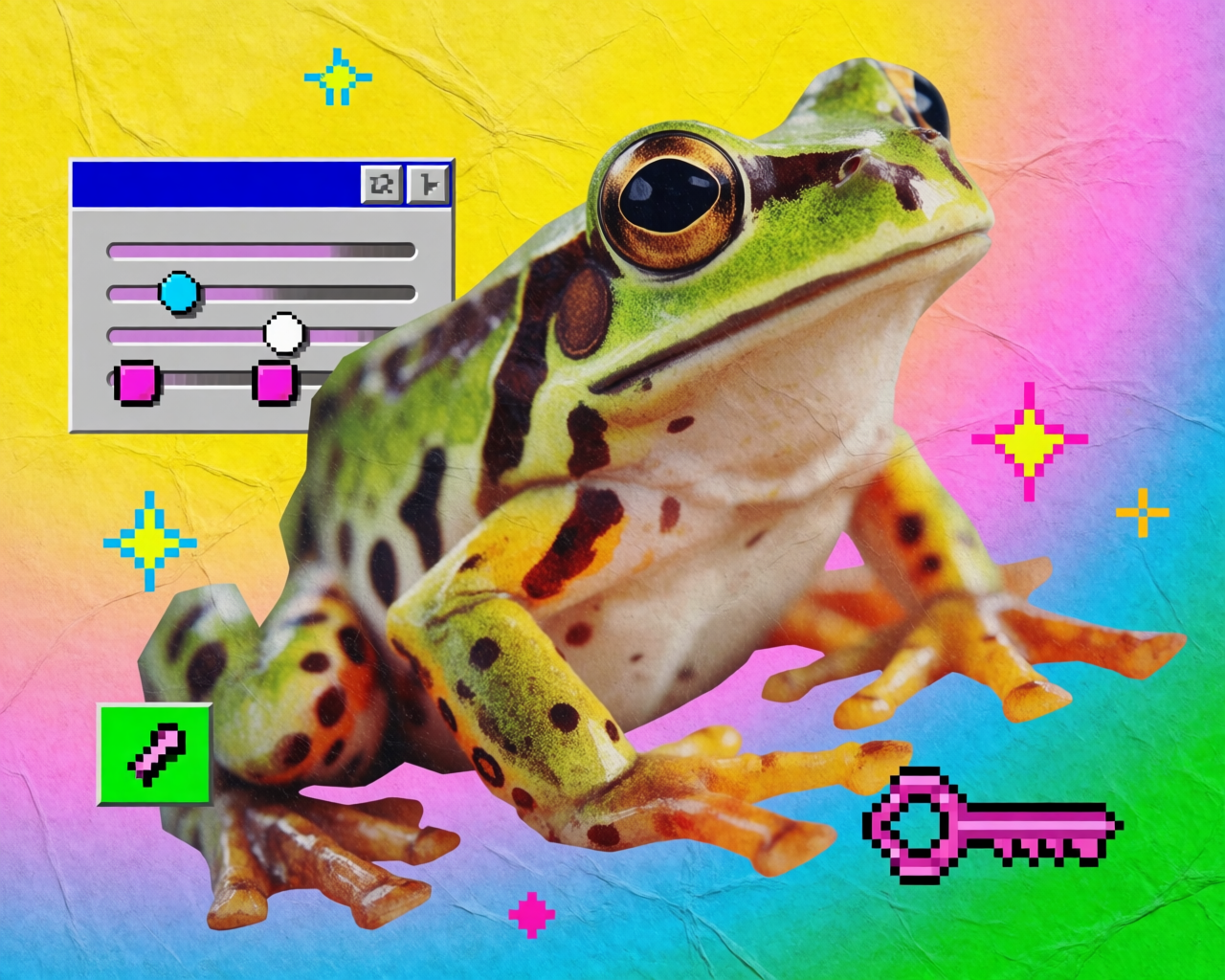
Mood boards are one of the new tools that ship with Krea 2, and honestly — they're our favorite.
Mood boards vs. style references
A quick refresher on style references: you pick up to four images, and the model transfers their style onto whatever you prompt. It's focused, surgical, and gives you a lot of control over how that transfer happens.
Mood boards are a different animal.
Two big differences:
- More than four images. You can pile in as many as you want.
- A more complex system underneath. Mood boards sometimes use style references behind the scenes, but they also run custom LLMs and clustering methods to read everything about the images you upload — not just style. Concepts, expressions, characters, the overall vibe — it all gets factored in.
The result: a tool that goes further than style transfer. It pulls the whole world of your reference set into every generation.
How to use mood boards
Open the sidebar in Krea — Mood Boards is the second item. Click in, hit create new mood board, drag and drop your images.
Before you can generate with it, you need to analyze the board. That's the step where all those algorithms run and Krea builds a profile of your references.
Once analysis is done, you get three columns:
- Taste profile — a high-level description of what the system found in your board.
- Keywords — style tags that get applied under the hood every time you generate with this board.
- Avoids — things the system will actively steer away from.
Hit generate mood board to drop back into the image tool with the board selected. Now anything you prompt will be filtered through that whole aesthetic.
What it actually does
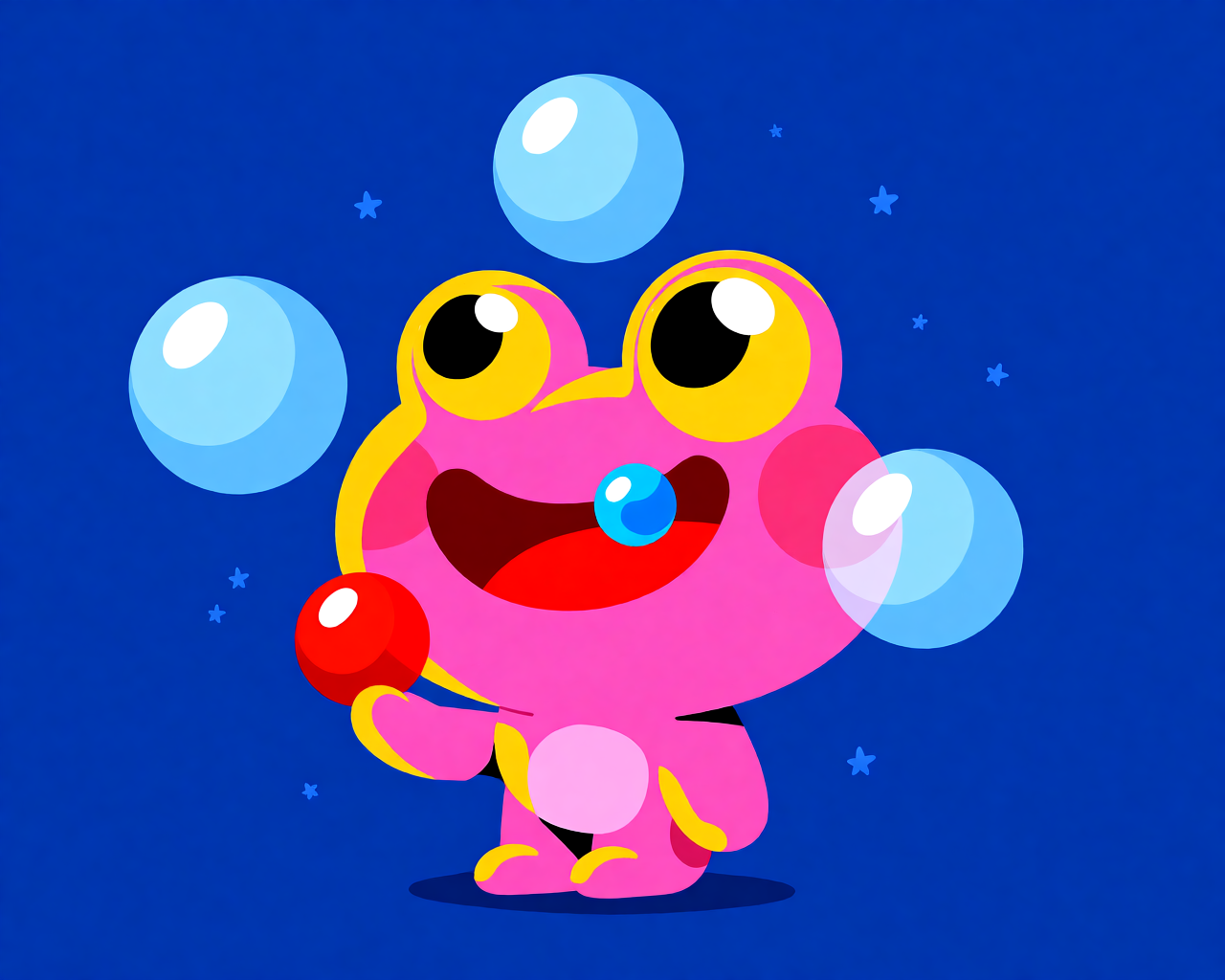
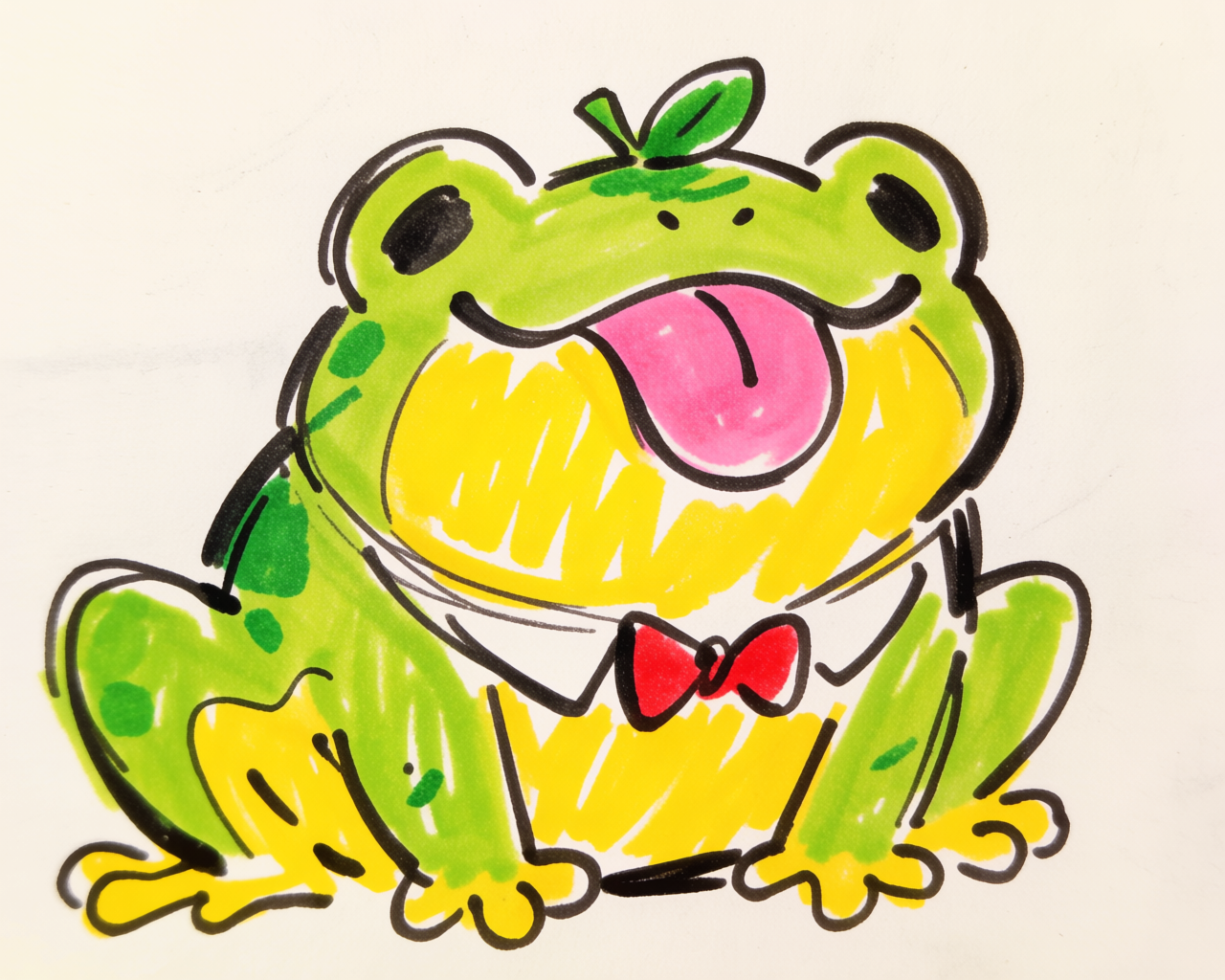
Prompt something simple — say, "a frog" — and you'll see the mood board doing more than copying colors. If your references have stars floating around, your frog might end up in a starry scene. If the expressions in your references are goofy, your frog comes out looking a little dummy too.
That's the whole idea. Style references transfer style. Mood boards transfer everything — concepts, ideas, palette, mood — and generate with all of it at once.
Sometimes it locks onto one dominant style. Sometimes it blends. And sometimes it pushes into something a little crazier that still belongs to the world of your references. That last part is what makes it so good for exploration.
One prompt, three mood boards
Same prompt — "a frog" — generated through three different boards. Same subject, completely different worlds.
One prompt, three mood boards
Presets
Krea ships with a bunch of curated mood board presets. A few to try:
- Retro web — pixelated UI components, low-res 3D vibes, collage-y aesthetics.
- Expressive marker — hand-drawn characters with funny, loose energy.
- Film noir — photographic, cinematic, a little grainy.
Same prompt, different preset, completely different output. It's the fastest way to feel how much a mood board changes a generation.
Why we love it
Mood boards give you aesthetic control without locking you into a single look. They leave room for the model to surprise you — within the world you defined. For anyone who likes to explore visually, it's easily one of the most powerful tools in Krea 2.
Frequently asked questions
More than four — which is the cap on style references. There's no hard limit you'll hit in normal use.
Style references focus on transferring style from up to four images with tight control. Mood boards use a more complex system — including custom LLMs and clustering — to capture style, concepts, expressions, and overall mood from a larger set of images.
You analyze once per board. After that, the taste profile, keywords, and avoids are saved and reused every time you generate with it.
Yes. Krea ships with curated presets like retro web, expressive marker, and film noir — pick one and generate.