Turn Any Image Into a Prompt
The Krea Team March 5, 2026Drop any image into Krea and it writes the prompt for you. A detailed description appears in the prompt box, ready to generate with.
Finding a reference image is the easy part. Turning it into the right words is where things slow down, especially the lighting, the style, the details that make it work. Instead of guessing, drop the image in and let Krea describe it for you. The prompt appears ready to use, and you keep moving.
See it in action
How it works
Drag any image onto the image tool and a "Create Prompt" zone appears. Drop it there. A description starts streaming into the prompt box word by word, like watching someone type.
What comes out is a dense prompt, 30 to 100 words, tuned for models like Flux and K1. Use it directly, edit it, or add it to a prompt you've been working on. Change your mind halfway and cancel. The text stops where it is.
Works with images dragged from the web too. No need to save the file first.
What it sees
The tool reads an image the way a good prompt engineer would. It looks at medium and style first, since those have the biggest effect on what the model generates. Then subject, lighting, composition, color, environment, and any text visible in the image.
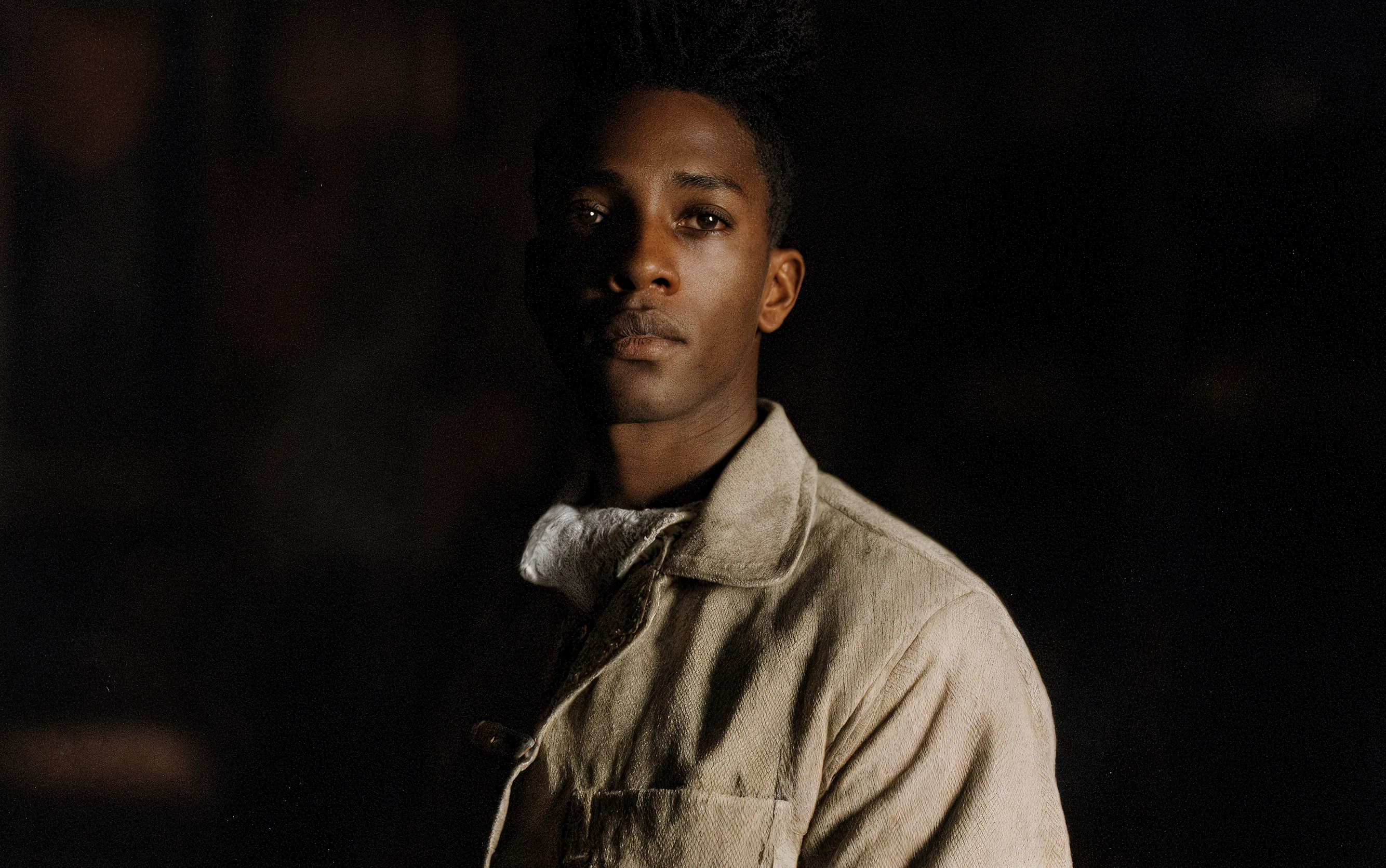
A generic captioner would tell you "a photo of a person standing outside." This tool gives you "editorial portrait, soft directional light, shallow depth of field, muted earth tones, outdoor cafe, overcast sky." Try generating from both and you'll see why that matters.
Streaming
The prompt streams as it's generated, five words at a time. You can read it while it's still being written. Sometimes the first few words are enough to know you want to cancel and try a different reference.
We went back and forth on the streaming speed. 60ms between each batch of words is where we landed. Faster than that and the text just appears all at once, which defeats the point. We wanted you to be able to read along and decide whether to keep going.
Prompt engineering is a real skill, and people have gotten good at it. But a tool that does it for you in seconds, from any reference, without learning the vocabulary first, should just be a drag and drop. We've always believed the most capable tools should be the simplest to use, and this is another step in that direction.
The Krea Team