










Create
Edit & enhance

 Enhancing
Install Krea for Rhino
- Download
Version 1.0.44
Download and unzip
Download the ZIP and unzip it.
Run the installer in Rhino
Run the RunPythonScript command and choose Install Krea.py from the unzipped folder.
Open Krea
The Krea panel opens beside Layers; sign in there. To reopen it later, type Krea on the command line.
What Krea for Rhino can do
Build and edit models with Krea Agent, turn your viewports into renders, and bring Krea images back into your model.
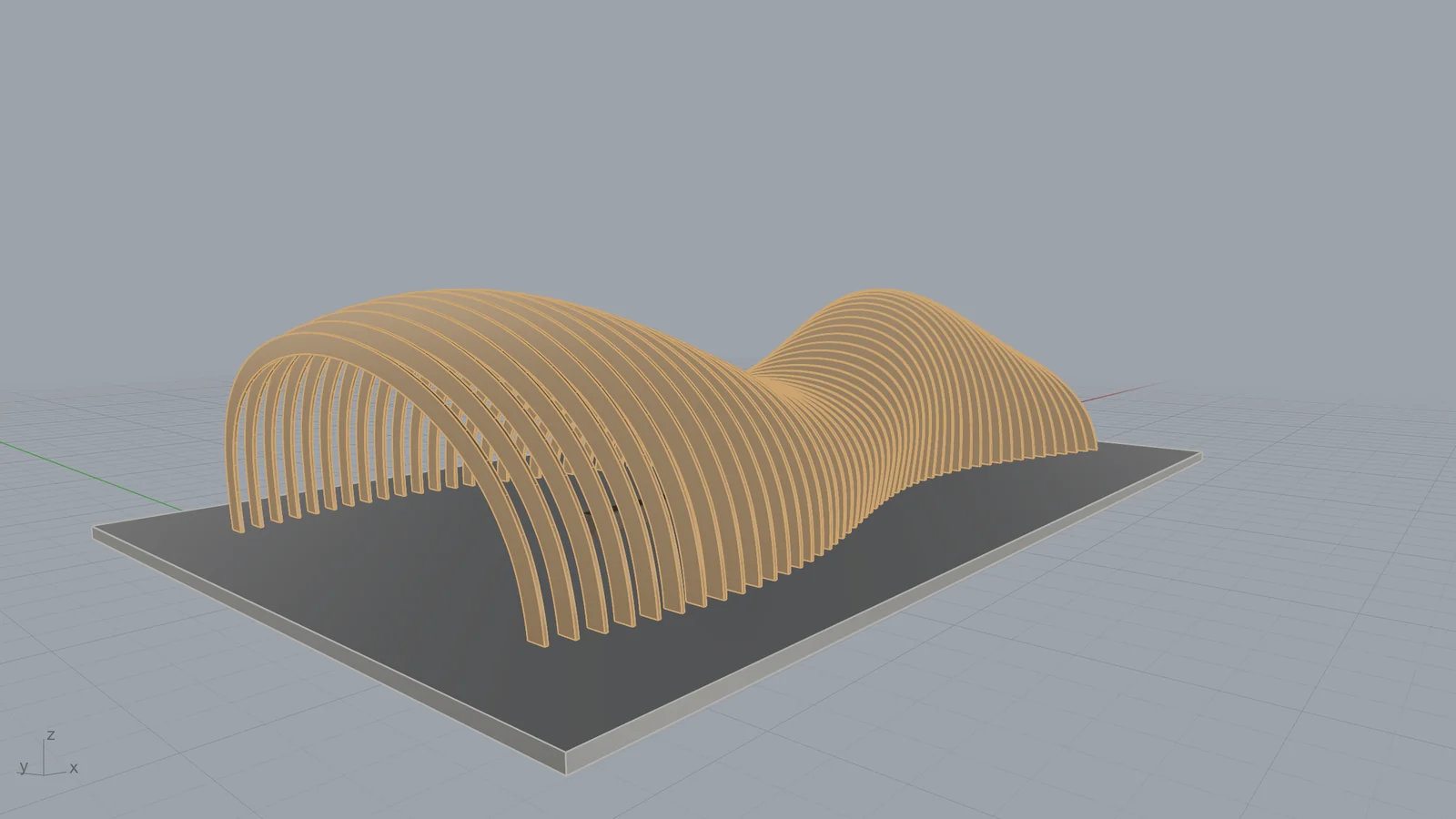
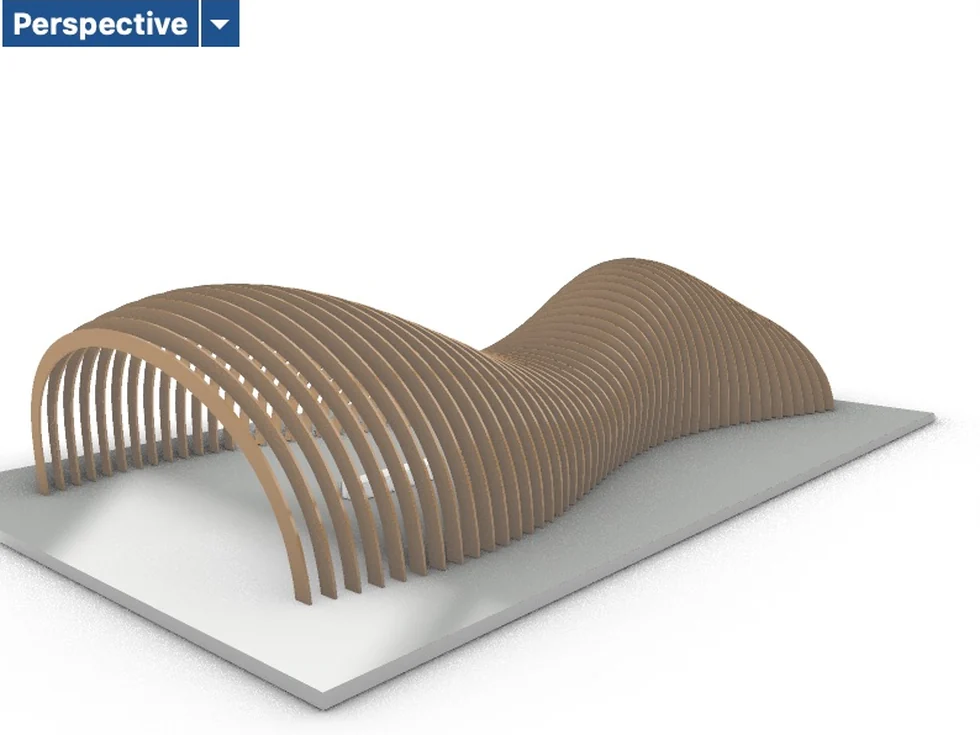
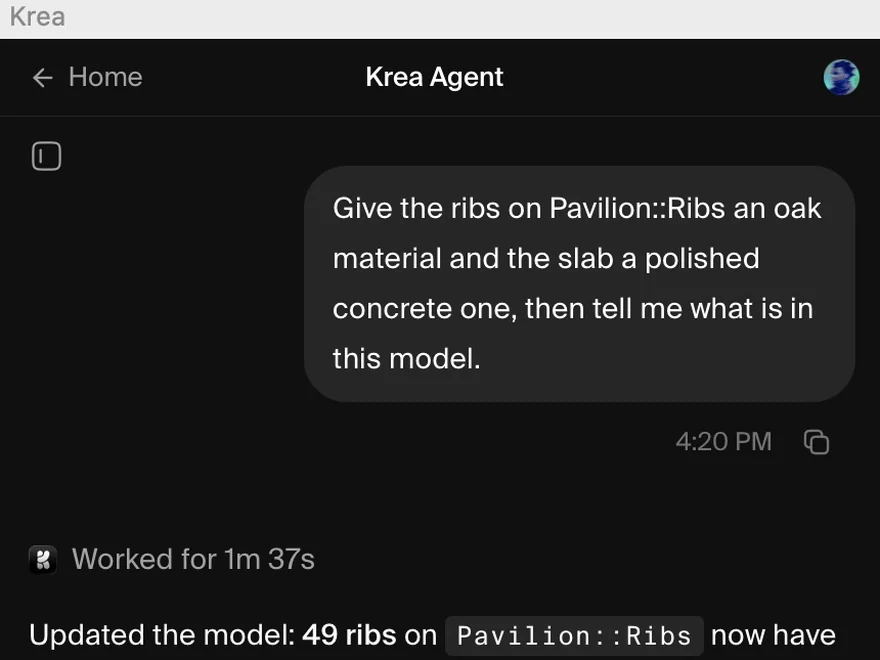
Describe it, and Krea Agent builds the model
Ask in plain words. Krea Agent creates points, curves, surfaces and solids, transforms them, organizes layers, assigns materials, and runs Rhino commands for the rest.
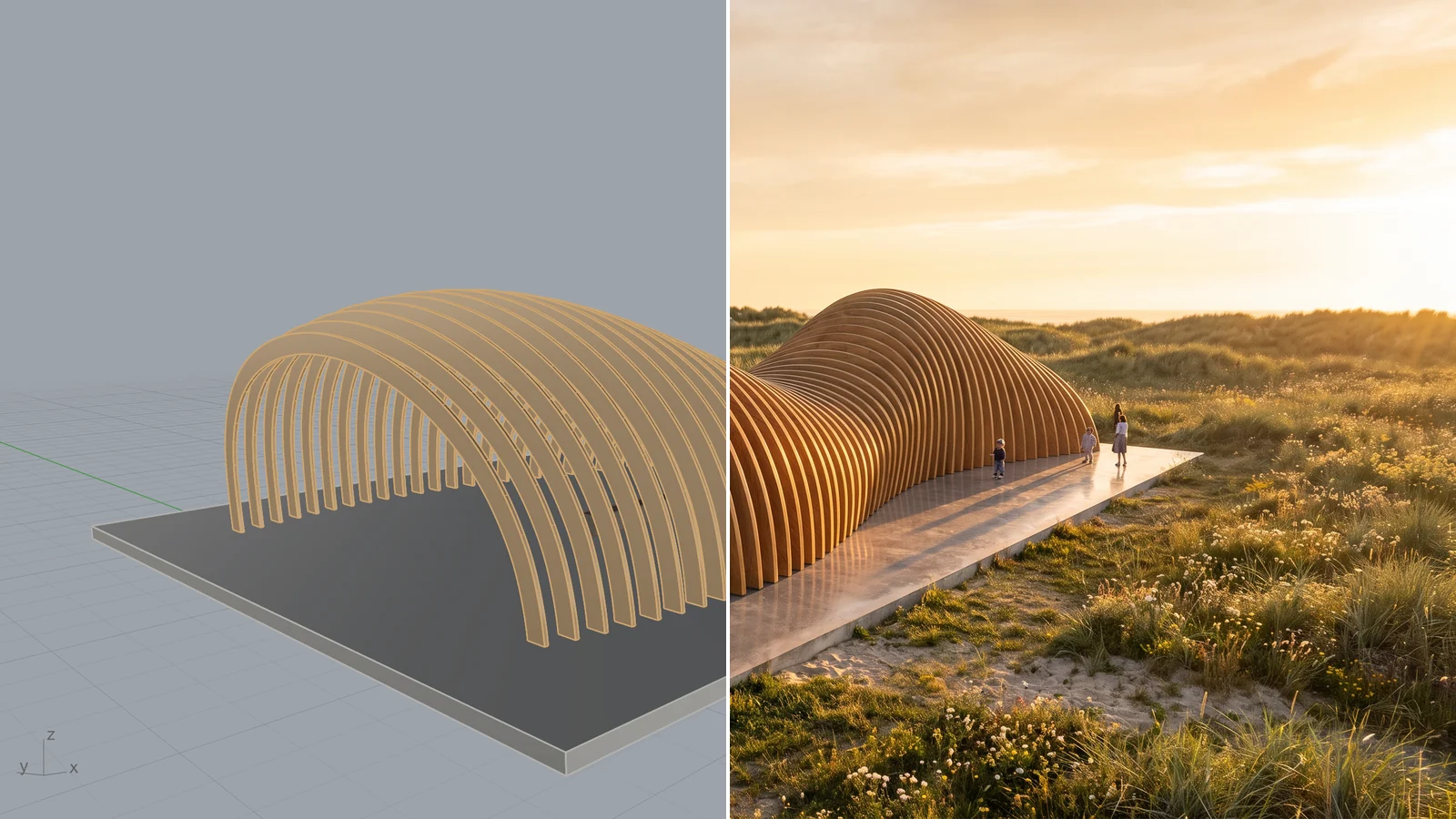
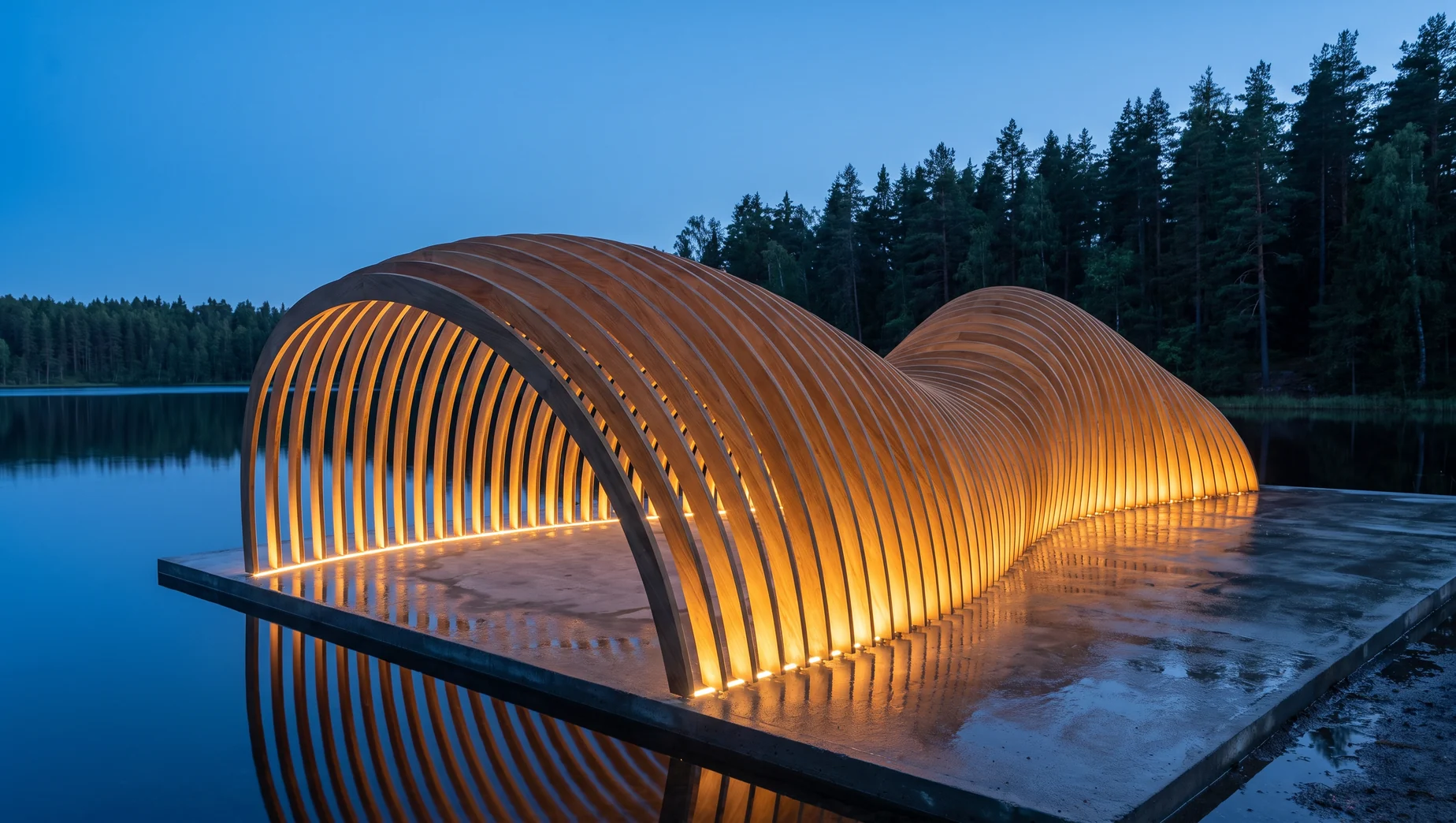
Turn a viewport into a render
Capture the active viewport, or only the selected objects, and generate finished renders, moods, and context with Krea’s image models.
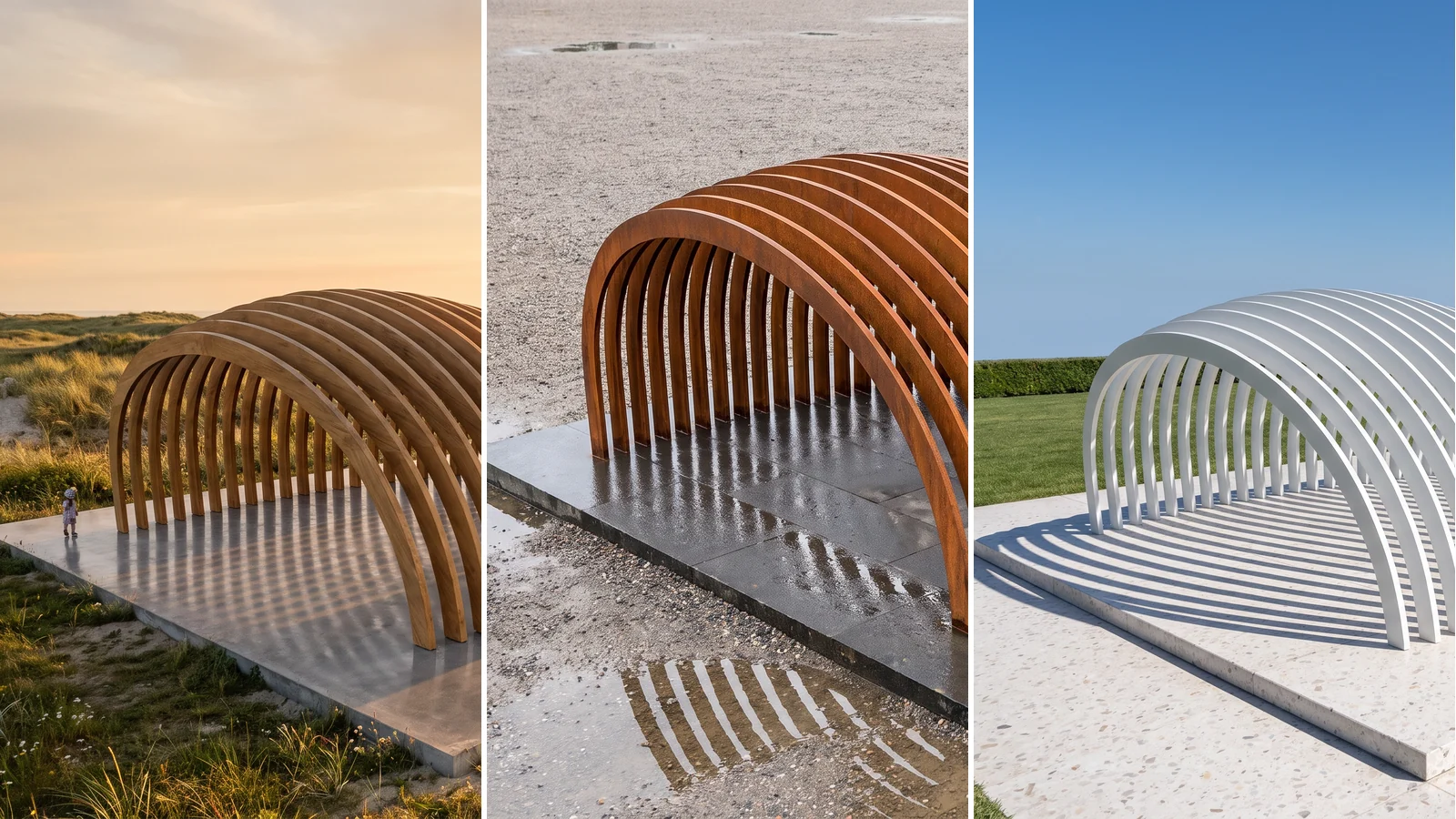
Explore materials and finishes
Generate textures and finish studies, then bring them back as materials on the objects you choose.
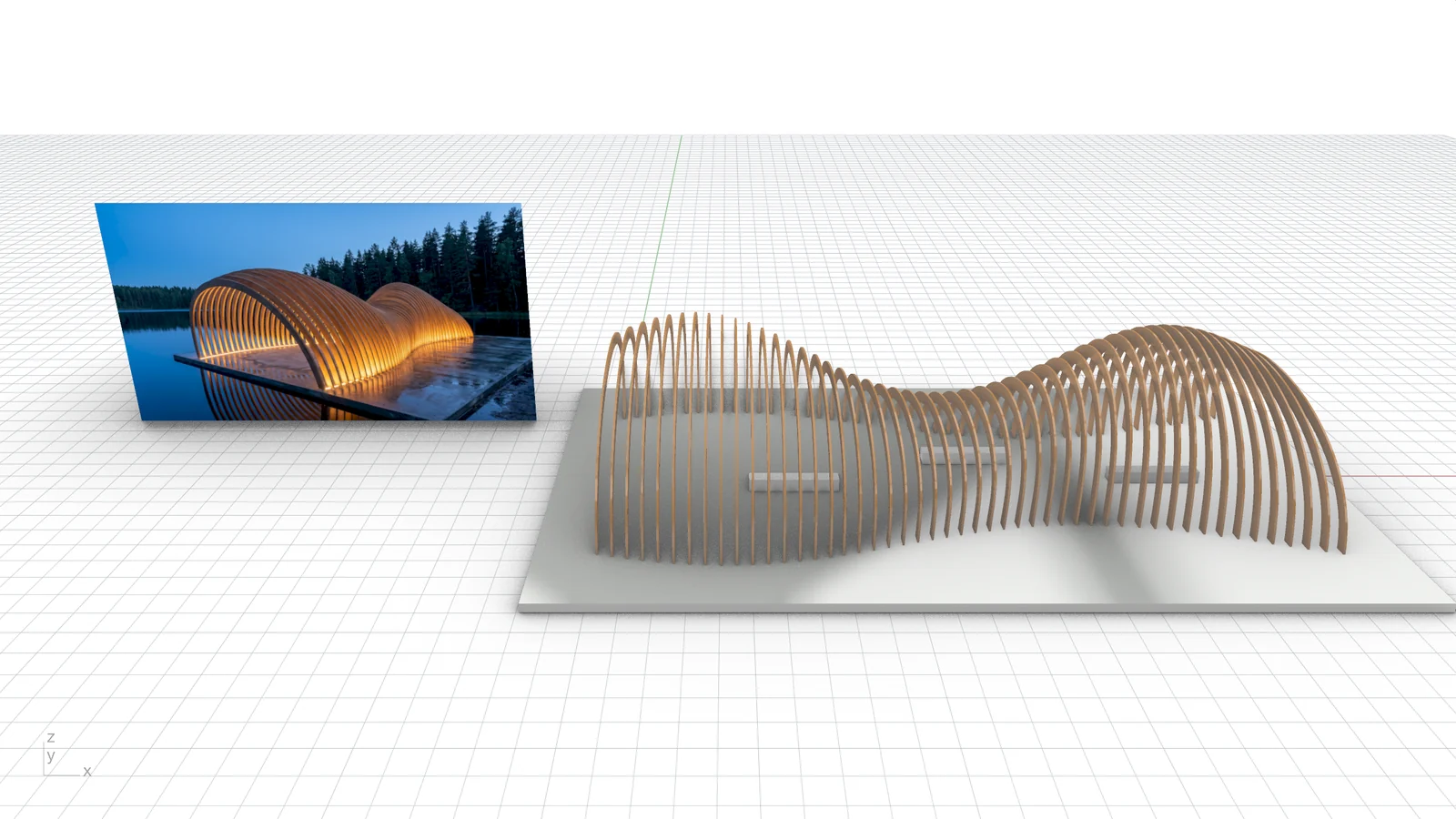
Bring images back into the model
Place Krea images as picture frames beside your geometry, as texture materials, or as viewport backgrounds to model against.
Krea, right insideRhino
Version 1.0.44
Trusted by over 30,000,000 users From 191 countries. We've got a plan for everybody...
Free
Get free daily credits to try basic features.
100 units / day
Basic
Access our most popular features
5,000 units / month
Pro
Advanced features and discounts on compute units
20,000 units / month
Max
Full access with higher discounts on compute units
60,000 units / month
For Teams and Enterprises
Workplace management, collaboration, and enterprise customizations
Business
Secure and collaborative workspace for growing teams
80,000 units / month

Enterprise
Enterprise-grade security with dedicated support and admin features
Frequently asked questions
Everything you need to know about Krea for Rhino.
It is a Rhino plugin that puts Krea inside your model: Krea Agent, which can build and edit geometry, and Krea’s image tools, which generate from your viewports.
Download and unzip the file, then in Rhino run the RunPythonScript command and choose Install Krea.py. Krea opens its panel beside Layers and adds a Krea command that reopens it.
It can inspect objects and layers, create geometry, move, rotate, scale and mirror objects, change layers and materials, run Rhino commands, and place results. In Ask and Auto approval modes it asks before deleting objects or running commands or Python; Bypass all skips those prompts. Each change can be undone with Rhino’s Undo.
Capture the active viewport, or only the selected objects, and use it as the reference for Krea’s image tools. Switch to the Rendered or Arctic display mode for cleaner references.
Into the model as picture frames, onto objects as texture materials, or behind a viewport as its background. The files are saved beside your model.
Yes. Generations run on Krea’s servers, so the plugin needs an internet connection.
Krea for Rhino needs Rhino 8 or later, on macOS or Windows. Windows support is in beta.
Yes. Sign in with your Krea account when you first open the panel.