







Create
Edit & enhance
AI Face Swap Video
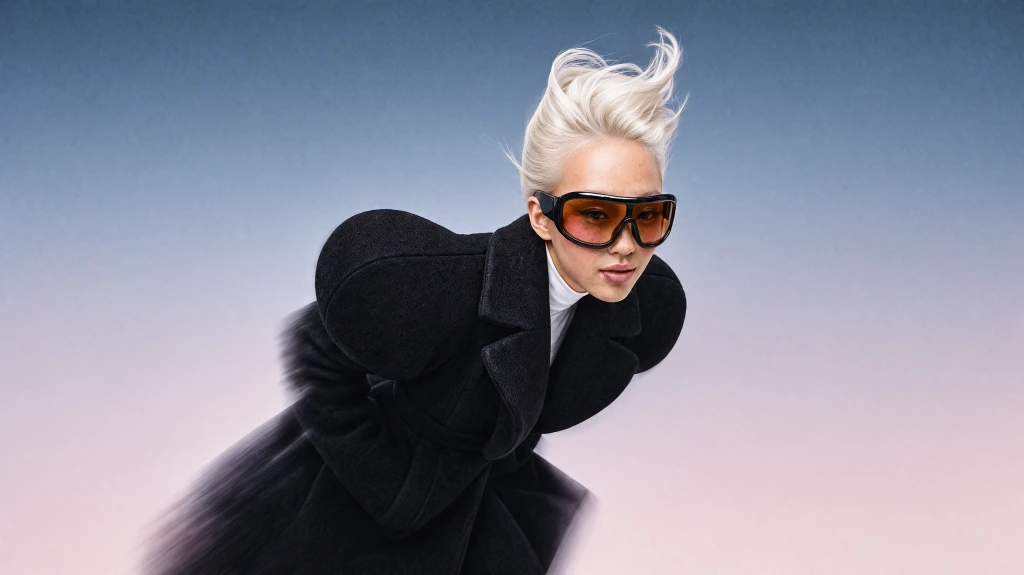
Swap a face, a whole person, an outfit, a product, or the background in any video. Upload a clip and up to four reference photos, and Krea keeps the original motion, camera moves, cuts, and sound.
Clips up to 30 seconds · Up to 1080p · Paid plans
Original
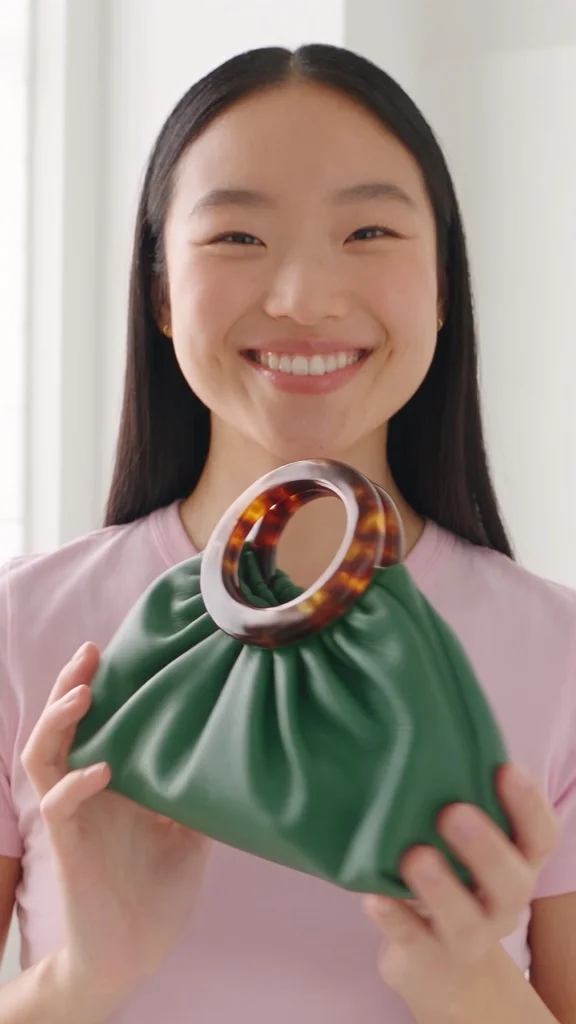
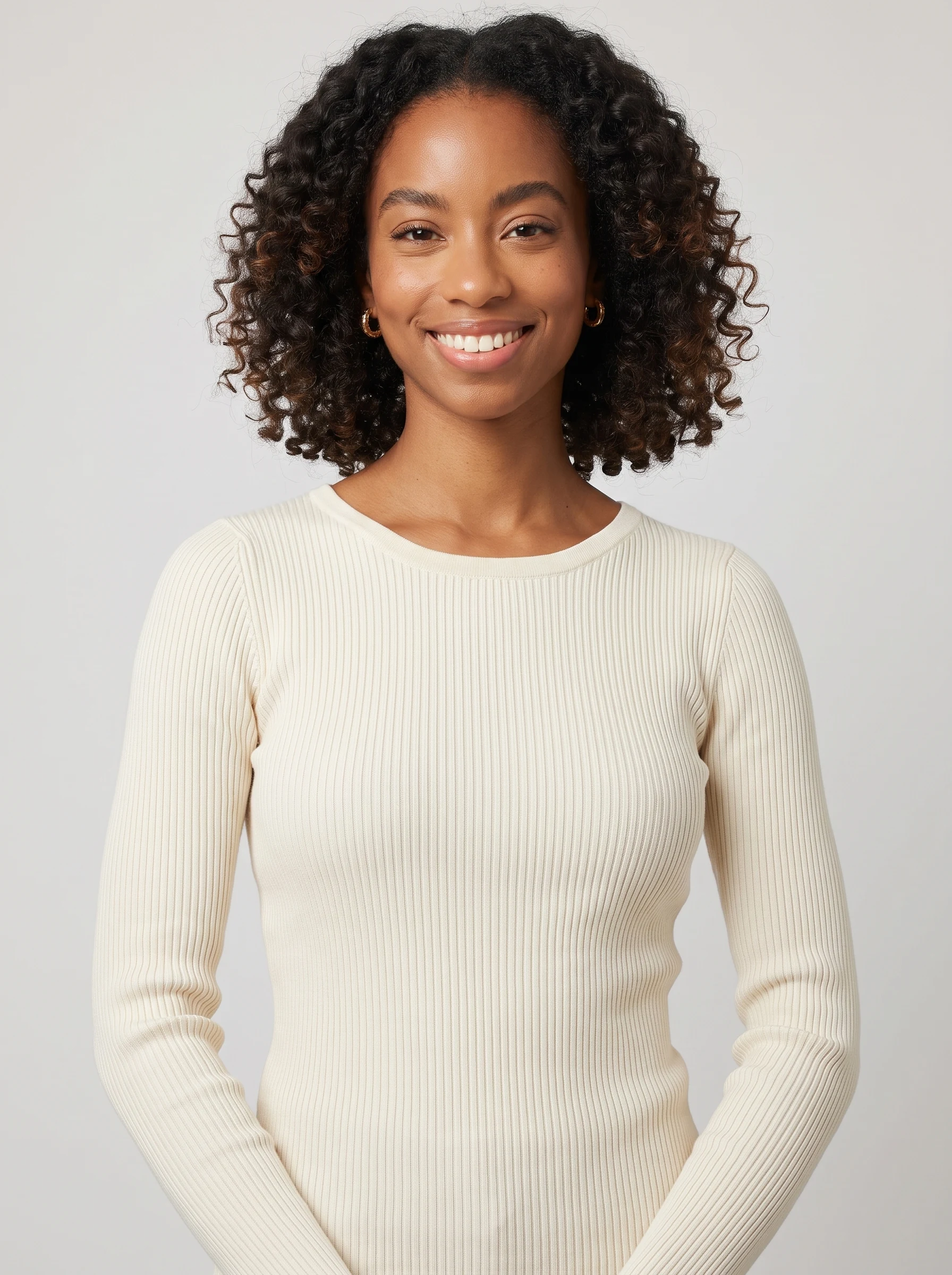
References
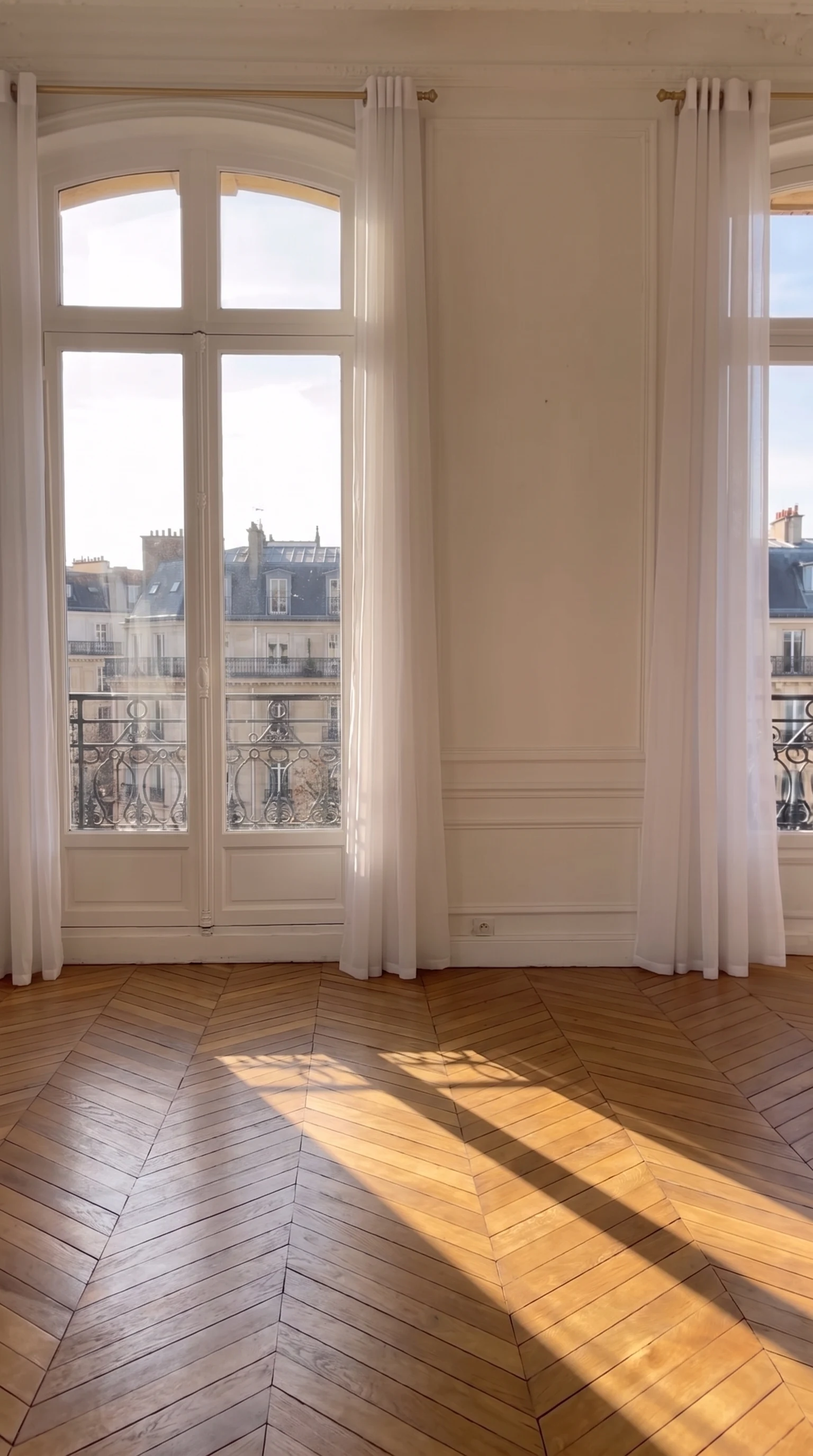
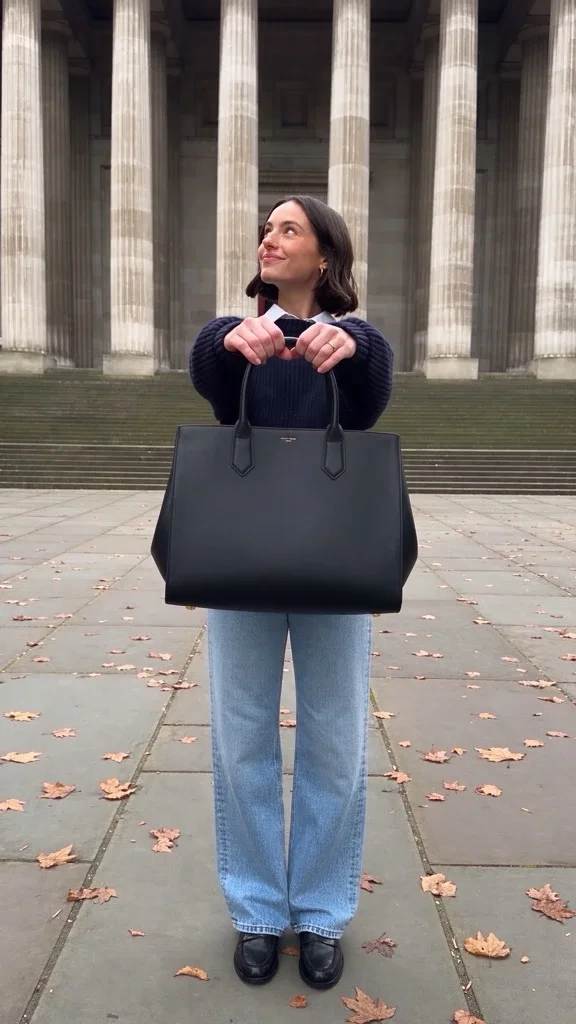
Swapped
Video face swap examples
Each example started from a real clip and one or two reference photos. The motion, framing, and timing come from the original.
Original
Swapped
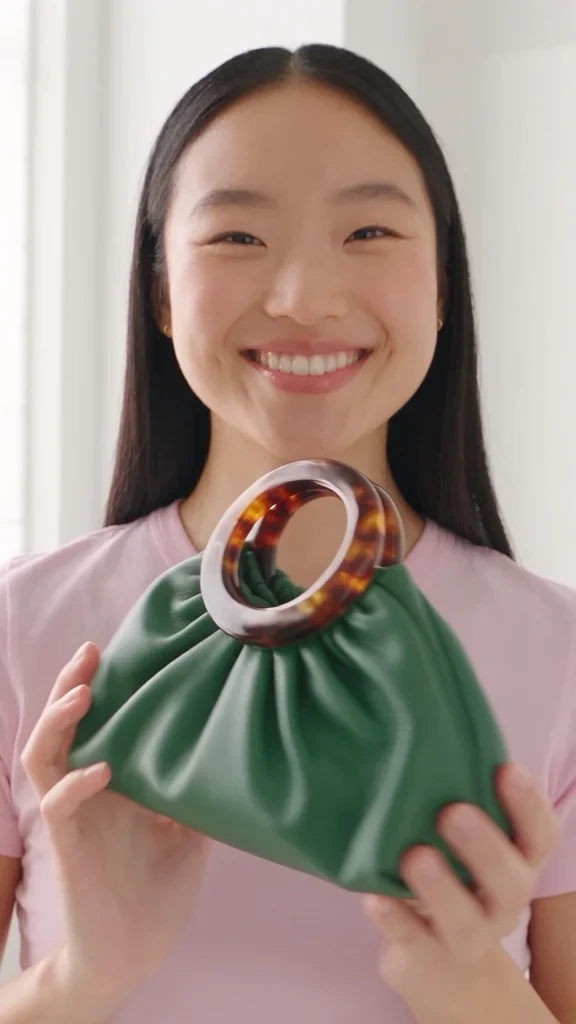
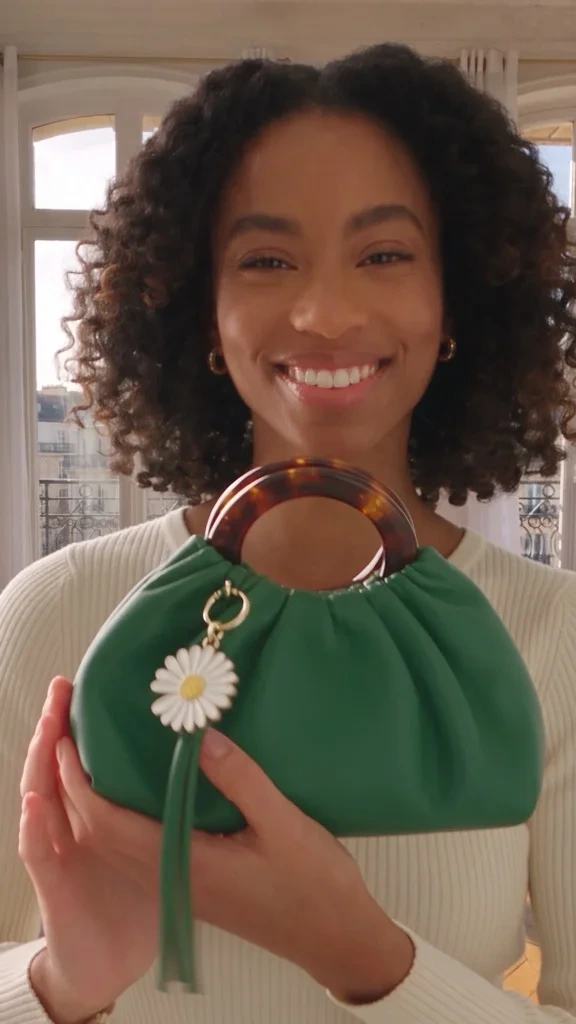
The presenter is replaced by the model in the portrait and the room by a Paris apartment. The green bag stays exactly as it was.
Examples made on Krea with Seedance 2.5, the model behind Video Swap's Standard setting.
How to face swap a video
Three steps in the Video Swap tool. You never have to say what each photo replaces: Krea works it out.
- 01
Upload your video
Add an MP4, MOV, WebM, or OGG clip of 4 to 30 seconds. A longer clip can be trimmed right in the tool.
- 02
Add up to four photos
Upload the face, person, outfit, product, or place to put in the video. Optionally say who goes where, like “@img-2 replaces the man on the left”.
- 03
Pick a model and swap
Choose Standard, Lite, or Recast and a resolution, check the price shown before you run it, and swap. The result keeps the source's length, motion, and sound.
Video face swap
More than a face swap
Most face swap video tools paste a new face over the old one. Video Swap replaces the whole subject instead: the face, hair, body, and clothes of a person, or an object, an outfit, or the setting around them. The new subject performs the original take, with the same timing, camera move, and cuts.
That makes it a character swap and a background swap as much as an AI face swap for video. Use it to recast an ad, try a different actor in a scene, dress a model in another product, or move a clip to a new location, without filming it again.
Face swap tools
Video Swap
What you can swap in a video
Each reference photo replaces one thing. Mix kinds in the same swap, such as a new person and a new product.
 OriginalSwapped

Face and person
Replace someone in the clip with the person in your photo, from their face and hair to their build.
 OriginalSwapped
Full character
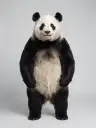
Put a mascot, an animal, or an illustrated character in a person's place, acting out the same moves.
 OriginalSwapped
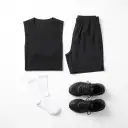
Outfit
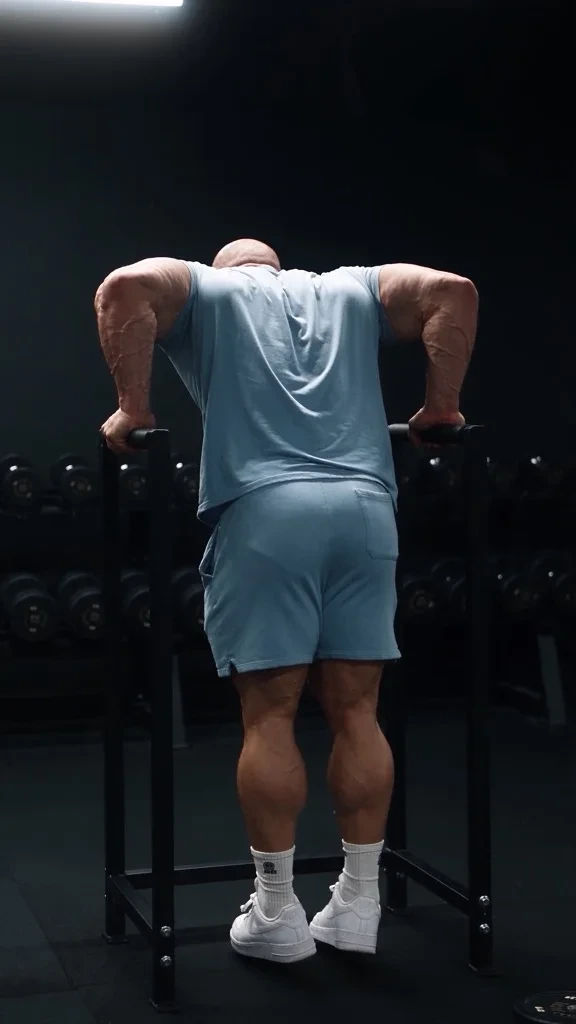
Keep the person and change what they wear, from a product photo or a flat lay.
- OriginalSwapped
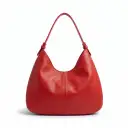
Object or product
Swap the bag, bottle, car, or any other object, and keep the hands and camera moving around it the same way.
- OriginalSwapped
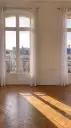
Background
Move the scene to the place in your photo while the people and the action stay where they were.
Models and specs
Video Swap runs on three models. Standard is the default and handles every kind of swap.
Standard
Seedance 2.5- Runs on
- Seedance 2.5
- Source length
- 4–29 seconds
- Resolutions
- 480p720p1080p
- Swaps
- People, characters, outfits, objects, backgrounds
Lite
Wan 3.0- Runs on
- Wan 3.0
- Source length
- 4–15 seconds
- Resolutions
- 480p720p1080p
- Swaps
- People, characters, outfits, objects, backgrounds
Recast
MiniMax H3 Max- Runs on
- MiniMax H3 Max
- Source length
- 5–30 seconds, no single shot over 15 seconds
- Resolutions
- 768p1080p
- Swaps
- People only, one photo per person from left to right
Prices are in compute units and depend on the model, resolution, and clip length. The tool shows the price before you swap, and a trimmed clip is billed for the part you keep.
Multiple people
Swap up to four people in one clip
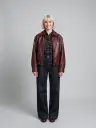
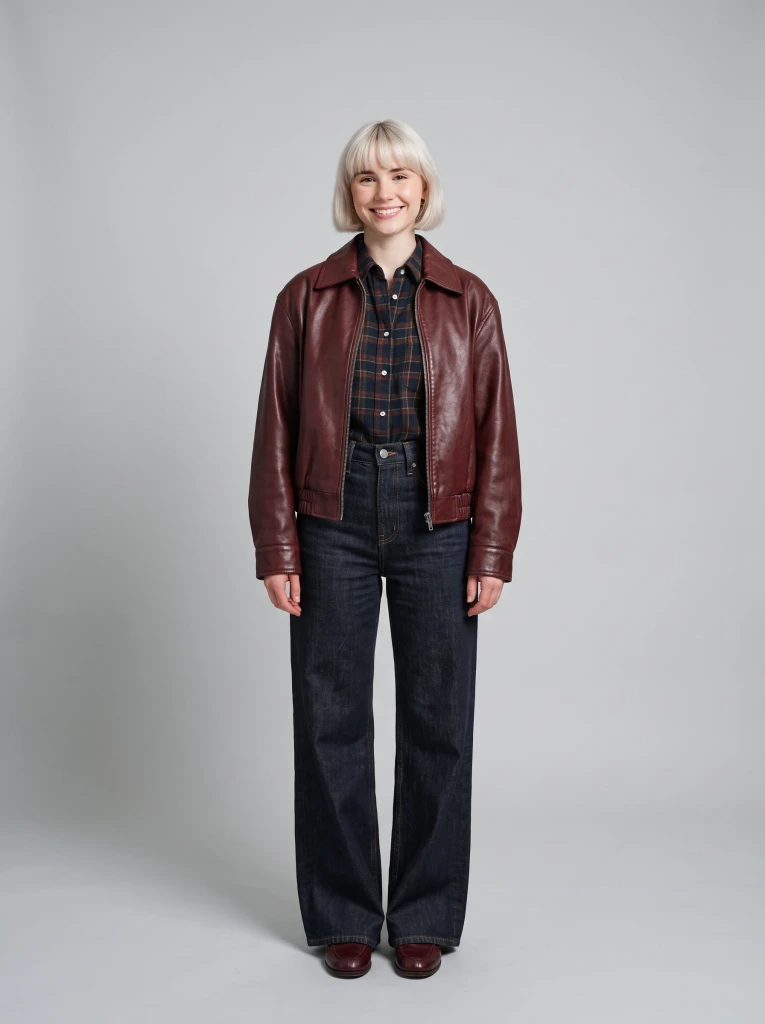
Add one reference photo per person, up to four, and Krea matches each one to someone in the video, so a dance duo or a group shot can be recast in one swap.
For busy scenes, say who goes where in the prompt, like “@img-1 replaces the dancer on the right”. With Recast, add the photos in order from left to right.
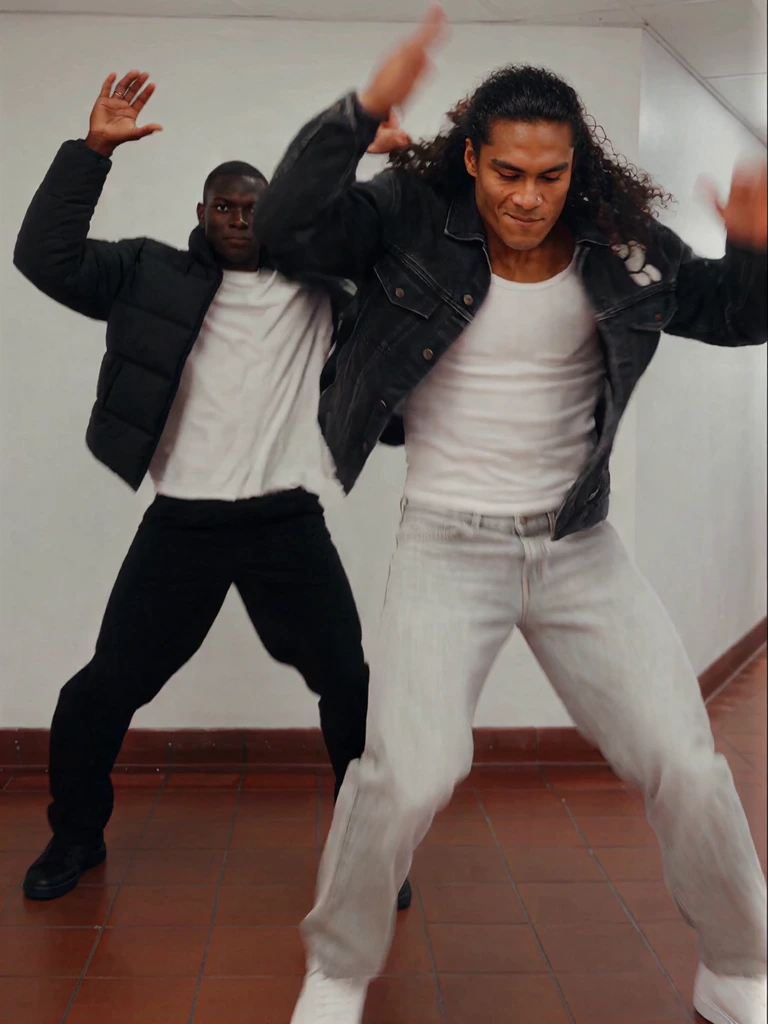
References
- @img-1
 @img-2
- @img-3
- @img-4
Prompt
@img-1 replaces the dancer on the right
What people use video face swap for
Reuse footage you already have instead of shooting it again.
-
Ad and UGC variations
Recast one ad with different presenters for different markets and audiences, and test which one performs.
-
Film previs and pitches
See a scene with another actor or costume before casting, or show a client the idea with real footage.
-
Social content
Put your character into a dance trend or a sketch, keeping the timing that made the original work.
-
Product swaps
Show a whole collection with one shoot by swapping the outfit, bag, or product in the same clip.
API, MCP, and Agent
Swap videos from code or chat
Video Swap is also available outside the Video tool, with the same models and limits.
curl -X POST \
  https://api.krea.ai/generate/video/krea/video-swap \
  -H "Authorization: Bearer $KREA_API_TOKEN" \
  -H "Content-Type: application/json" \
  -d '{
    "source_video": "https://example.com/ad.mp4",
    "references": ["https://example.com/me.jpg"],
    "model": "seedance-2-5",
    "resolution": "720p"
  }'
Krea API
Send a source video and up to four references to the video swap endpoint and get the swapped clip back.
Read the API referenceSwap the presenter in this clip with my photo
Tool call
swap_videoMCP
Connect Krea to an MCP client like Claude and ask it to swap a video with the swap_video tool.
Set up the Krea MCPReplace the man in this ad with the panda
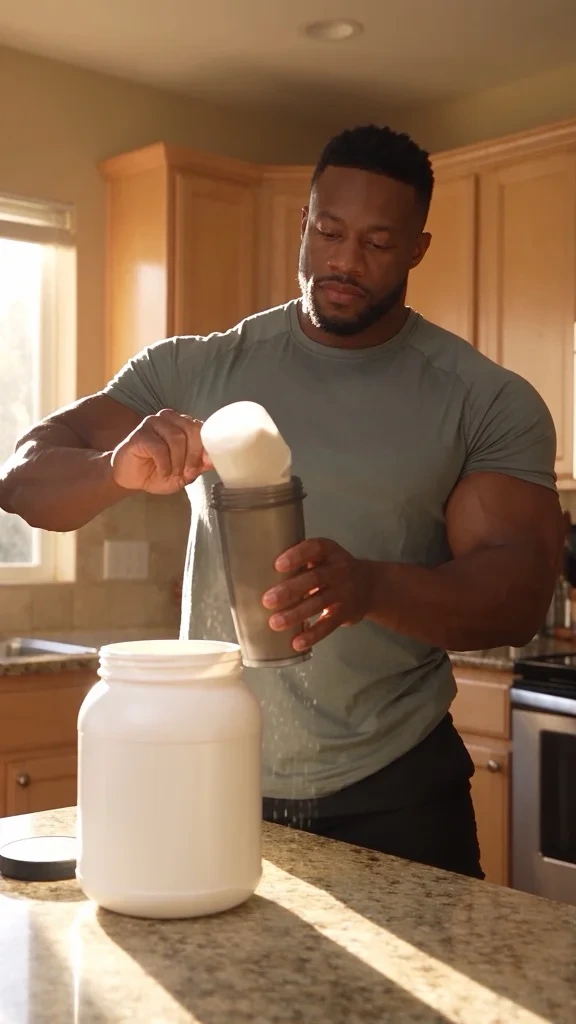
Done. The panda makes the shake in the same kitchen, with the same timing.
Krea Agent
Describe the swap in chat and the Agent runs it for you, alongside the rest of your project.
Open Krea Agent

AI face swap video: frequently asked questions
Lengths, formats, plans, and how to use video face swap responsibly.
Video Swap is Krea's AI video face swap and character swap tool. You upload a video and up to four reference photos, and it replaces a person, face, outfit, object, or background in the clip while keeping the original motion, camera moves, cuts, and audio.
Open Video Swap, upload your video, and add a photo of the face or person to put in it. Pick a model and resolution, then swap. You don't have to say what each photo replaces, but you can, for example “@img-1 replaces the woman on the left”.
Up to 30 seconds, depending on the model: Standard takes 4 to 29 seconds, Lite 4 to 15 seconds, and Recast 5 to 30 seconds with no single shot over 15 seconds. If your clip is longer, the tool lets you trim it and only bills the part you keep.
Standard and Lite render at 480p, 720p, or 1080p, and Recast at 768p or 1080p. To sharpen a result further, run it through Krea's Video Upscaler.
Videos in MP4, MOV, WebM, or OGG, and reference images in JPG, PNG, WebP, AVIF, or HEIC.
Yes, the swapped video keeps the original soundtrack, and the new person follows the original performance, mouth movements included. Close-up talking-head shots are the hardest case, so try a short clip first. To make someone say new lines instead, use Lip Sync.
Yes. Add up to four reference photos, one per person, and Krea matches each one to someone in the clip. In crowded shots, name who goes where in the prompt. Recast takes one photo per person in order from left to right.
Yes. Video Swap replaces the whole subject by default: face, hair, body, and clothes. A reference can also be an animal, a mascot, or a stylized character, and it takes over the original person's moves.
No. Video Swap needs a paid Krea plan, starting with Basic, and each swap uses compute units based on the model, resolution, and clip length. You can open the tool and look at the examples without paying. See Krea pricing for plans.
No. Krea doesn't add a watermark or logo to Video Swap results, so you can download and use the clip as it is.
Image face swap puts a face into a still photo. Video face swap replaces a person through every frame of a clip, keeping their movement, expressions, and lighting consistent. For photos, use Krea's photo face swap.
Yes. Paid Krea plans include a commercial license, so you can use swapped videos in ads, client work, and products. You need the rights to the footage and permission from anyone whose face or likeness you use.
Only with their permission. Use your own face, people who have agreed, or characters you made, and never use a swap to impersonate or mislead. Krea checks inputs against its content policy, and some platforms require you to label AI-edited media.
Your uploads are stored in your Krea account and sent to the provider that runs the model you choose to make the swap. Read the Privacy Policy for how Krea stores and uses your data.
Start with Standard, which runs on Seedance 2.5 and handles people, characters, outfits, objects, and backgrounds. Lite runs on Wan 3.0 for clips up to 15 seconds. Recast runs on MiniMax H3 Max and only swaps people, keeping the cuts and sound on its own.
Yes. The Krea API has a video swap endpoint that takes a source video, up to four references, and an optional prompt, and the Krea MCP server offers the same as the swap_video tool. See the Video Swap API reference.
Video Swap keeps your video and changes who or what is in it. Motion Transfer does the opposite: it keeps your character and gives it the movement from another video.
The platform that just works
So many AI tools out there but I always come back to Krea. It's really the one AI platform that 'just works'.
FYN
Verified review
Best interfaces in the industry
Krea's interfaces are still the best in the industry. Everything looks and feels so clean and easy to use! Imo the easiest to use gen AI website.
Lynn
Verified review
Fast, simple, always up to date
Ultra fast generations. Extremely simple to use. All the latest AI models.
Daniel
Verified review
The only AI subscription I need
KREA is the only AI subscription I have right now besides ChatGPT.
Sophia M.
Verified review
New models the same day
I'm a Krea Max user. It's crazy how fast they add models. I see a new AI model on twitter and the same day krea already offers it.
Wirot Ch.
Verified review
The most powerful creative suite
Still the most powerful AI creative suite out there.

Gravion
Verified review
Swap a face in your next video
Upload a clip, add a photo, and keep everything else the way you shot it.
Open Video SwapRelated tools
More ways to edit people and video on Krea.
Photo Face Swap
Swap a face between two photos.
Motion Transfer
Give any character the moves from a video.
Lip Sync
Make a face say new lines in sync with audio.
Video Upscaler
Sharpen and upscale videos to 4K.
AI Video Generator
Make new videos from text or images.
Image to Video
Animate a photo into a video clip.