










Photo Face Swap
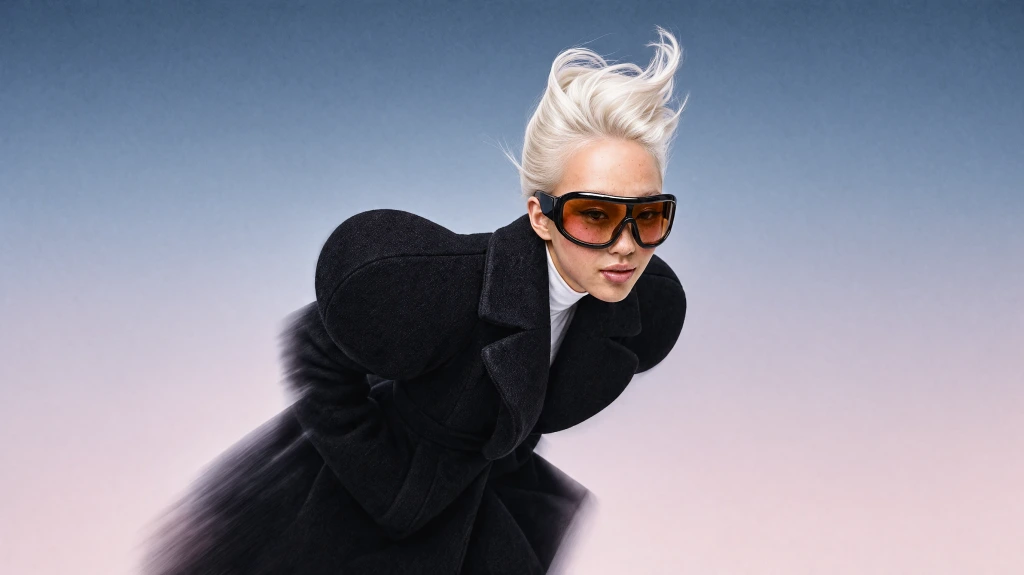
Swap a face between two photos while preserving the target image’s pose, expression, lighting, and scene.
Try Photo Face SwapCreate
Edit & enhance
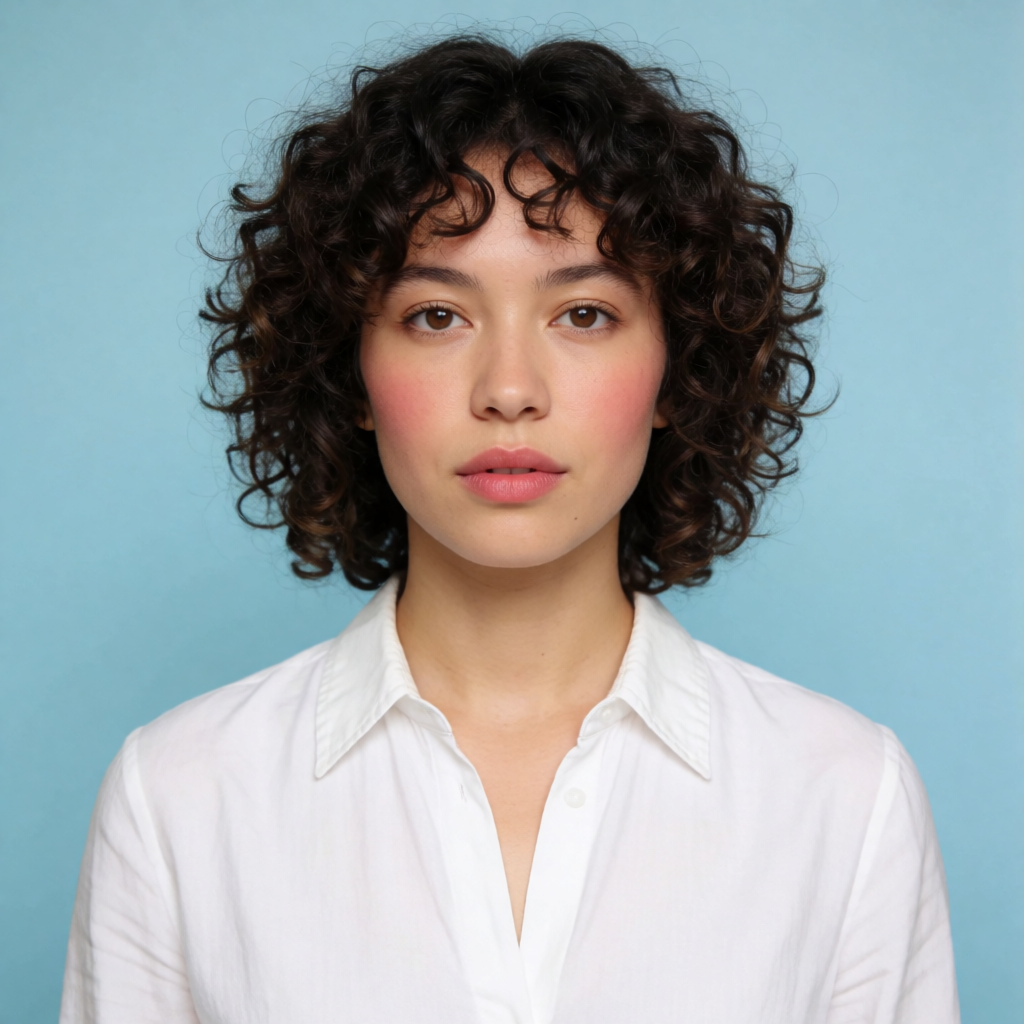
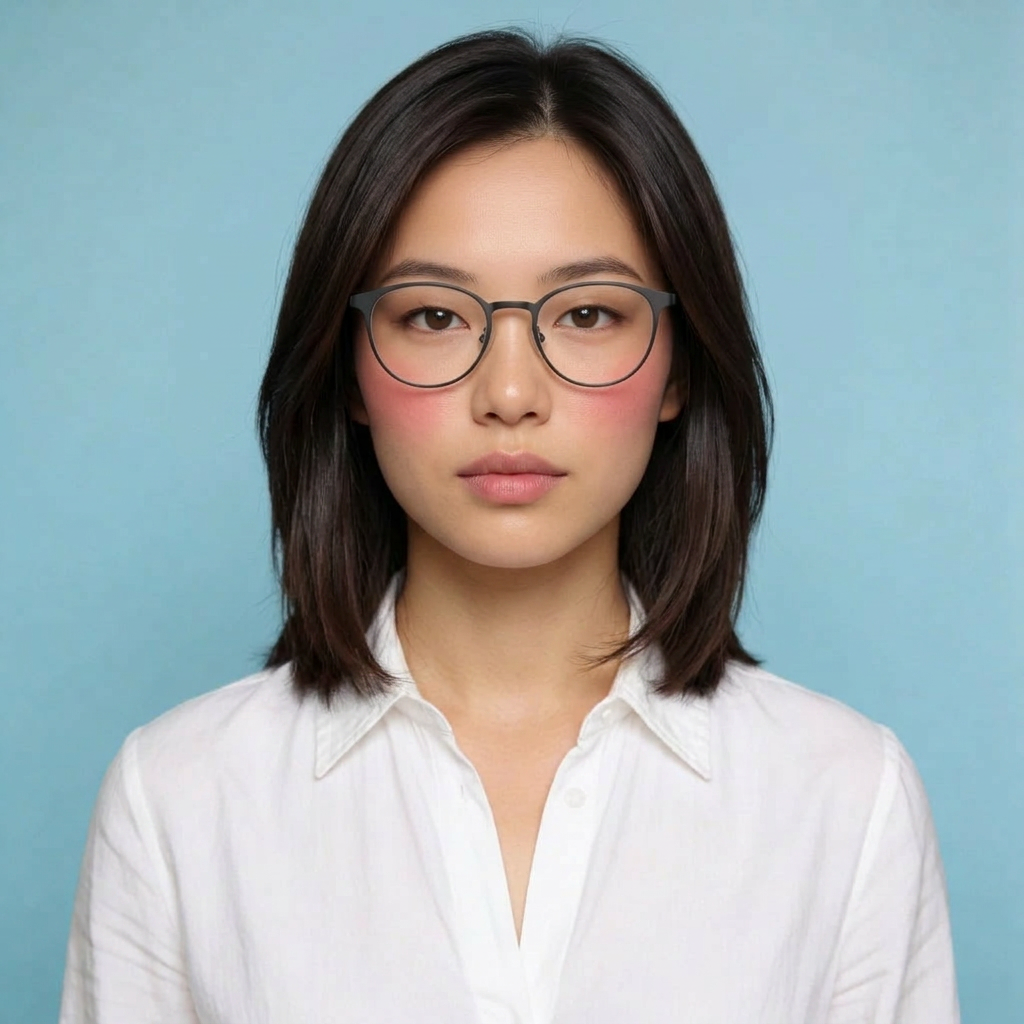
Swap faces between photos online for free. Upload a target photo and source face to create a realistic face replacement in seconds.
Create a realistic AI face swap in 3 easy steps
Target Image
Choose the photo containing the face you want to replace.
Your Photo
Select a clear photo of the face you want to insert into the target image.
Click “Face Swap.” Krea blends the source face into the target photo while matching its pose, expression, lighting, and skin tone.
Use Krea’s free AI face swapper to swap faces online between two photos. Upload a target photo and source face to create a realistic photo face swap that preserves the original pose, expression, lighting, and skin tone—no manual editing required.
Face swap for every format
Use Krea’s AI Face Swap for photos today. Dedicated tools for maintaining identity across video and creating animated GIF face swaps are coming soon.
Swap a face between two photos while preserving the target image’s pose, expression, lighting, and scene.
Try Photo Face SwapA dedicated workflow will let you swap faces in videos while maintaining identity across movement, expressions, lighting, and changing camera angles.
Dedicated tool coming soon
A dedicated workflow will let you put any face into an animated GIF while preserving its movement, expressions, and loop timing.
Dedicated tool coming soon
Swap faces online across photos, videos, and GIFs with Krea. Photo Face Swap is available now for realistic still-image edits; dedicated Video Face Swap and GIF Face Swap workflows are coming soon.
Use Krea’s AI face swapper to replace faces in photos, create social content, transform characters, and produce new visual variations without manual editing.
Swap a face into portraits, profile photos, or other images while preserving the target photo’s pose, expression, lighting, and scene.
Create personalized posts, reaction images, memes, and creator content with realistic AI face swaps.
Place a face into cinematic, illustrated, anime, or 3D characters while keeping the original visual style consistent.
Produce new concepts for ads, thumbnails, and campaigns without manually editing every image.
Krea makes it easy to create realistic face replacements for personal photos, creative projects, social content, and marketing visuals. Start with a source face and target image, then continue editing, enhancing, or restyling the result inside Krea.
Realistic face swaps across styles
Create realistic AI face swaps across photorealistic portraits, cinematic images, and stylized artwork. Krea keeps the source face consistent while adapting it to the target image’s pose, expression, lighting, skin tone, and visual style.
Try Face Swap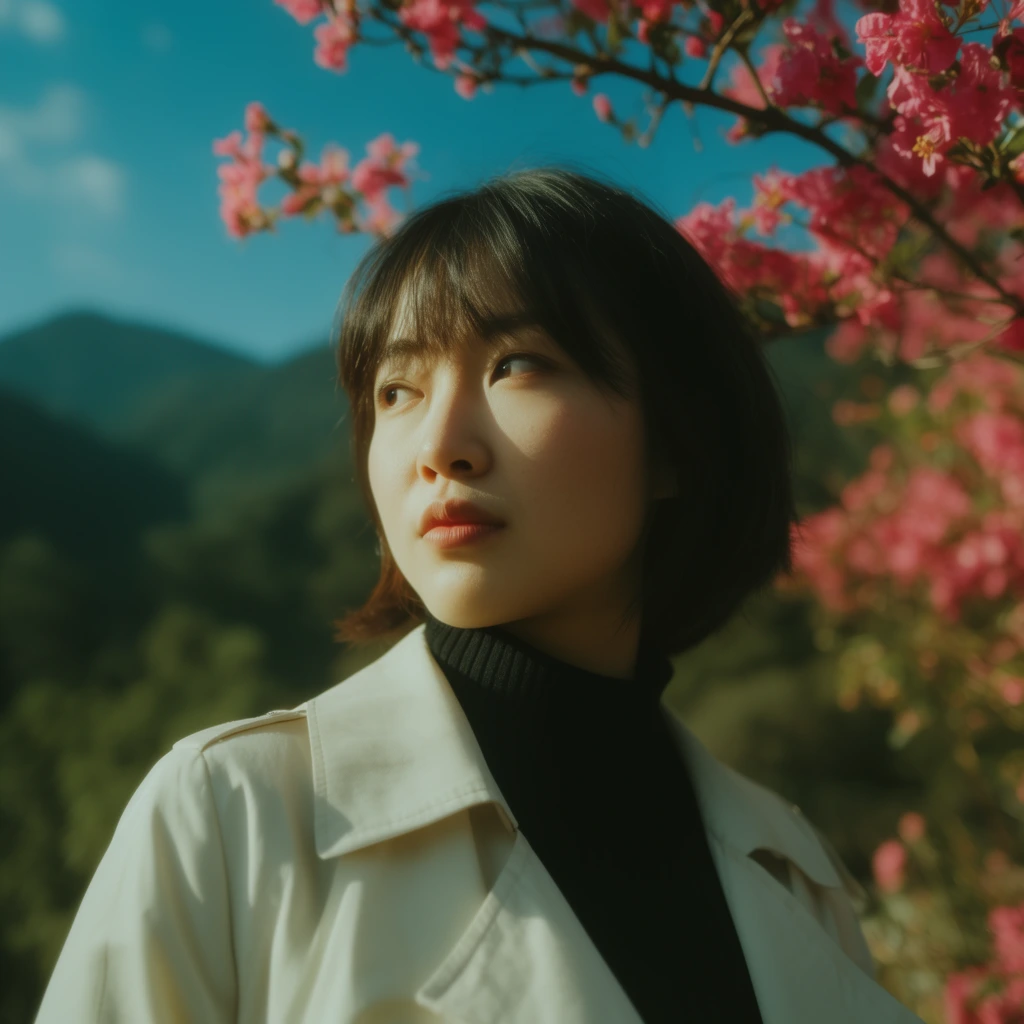
Cinematic Bloom
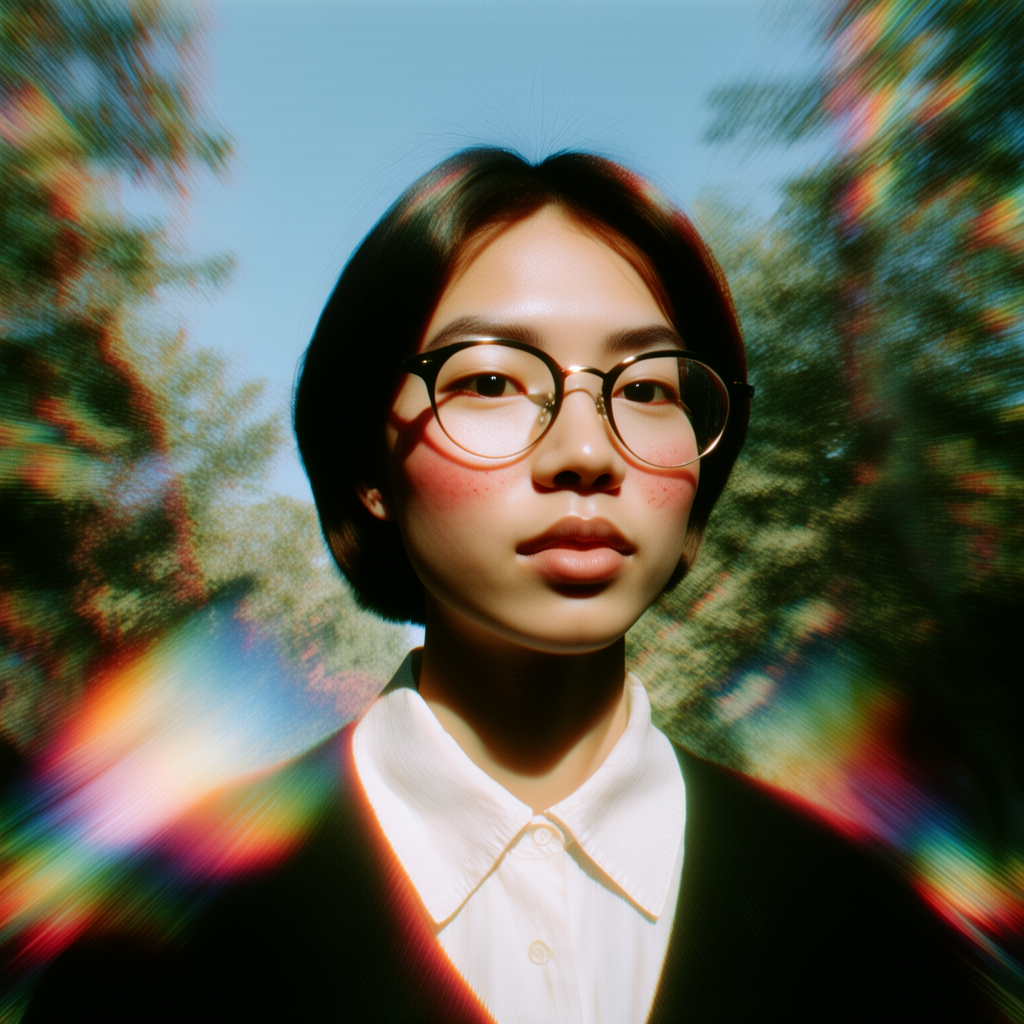
Retro Prism
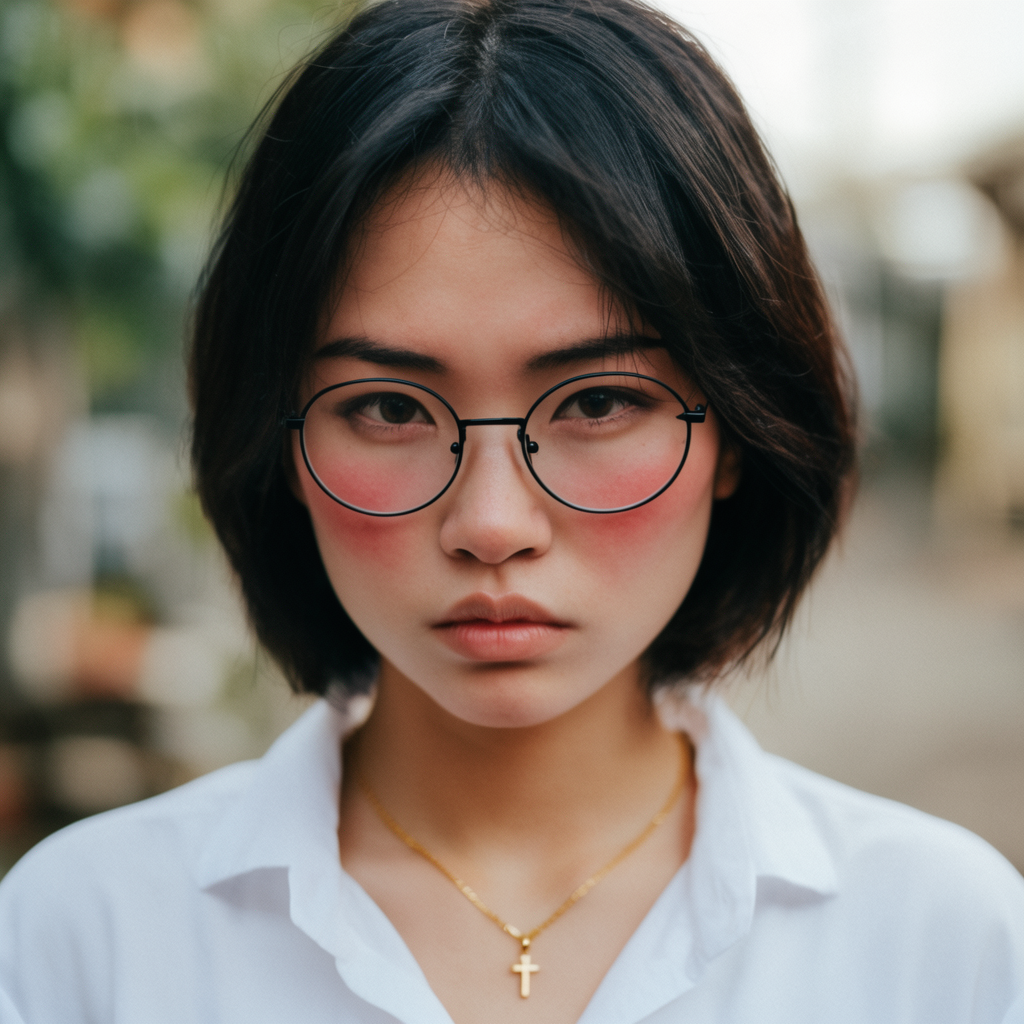
Street Portrait
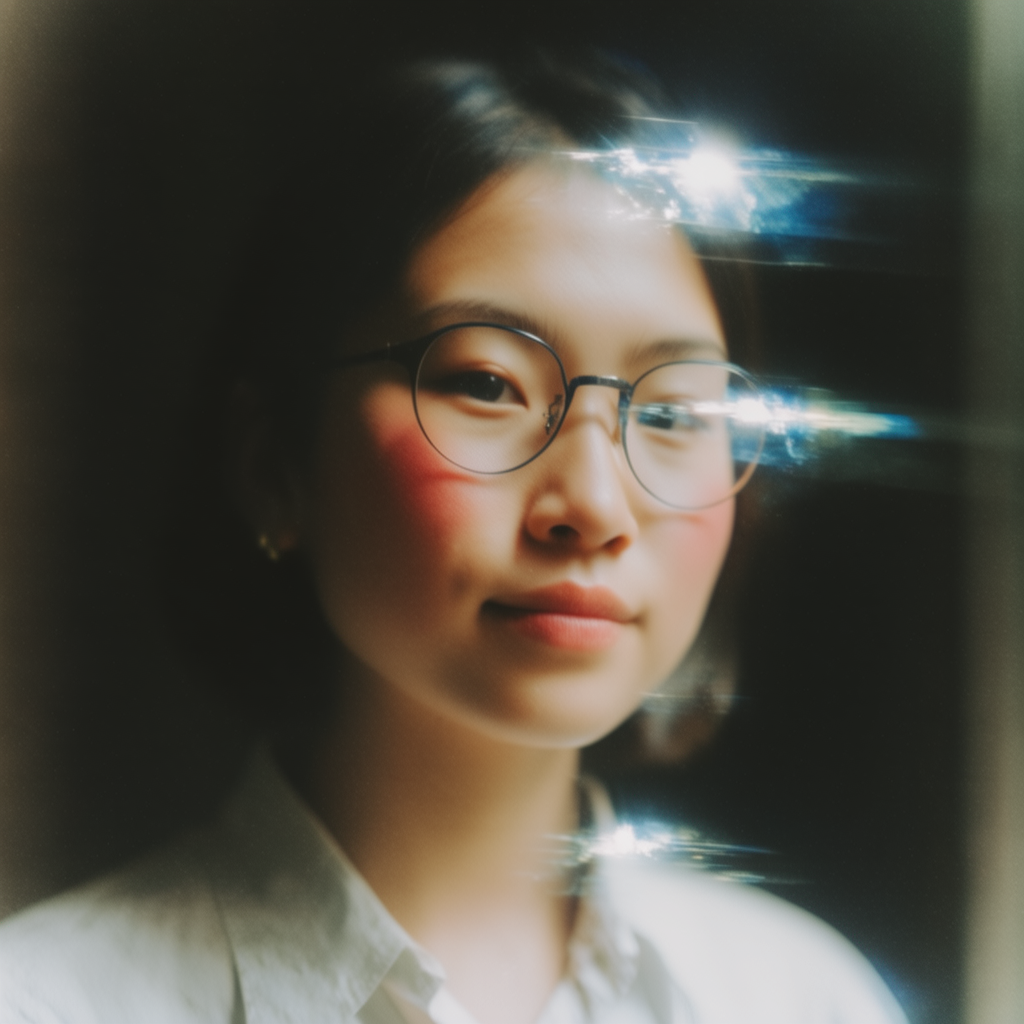
Soft Film
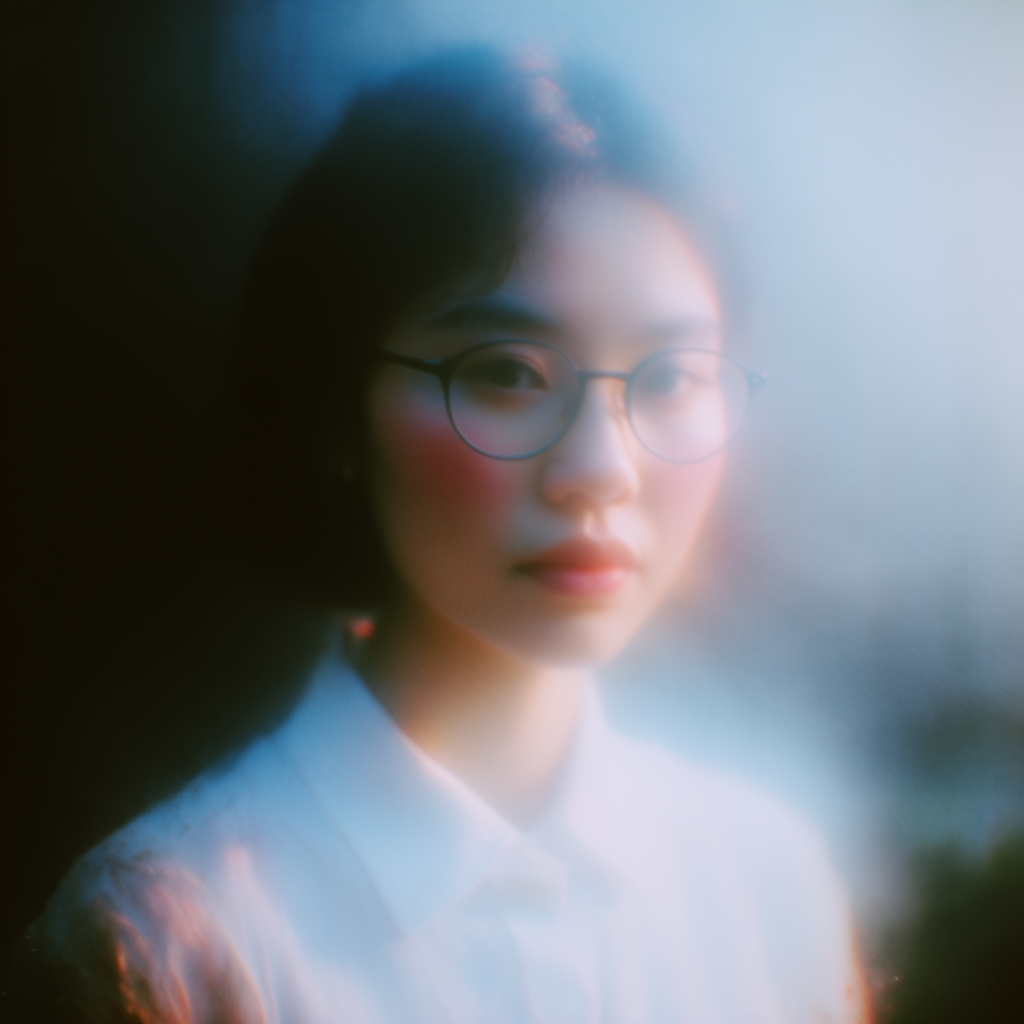
Dream Haze
Core Features
Krea maps facial geometry, pose, expression, lighting, and skin tone to blend the source face naturally into the target photo. Generate a high-resolution result in seconds, then continue editing inside Krea.
Krea maps facial features so the source face fits the target photo’s angle, pose, and expression.
Krea adapts shadows, highlights, color, and skin tone so the swapped face blends naturally into the original scene.
Target photo ResultUpload two photos and create a realistic face swap in seconds—no masking, compositing, or manual retouching required.
Download the finished face swap or continue refining it with Krea’s AI Image Editor and Enhancer.
Krea makes face swapping fast, simple, and realistic. Create playful edits, character transformations, and stylized portraits while preserving natural lighting and scene consistency.
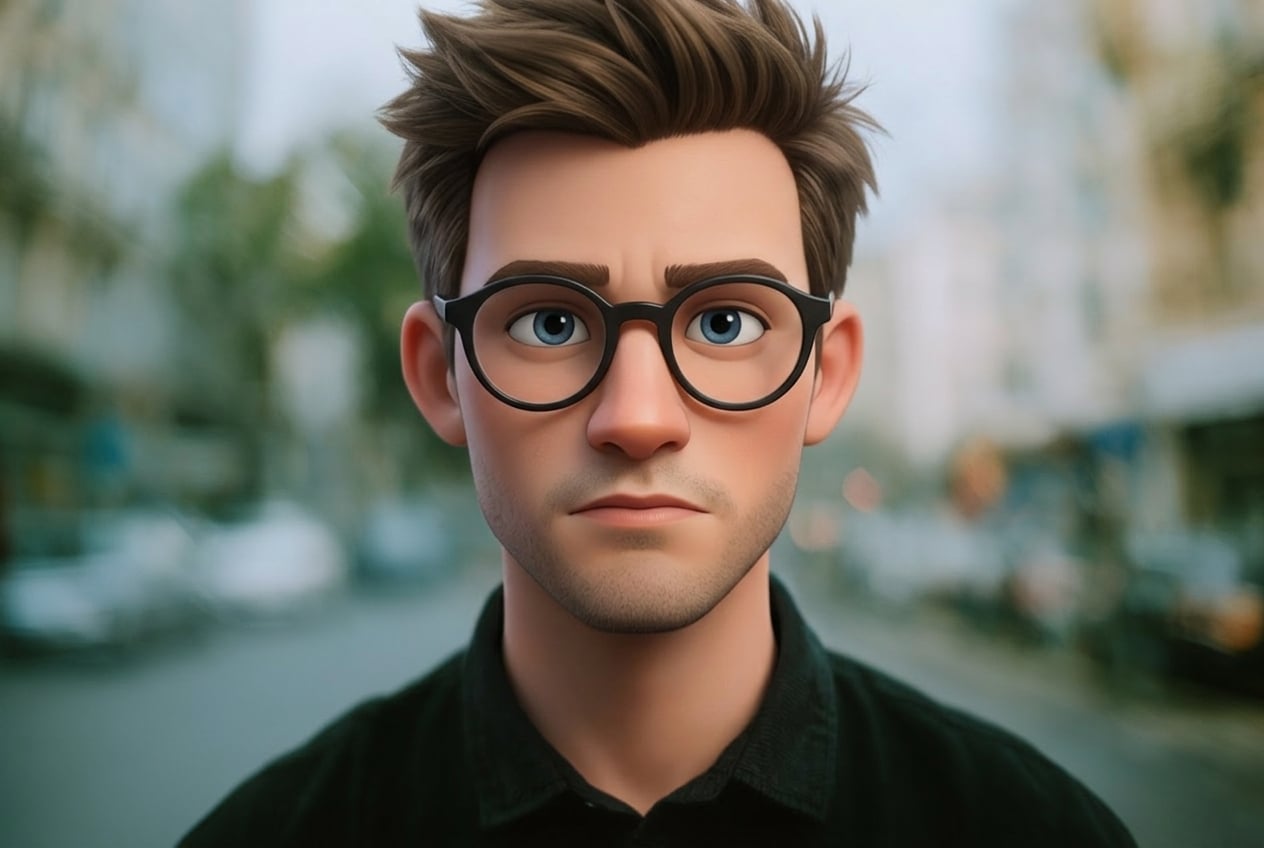
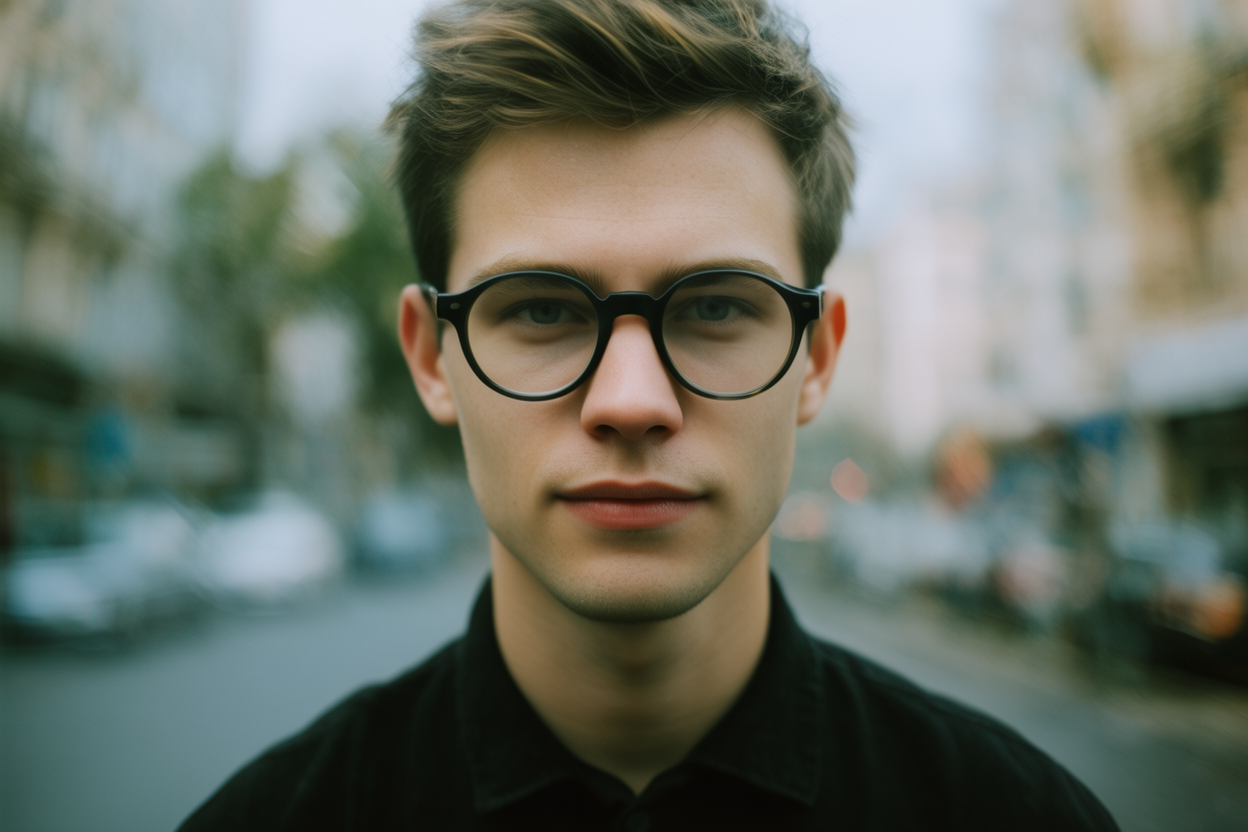
Swap faces online for free without expensive software or technical setup. Sign up free, upload two photos, and get a realistic face swap back in seconds.
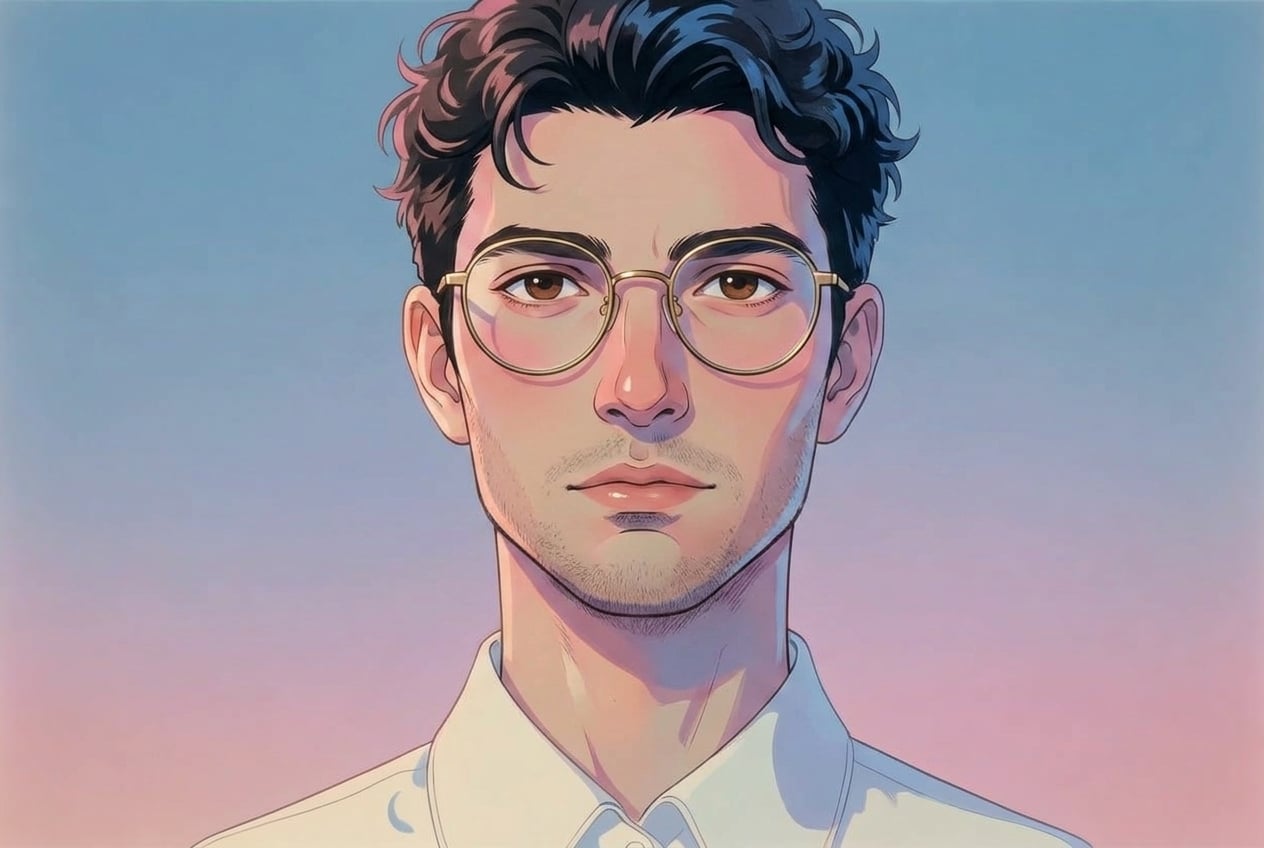
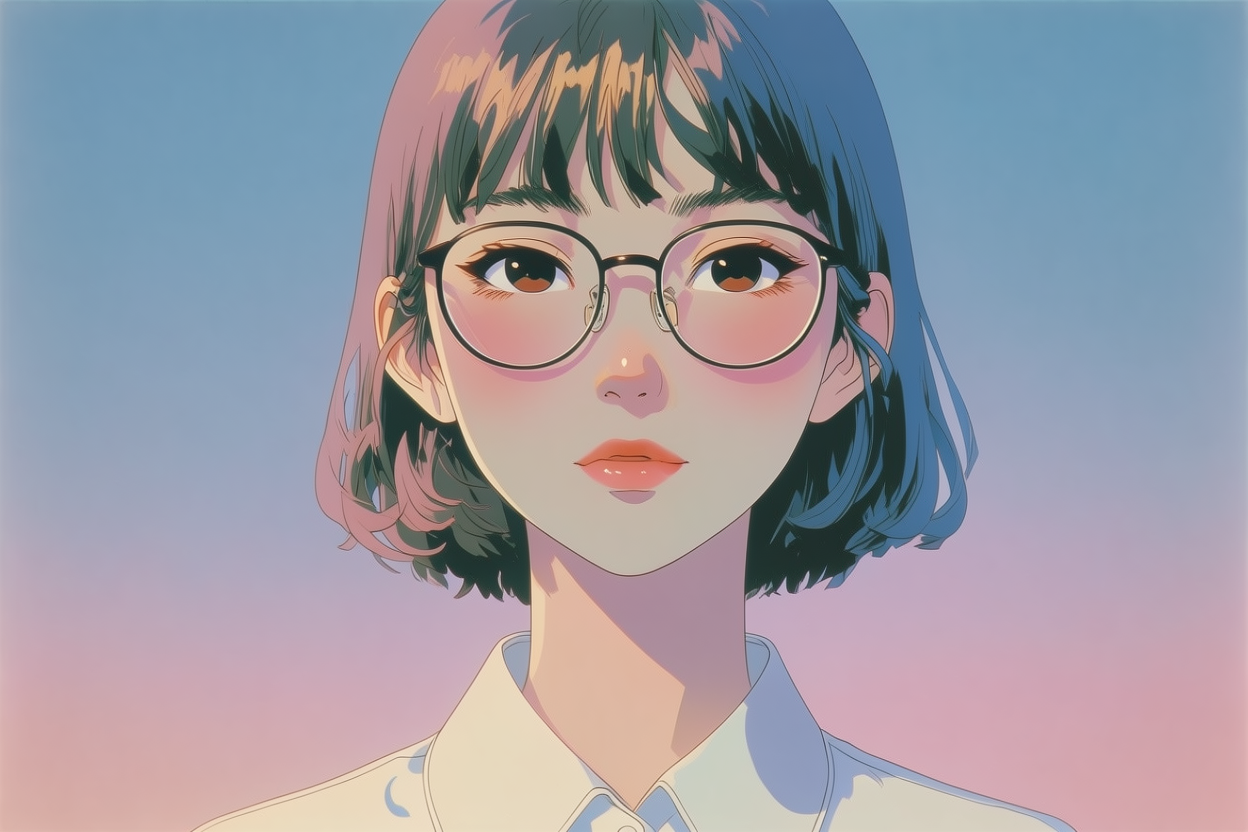
Our AI blends the new face while preserving lighting, skin tone, and expression — avoiding the artificial, pasted-on look common in other face swap tools.
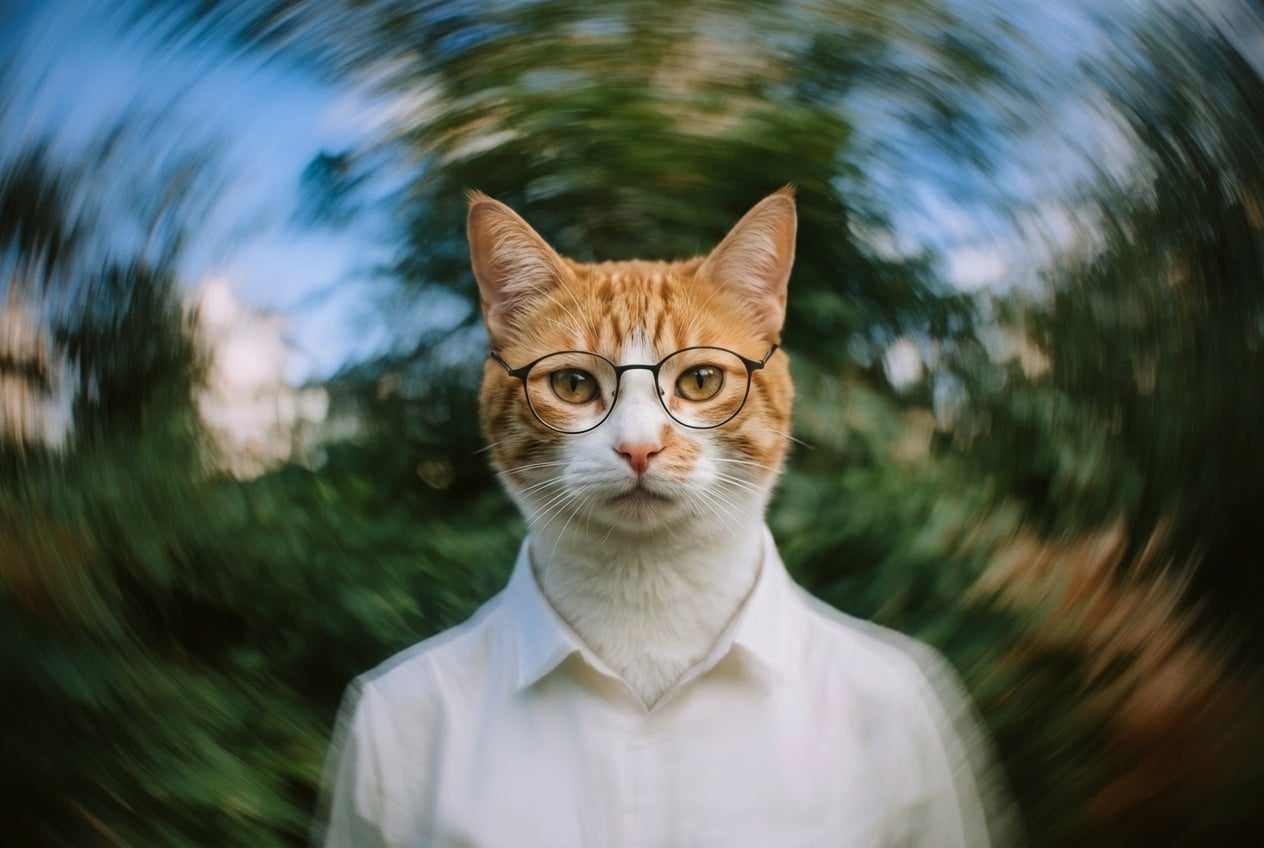
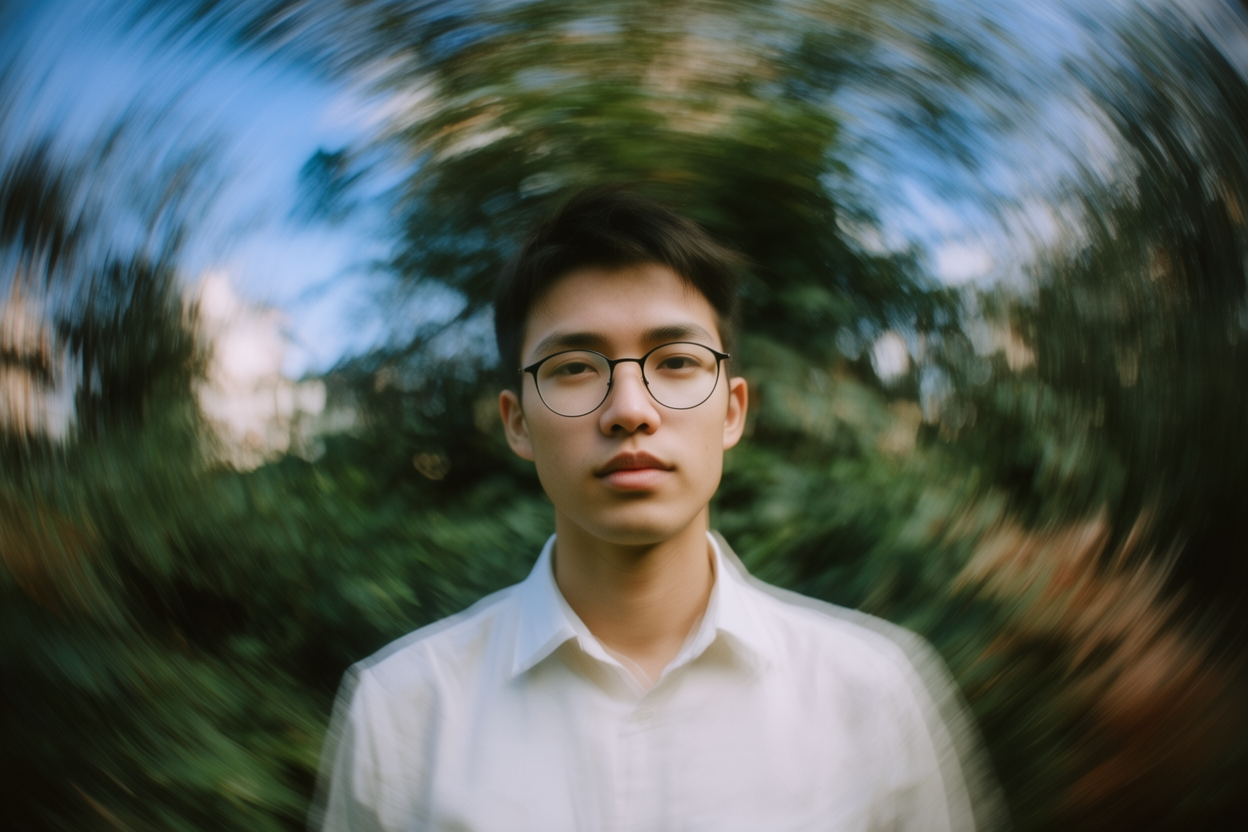
Get your face swap back in seconds. Perfect for creators, social posts, and anyone who wants to try new looks quickly.
Read our testimonials
Real reviews on TrustpilotSo many AI tools out there but I always come back to Krea. It's really the one AI platform that 'just works'.

FYN
Verified review
Krea's interfaces are still the best in the industry. Everything looks and feels so clean and easy to use! Imo the easiest to use gen AI website.

Lynn
Verified review
Ultra fast generations. Extremely simple to use. All the latest AI models.

Daniel
Verified review
KREA is the only AI subscription I have right now besides ChatGPT.

Sophia M.
Verified review
I'm a Krea Max user. It's crazy how fast they add models. I see a new AI model on twitter and the same day krea already offers it.

Wirot Ch.
Verified review
Still the most powerful AI creative suite out there.

Gravion
Verified review
Get free daily credits to try basic features.
100 units / day
Access our most popular features
5,000 units / month
Advanced features and discounts on compute units
20,000 units / month
Full access with higher discounts on compute units
60,000 units / month
Workplace management, collaboration, and enterprise customizations
Secure and collaborative workspace for growing teams
80,000 units / month
Enterprise-grade security with dedicated support and admin features
An AI face swap replaces the face in a target photo with a face from another image, while preserving expression, angle, lighting, and scene for a realistic result.
Krea sends your target photo and your face photo to Qwen Image Edit Plus, an AI image editing model, with one instruction: replace the face in the target photo with the face from the second photo. The model keeps the target’s pose, expression, lighting, hair, clothing, and background, so the new face looks like it belongs in the scene.
Yes. Upload the photo with the face you want to replace as your target, then upload a clear photo of the face you want to insert. The AI handles blending, lighting, and skin tone automatically.
Yes, with a free Krea account. A new account gets 100 free compute units with no credit card, and one face swap uses about 22, so you can make about four swaps right away. Depending on your region, free accounts may also get a daily refill. Paid plans add more compute every month.
Yes. You can upload both photos without an account, but Krea asks you to sign up before it runs the swap. Signing up is free and needs no credit card, and your swap starts as soon as you are signed in.
About 22 compute units per swap, whatever the size of your photos. Krea reserves the units when the swap starts.
Use a clear, high-resolution source face with good lighting and minimal obstruction. For the target photo, choose an image where the face is visible and similar in angle. Clearer source and target photos generally produce more natural face swaps.
Usually under a minute. Paid plans run in a priority queue, so free swaps can take longer when Krea is busy.
You can upload JPG, PNG, WEBP, AVIF, HEIC, and HEIF photos. The finished face swap downloads as a PNG.
About one megapixel. Krea picks the output size closest to your target photo’s shape, from 1024×1024 for square photos up to 1568 pixels on the long side for tall or wide ones. To make it bigger, run the result through Krea’s free AI image enhancer.
No. Face swap results download as clean PNG files without a Krea watermark, on free and paid plans.
Not on this page, which swaps faces in photos. For video, Krea’s Motion Transfer tool includes Wan 2.2 Animate Replace, which puts the person from a photo into an existing video in place of the original character. It replaces the whole character, not only the face, and it needs a paid plan.
Best results are on single-subject portraits. Group photos may produce inconsistent results depending on face size and overlap.
Yes. The target can be a photo, an illustration, or a stylized character, and Krea adapts the new face to the target’s style. Results are most reliable when both faces are clear and turned in a similar direction.
Yes, on a paid plan. Images made on paid plans are licensed for commercial use, and images made on the free plan are not. You also need the rights to both photos and permission from the people in them.
It depends on how you use it. Swapping faces in your own photos, or with the consent of the people shown, is allowed in most places. A face swap becomes a deepfake when it is used to deceive or impersonate someone, and that, like sexual images of real people, is illegal in many countries. Krea’s Terms of Use prohibit content that impersonates people without their consent and sexually explicit content.
Uploaded photos are processed to generate your result and are not used to train our models. See our Privacy Policy for full details.
No. Krea’s face swap runs in your browser on desktop and mobile, so there is nothing to download or install.
Upload a target photo and source face to create a realistic AI face swap online in seconds.
Explore more AI tools created by the Krea community.
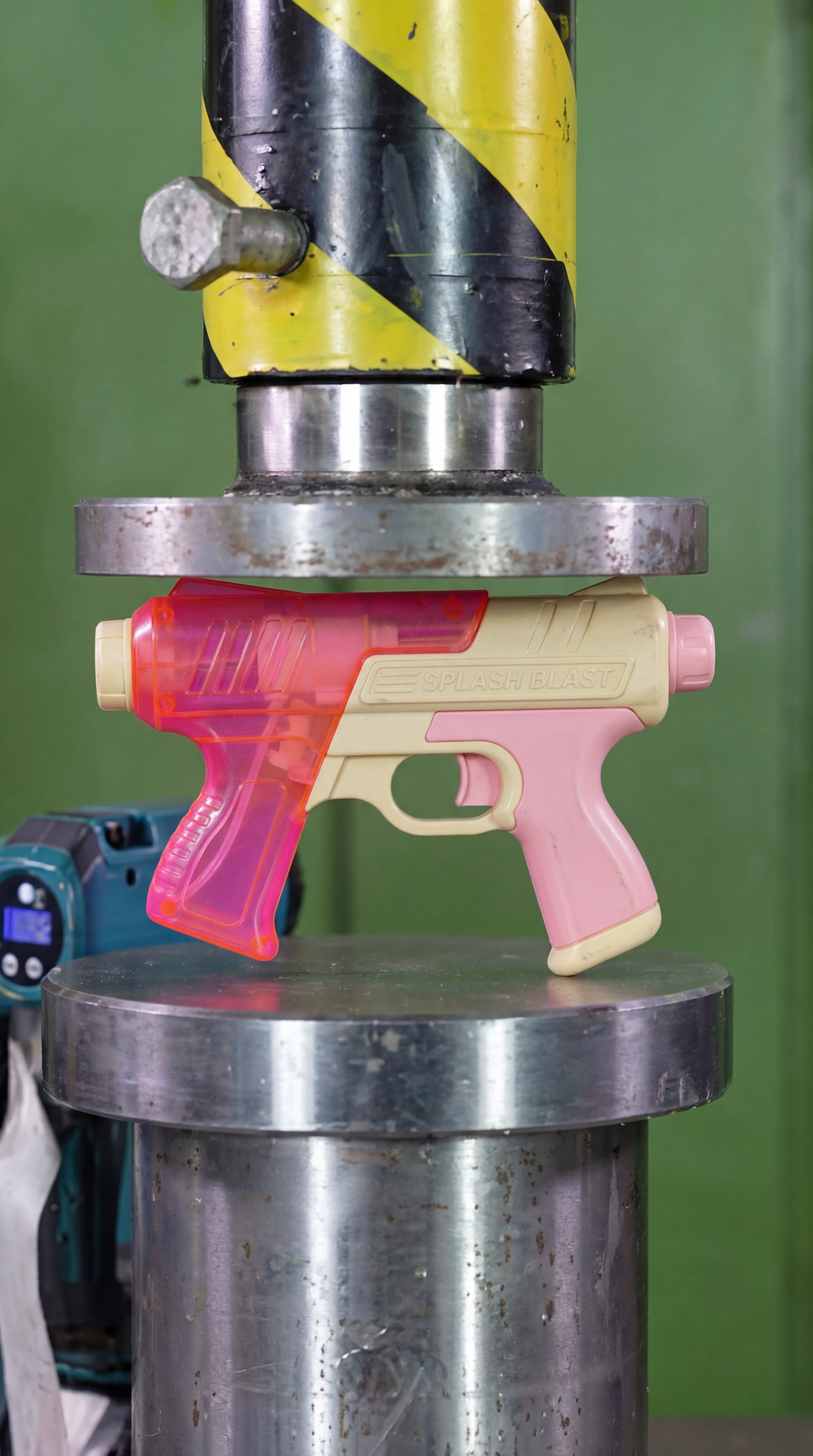
Hydraulic Press
Watch your favourite item get crushed!
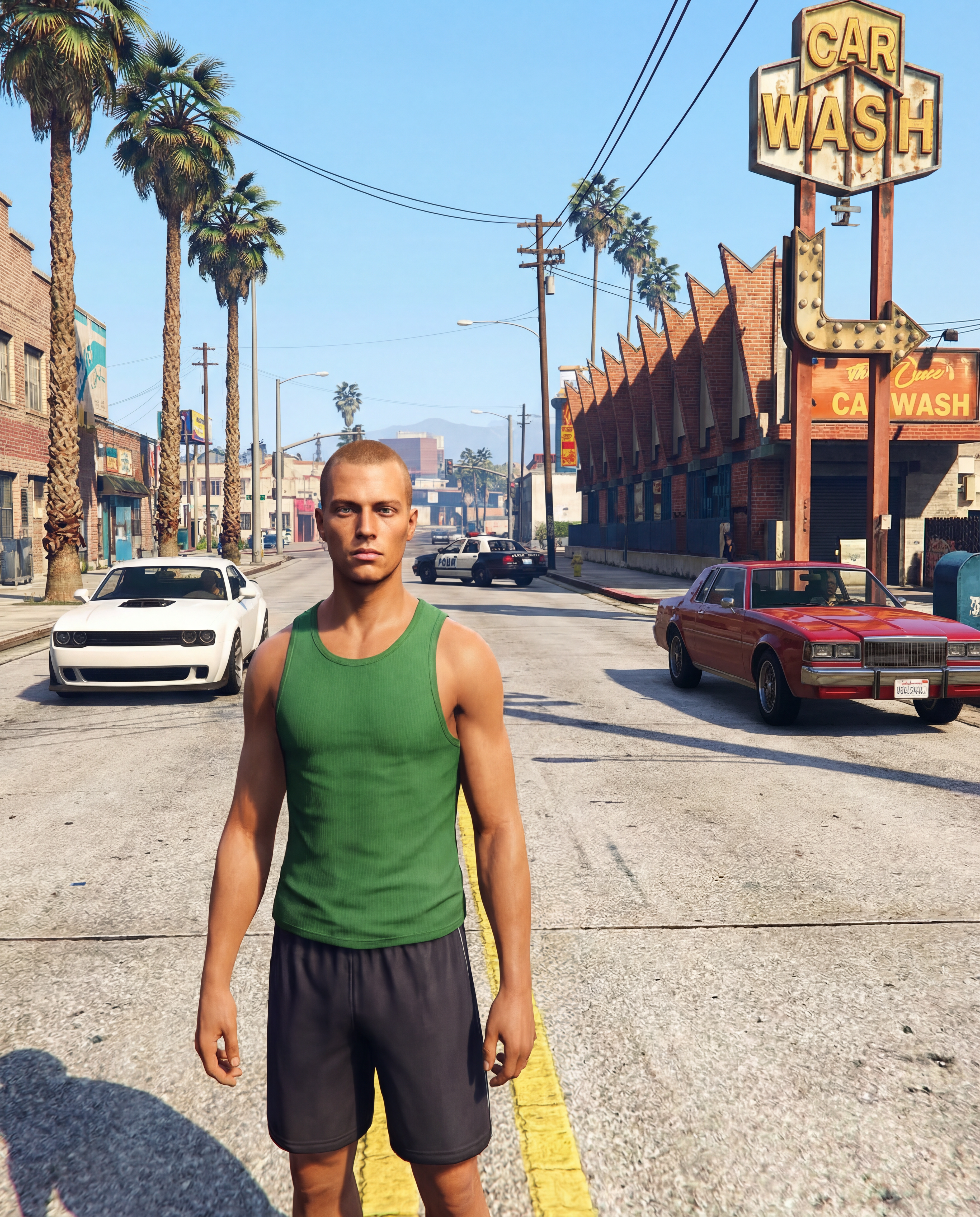
GTA Me!
Upload a photo of yourself and complete the mission.
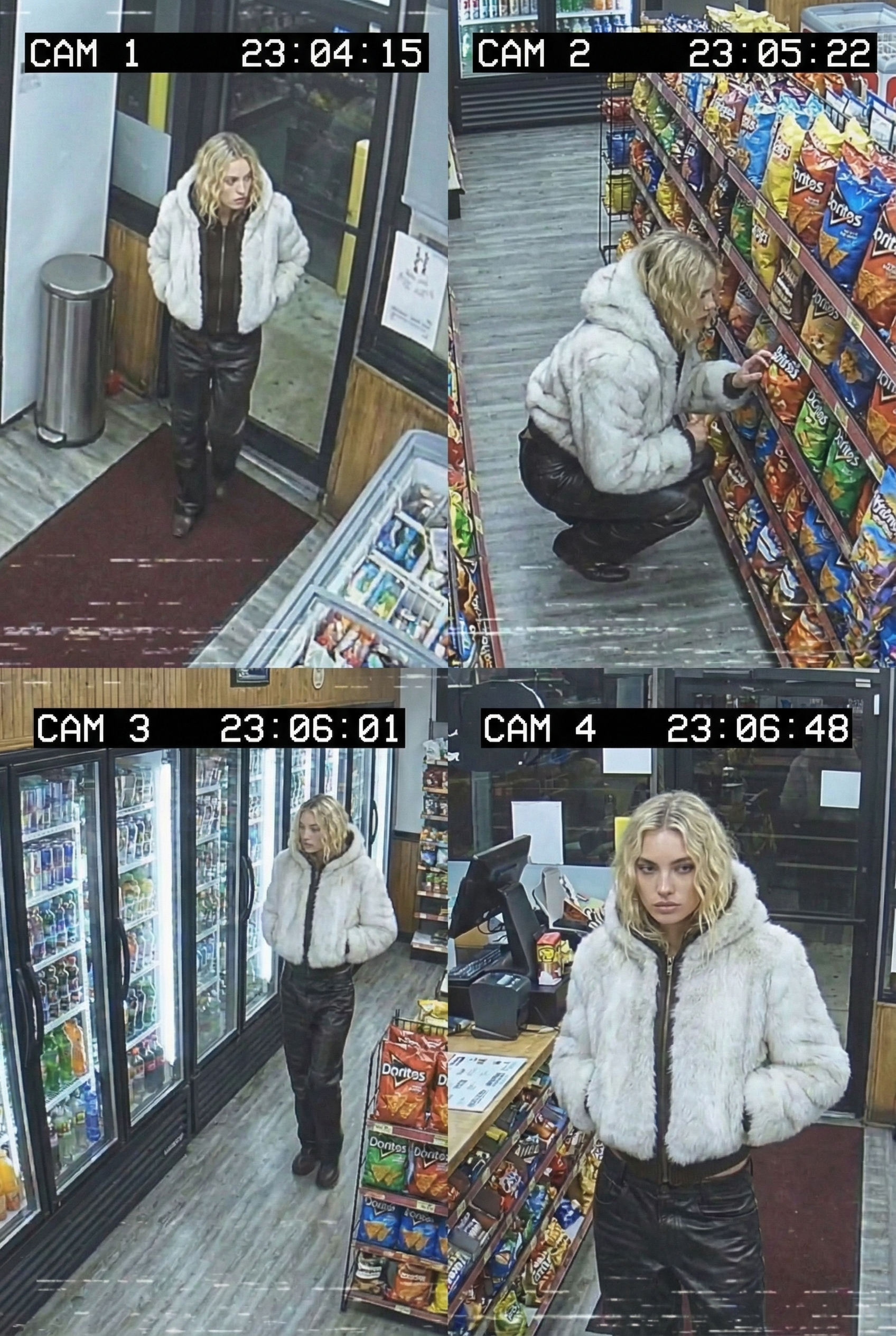
CCTV Footage
Generate realistic multi-camera CCTV-style footage from a single image. Upload a photo and the app creates four different security-camera angles inside a convenience store.
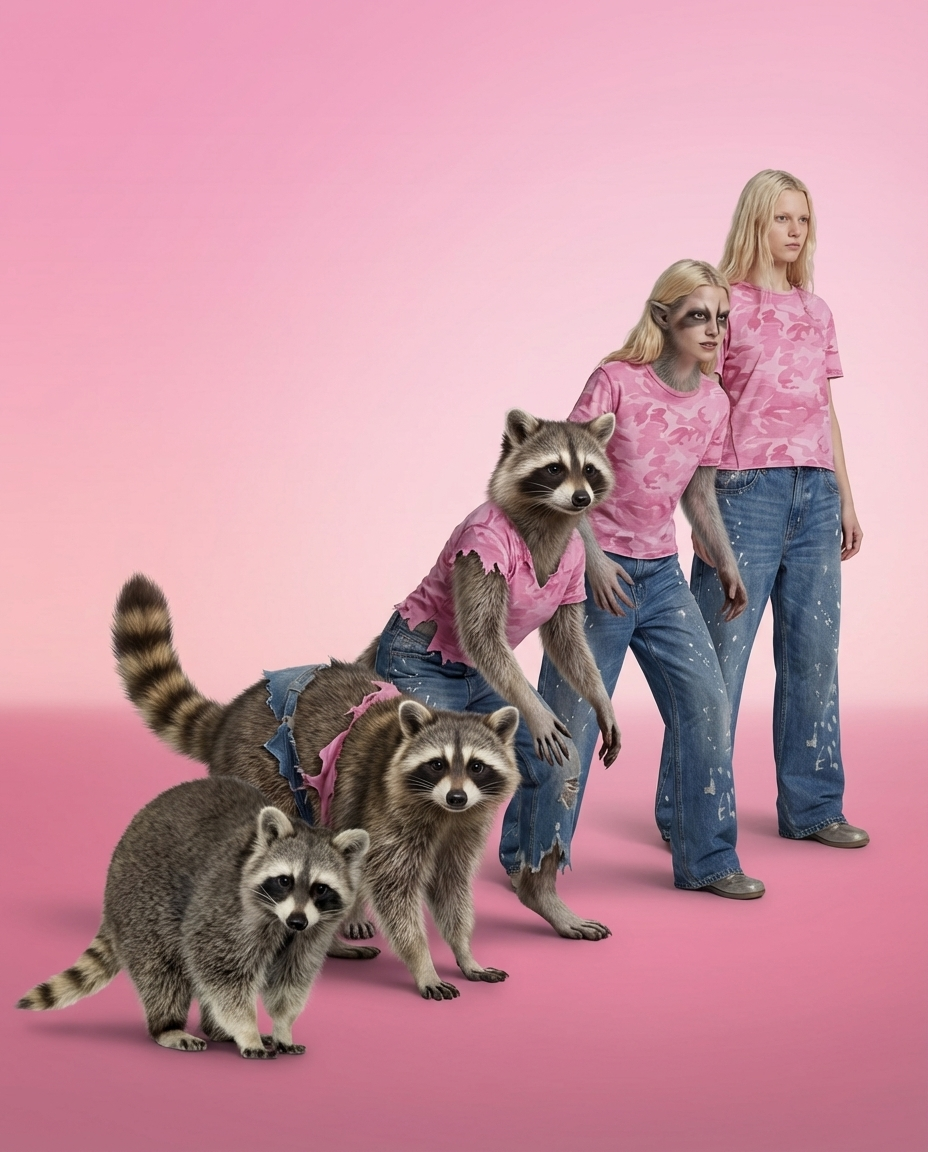
Animorph Yourself
Upload your photo and an animal image, and get your own Animorph-style transformation sequence.
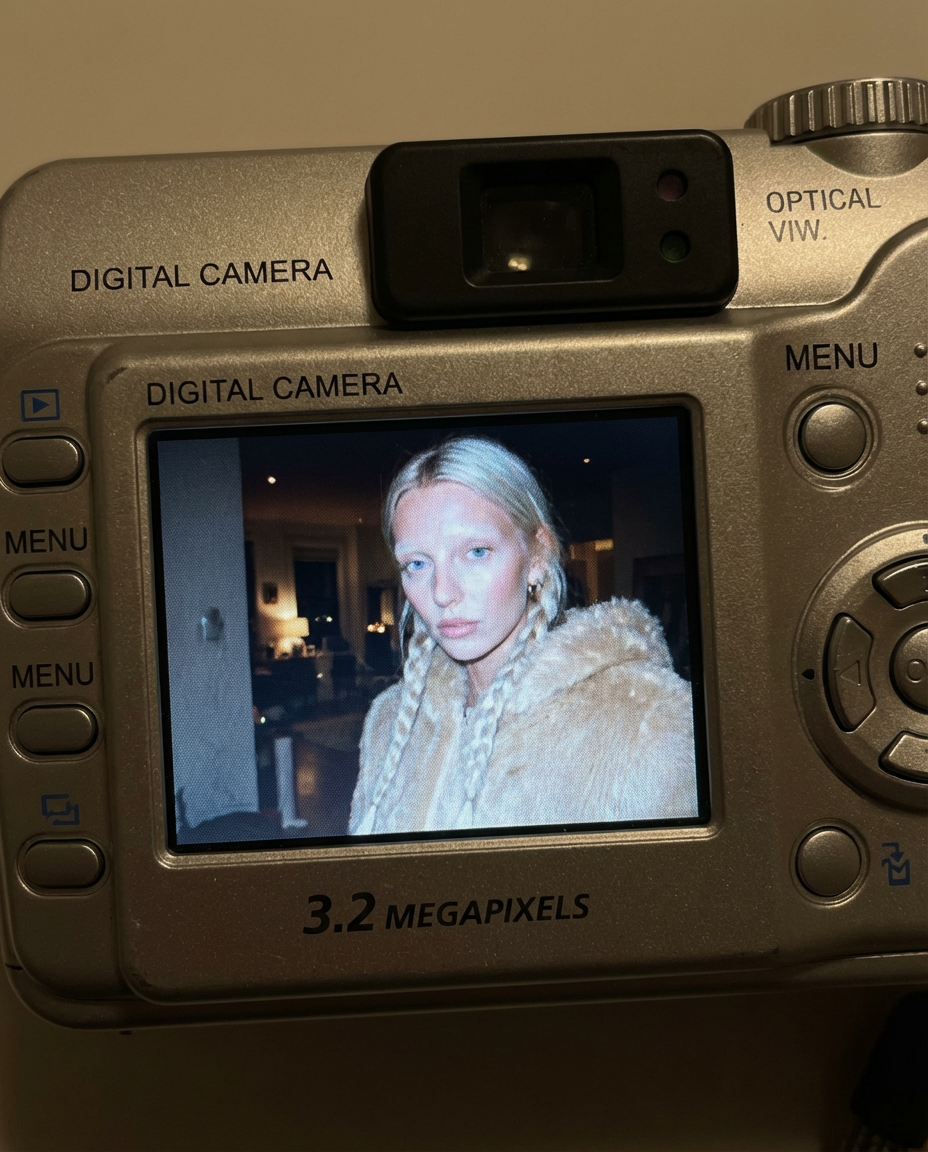
Digicam
Upload an image and the app places your face onto the screen of an early-2000s point-and-shoot camera.
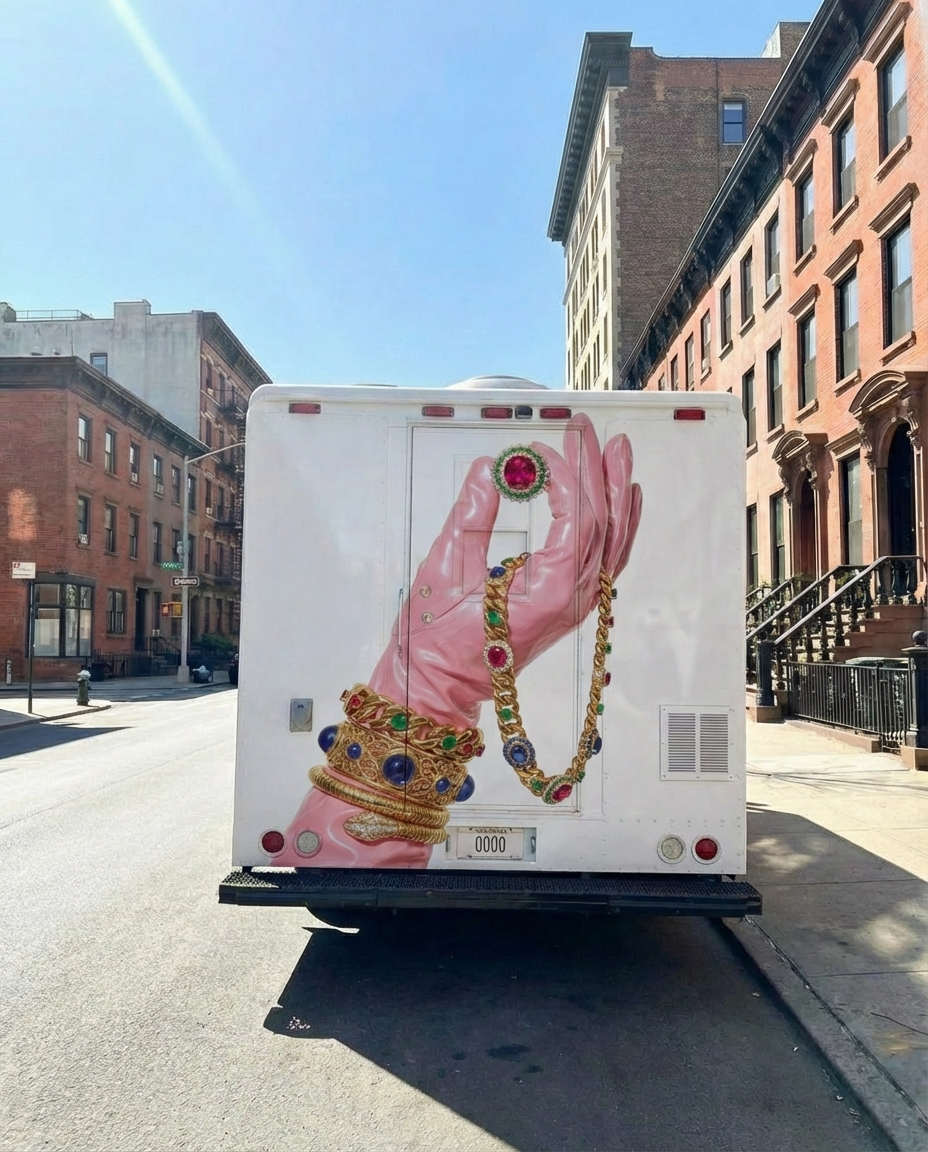
Moving Ad
Upload an image or a poster, and the app places your design on the back of the vehicle and generates a video of the van driving.
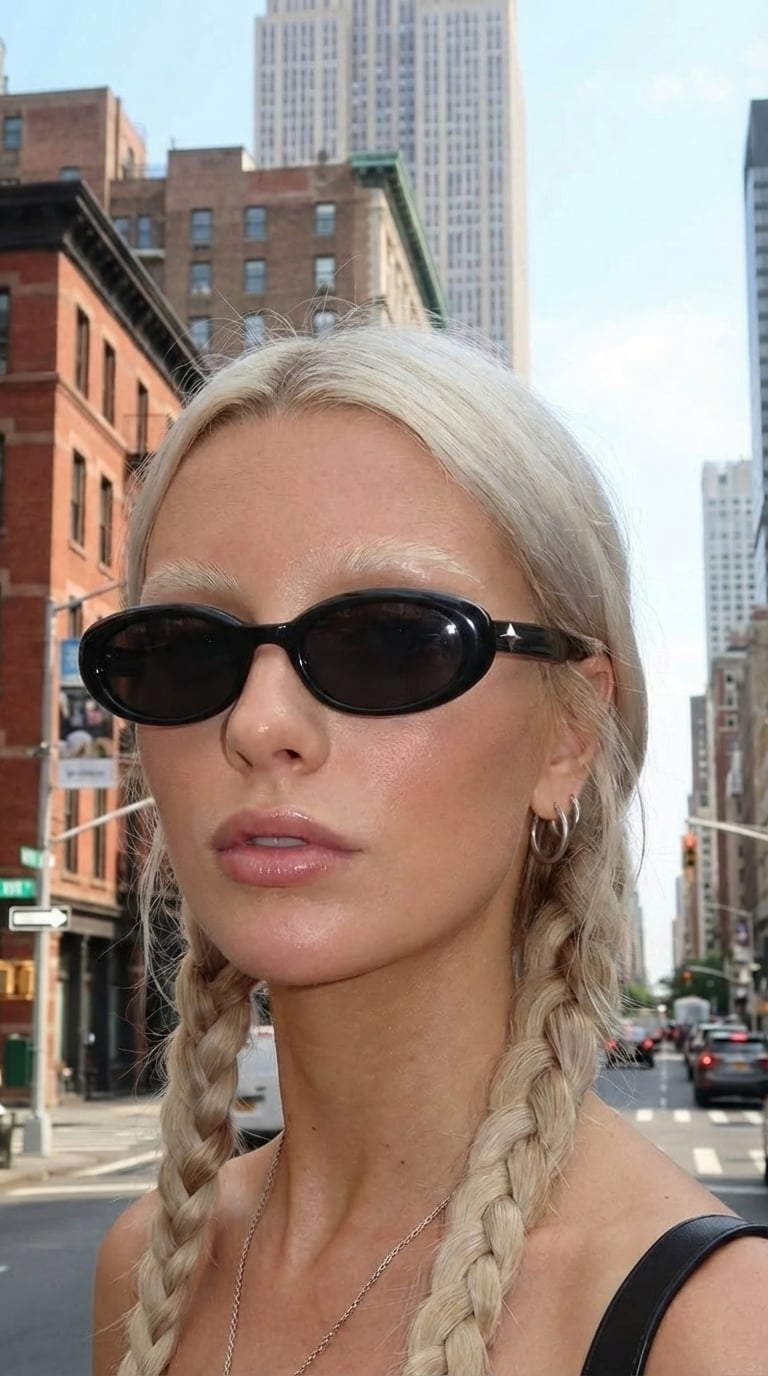
360 Sunglasses Product Video
Upload an image of your model and an image of the glasses, and get a 360° rotation video showing the model wearing the glasses.
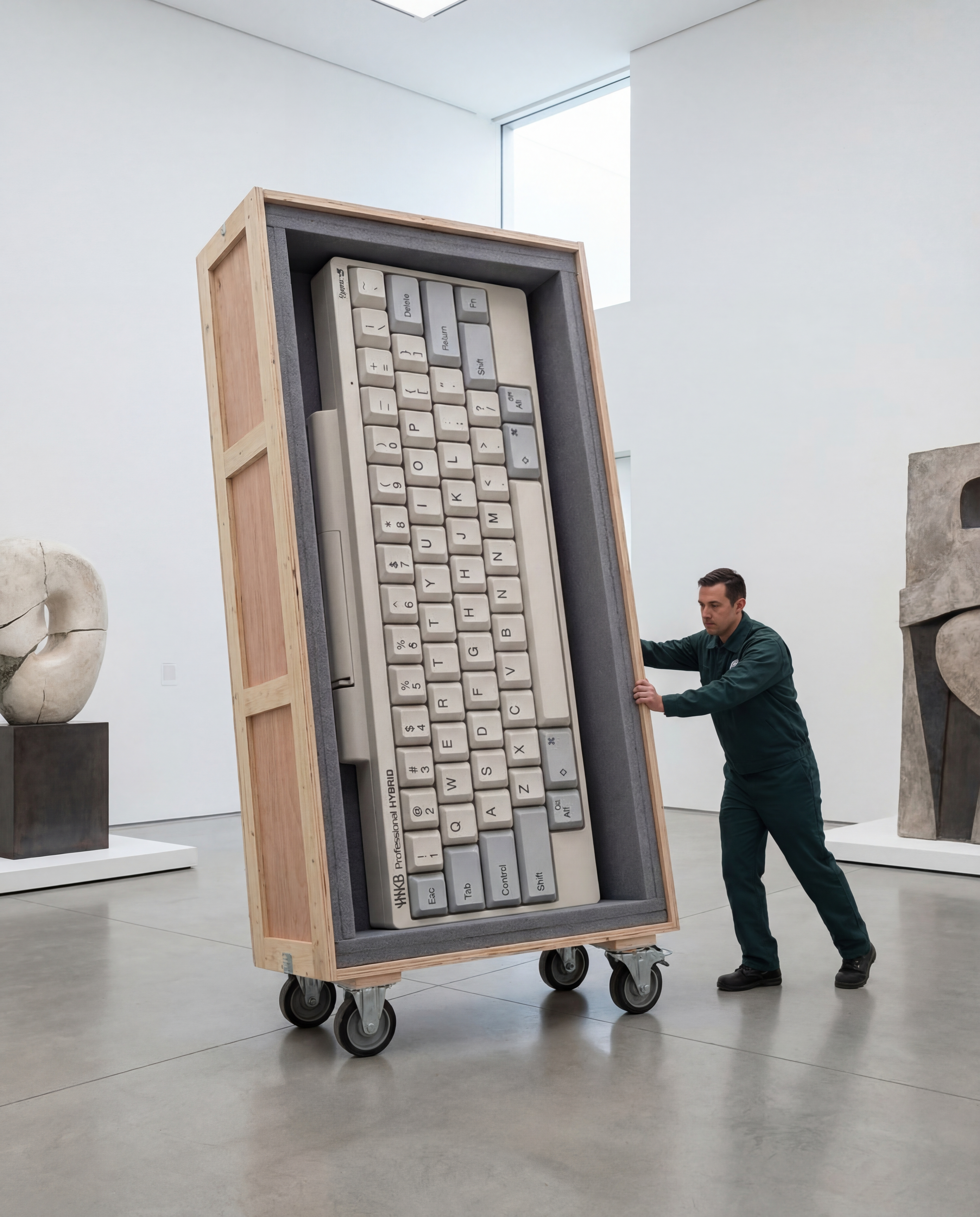
Rare Artifact
Upload a product image (a high quality image with a white background will work best)
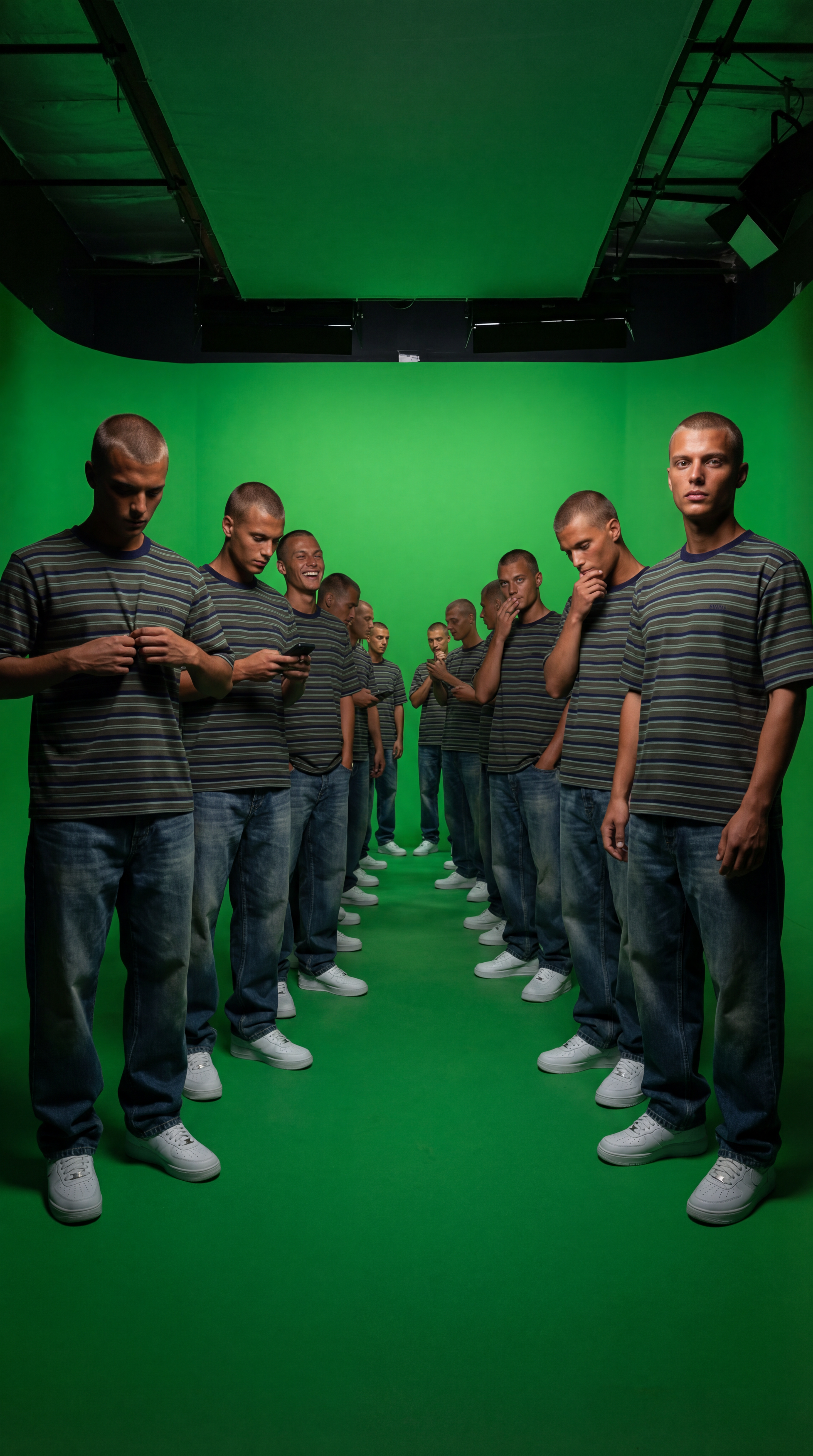
Duplicate Me
Insert a full length photo for best results!
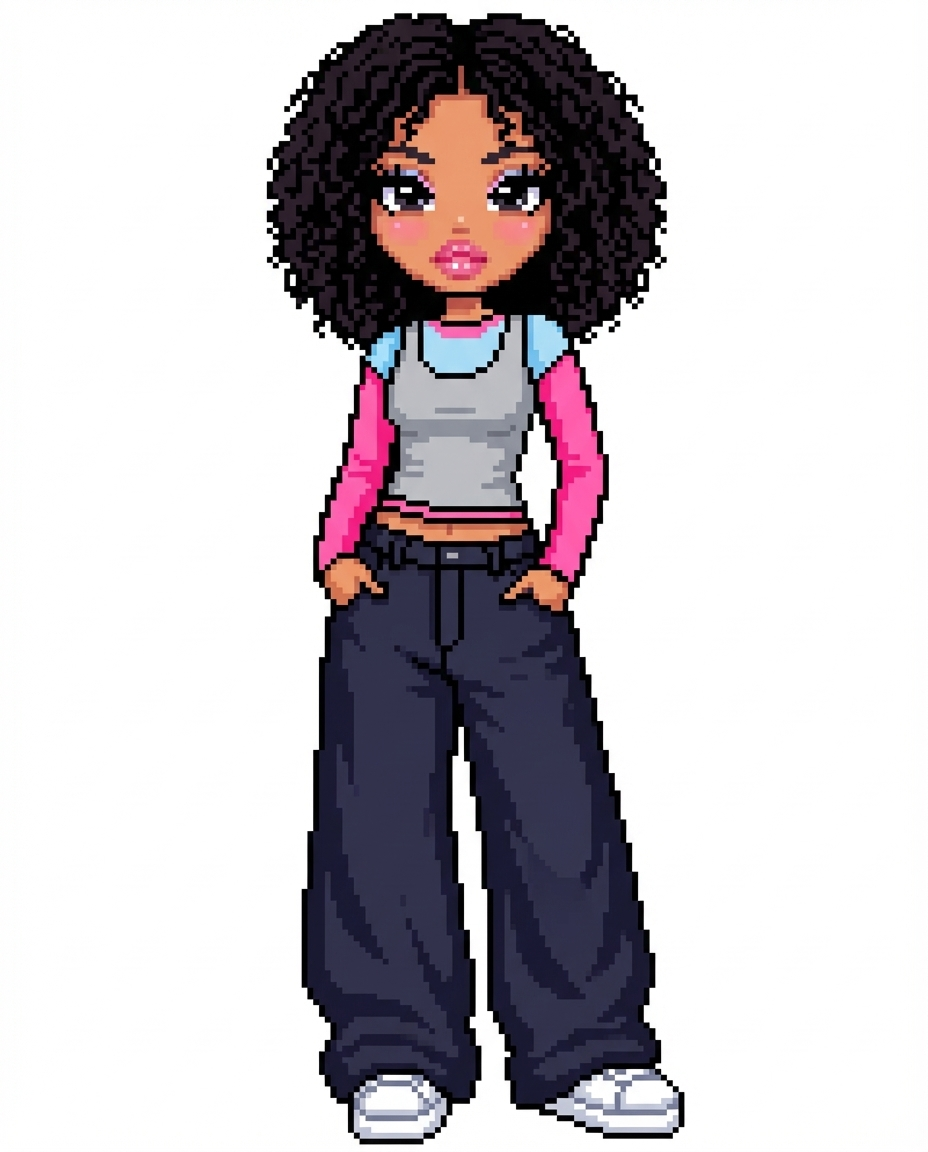
Dollz Maker
Upload your image and instantly get a cute pixel-art version of yourself inspired by early 2000s doll makers.
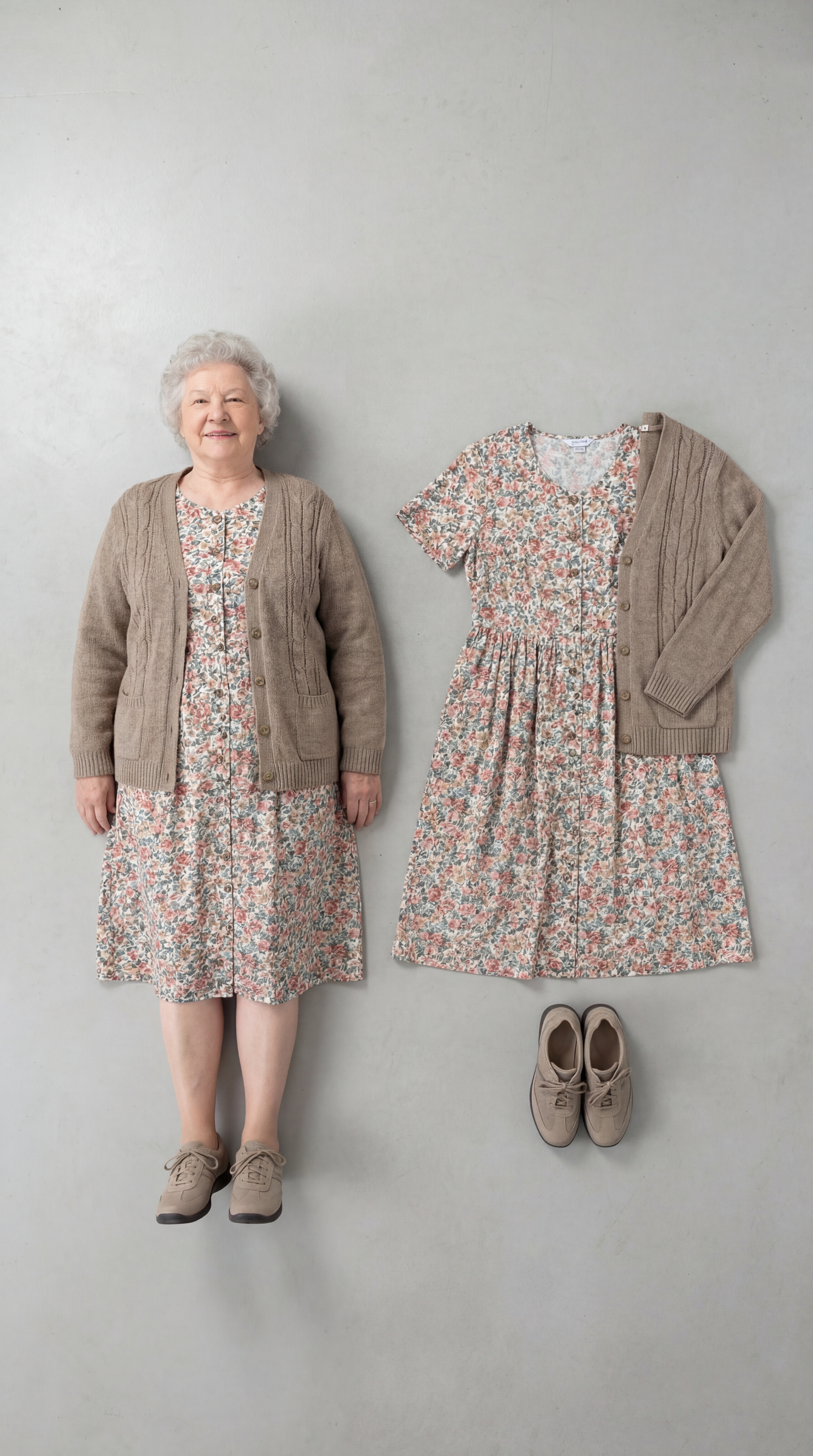
Outfit Check
Insert a full length photo for best results
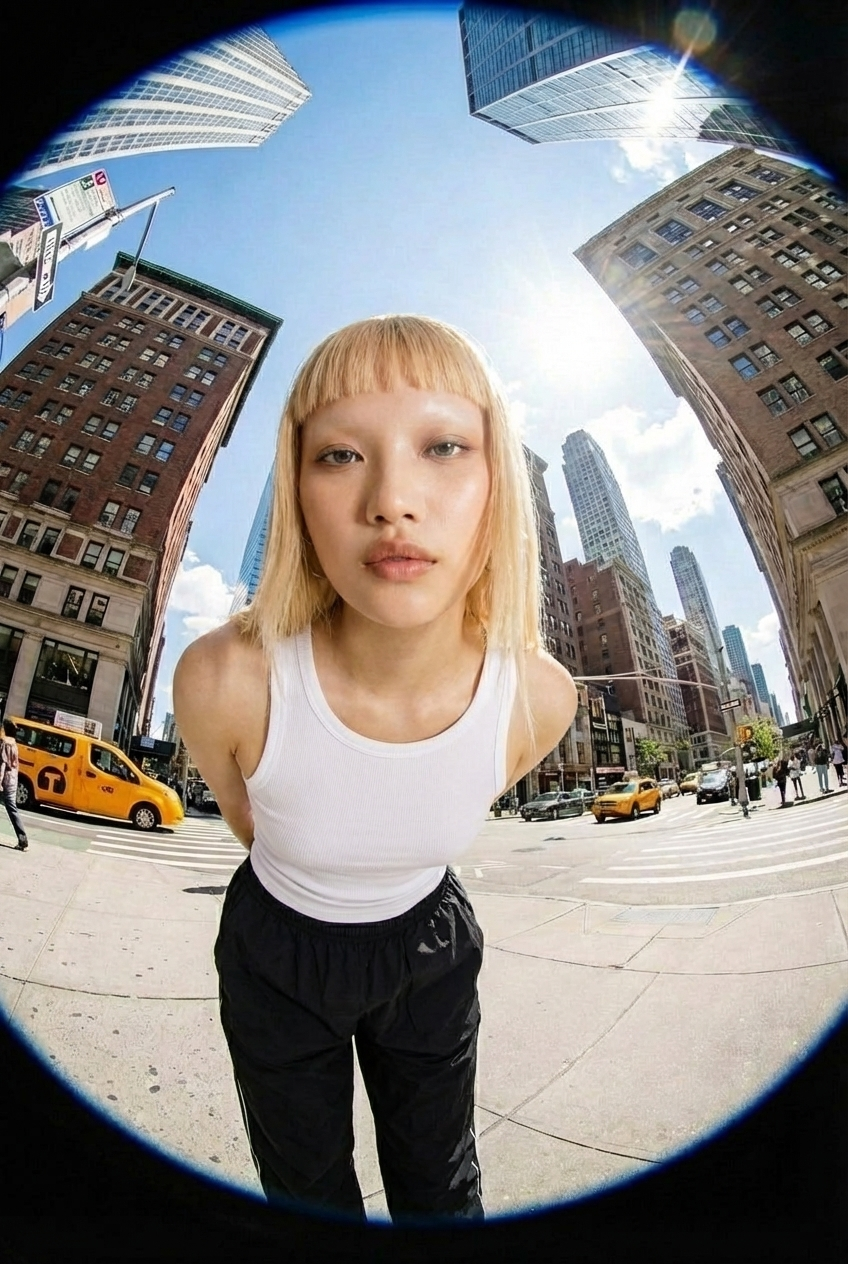
Fisheye
Upload your photo and we’ll turn you into a fisheye video shot on the streets of New York.
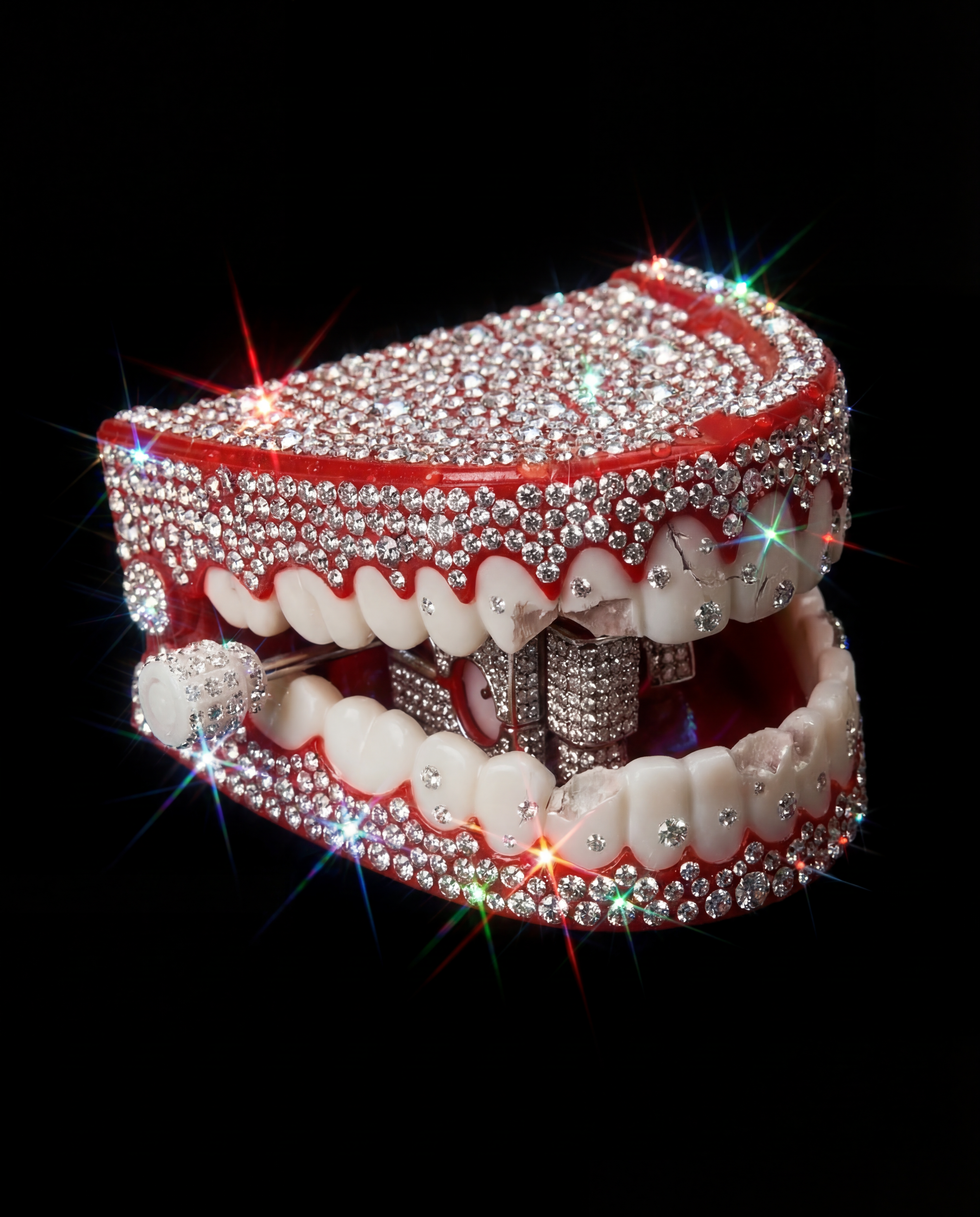
Crystallize This
Turn any object into a piece of art!
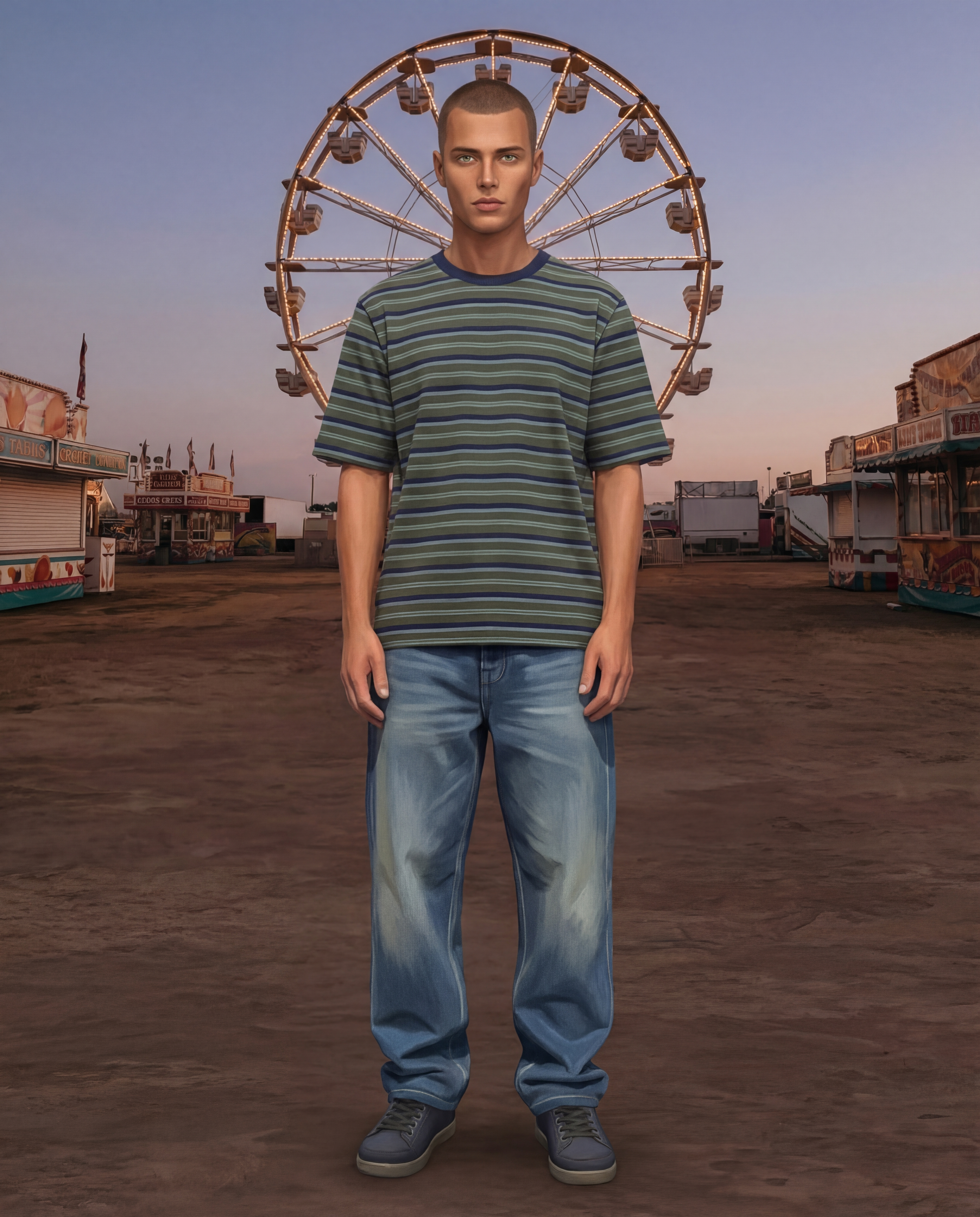
Sims Character
Upload an image of yourself and an environment!
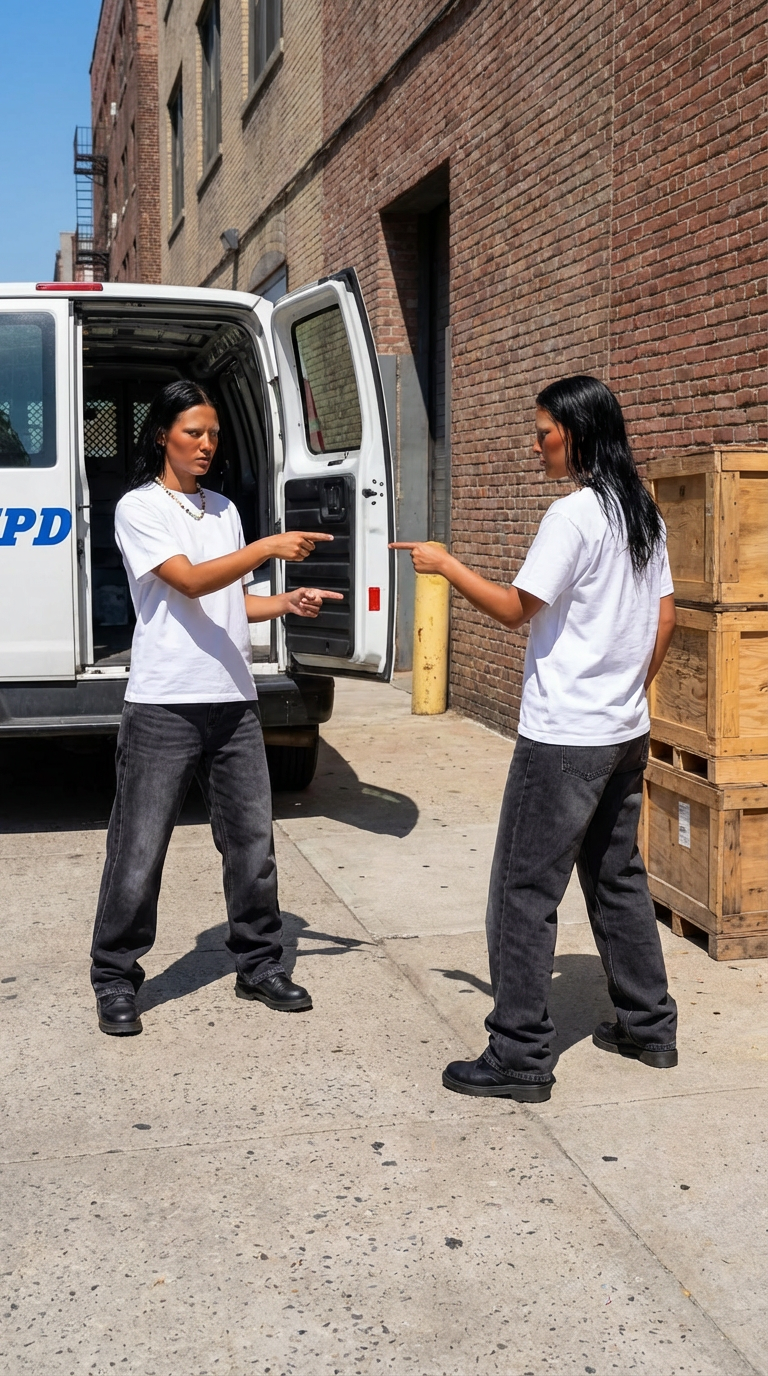
Who Me?
Insert one full length photo of yourself for the best result
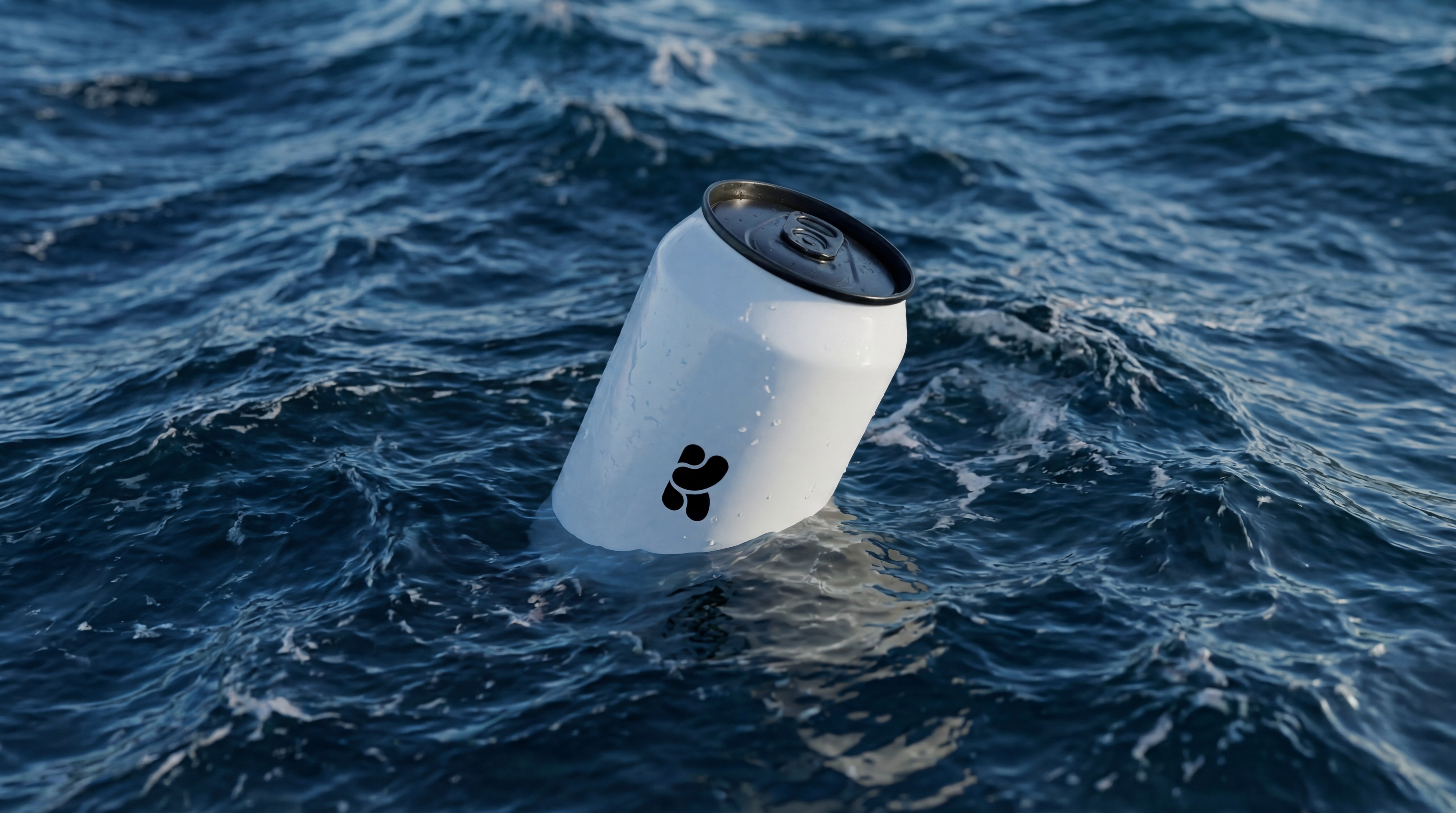
Floating On Water
Upload your product image and let Krea do the rest.
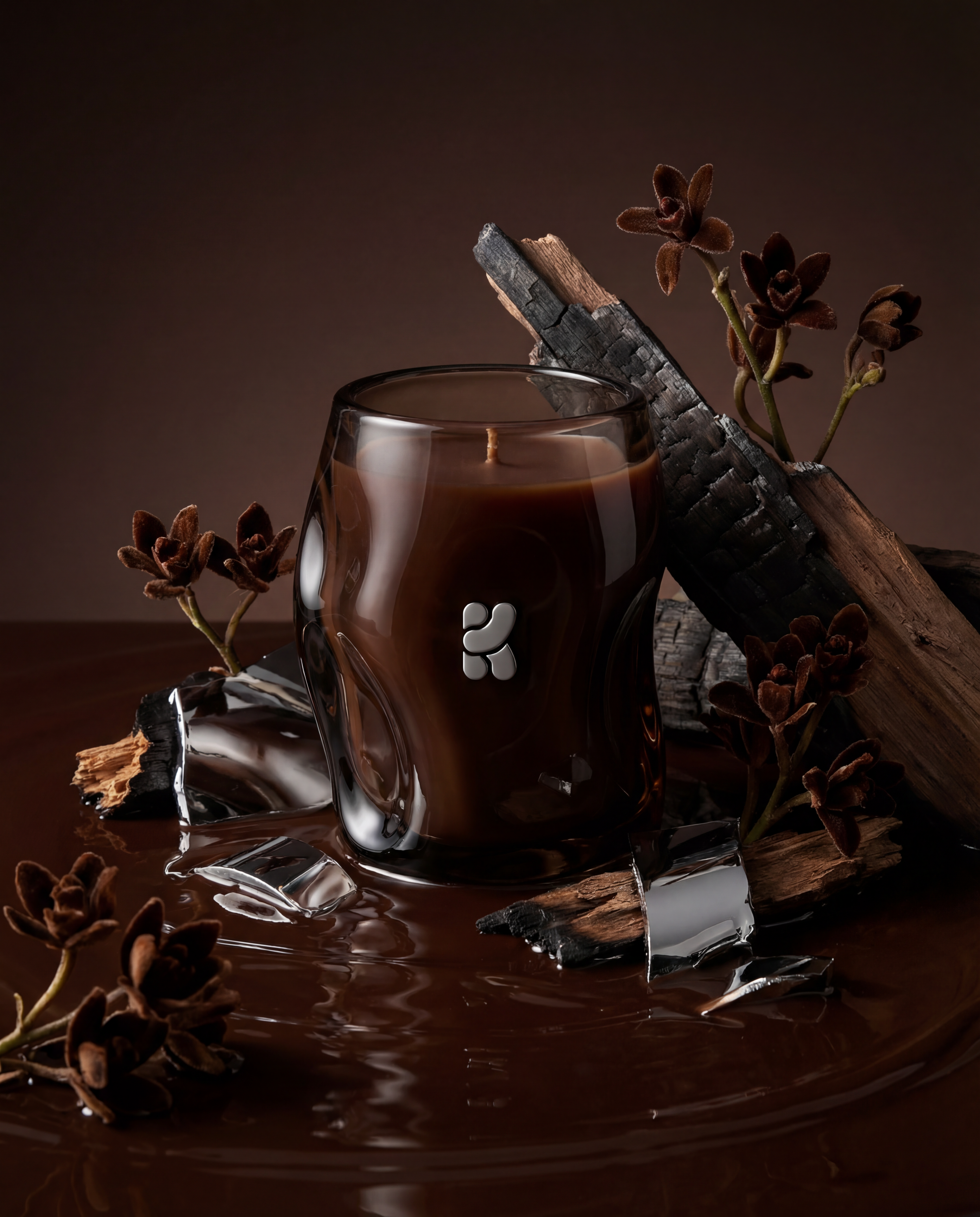
Product Editorial Shot
Just upload a single product image.
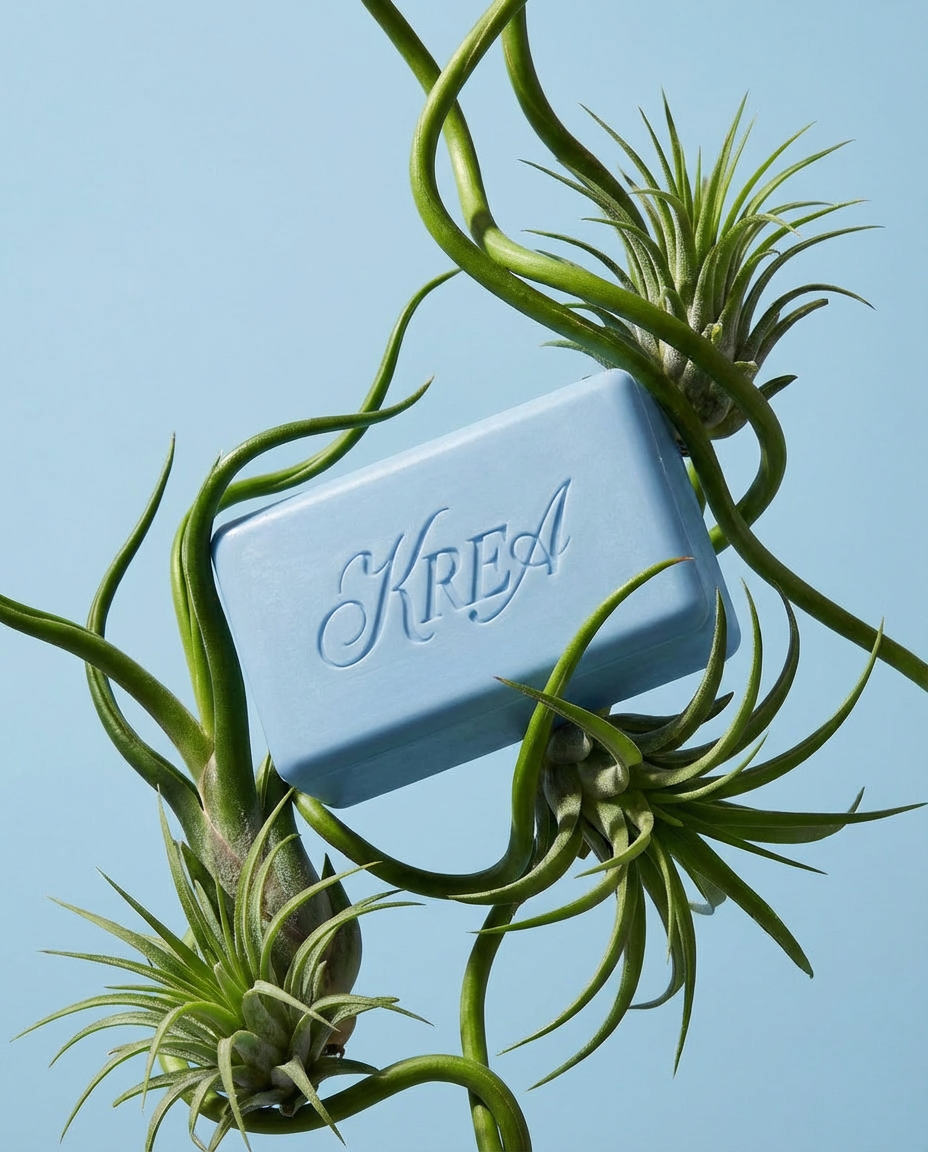
Botanical editorial
Upload your product and generate elegant botanical product editorials.
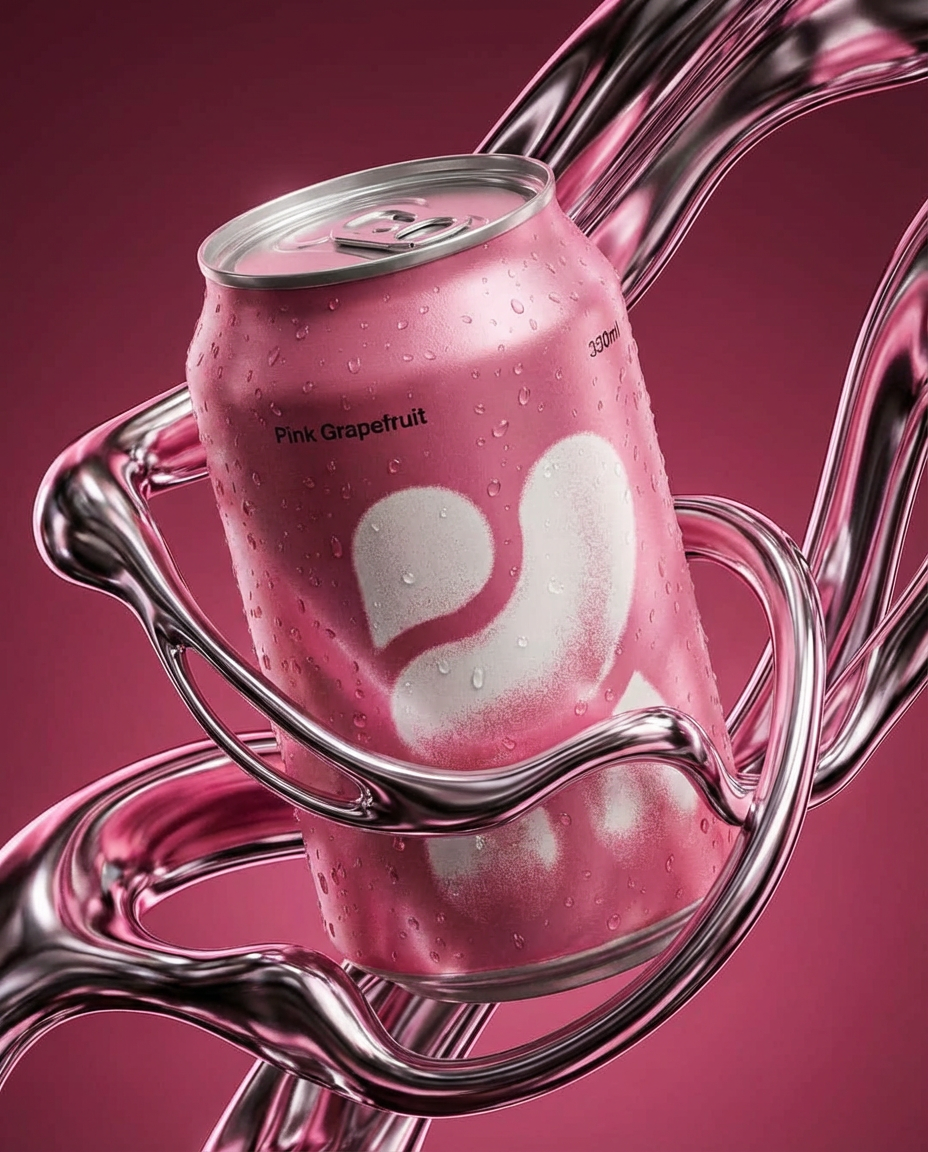
Liquid Chrome Editorial
Create a styled product editorial in one click. Upload a product image and generate a sculptural scene around it using liquid chrome.
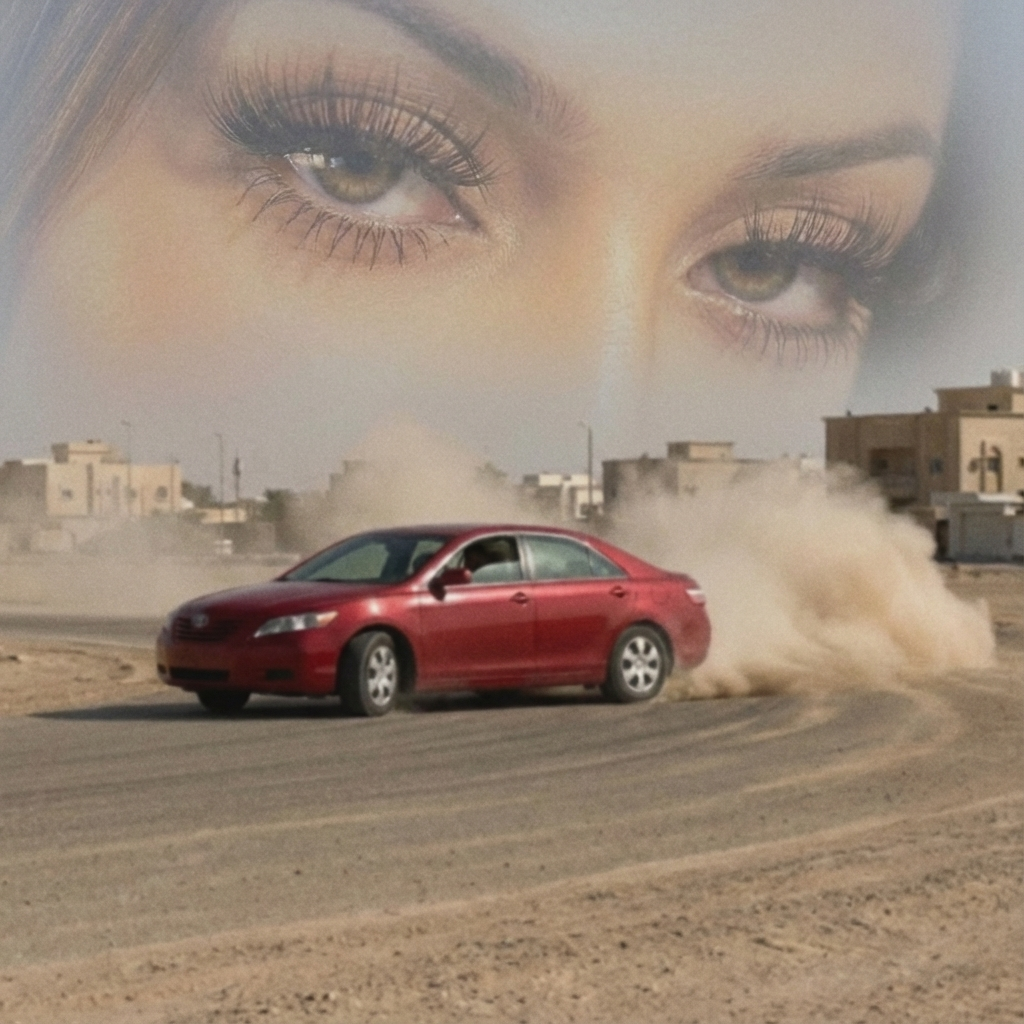
Arabian drift core
Upload your portrait and a car image, and we’ll turn them into a surreal desert-drift artwork like this.
Supersize Me
This mini app works best with a full length image.
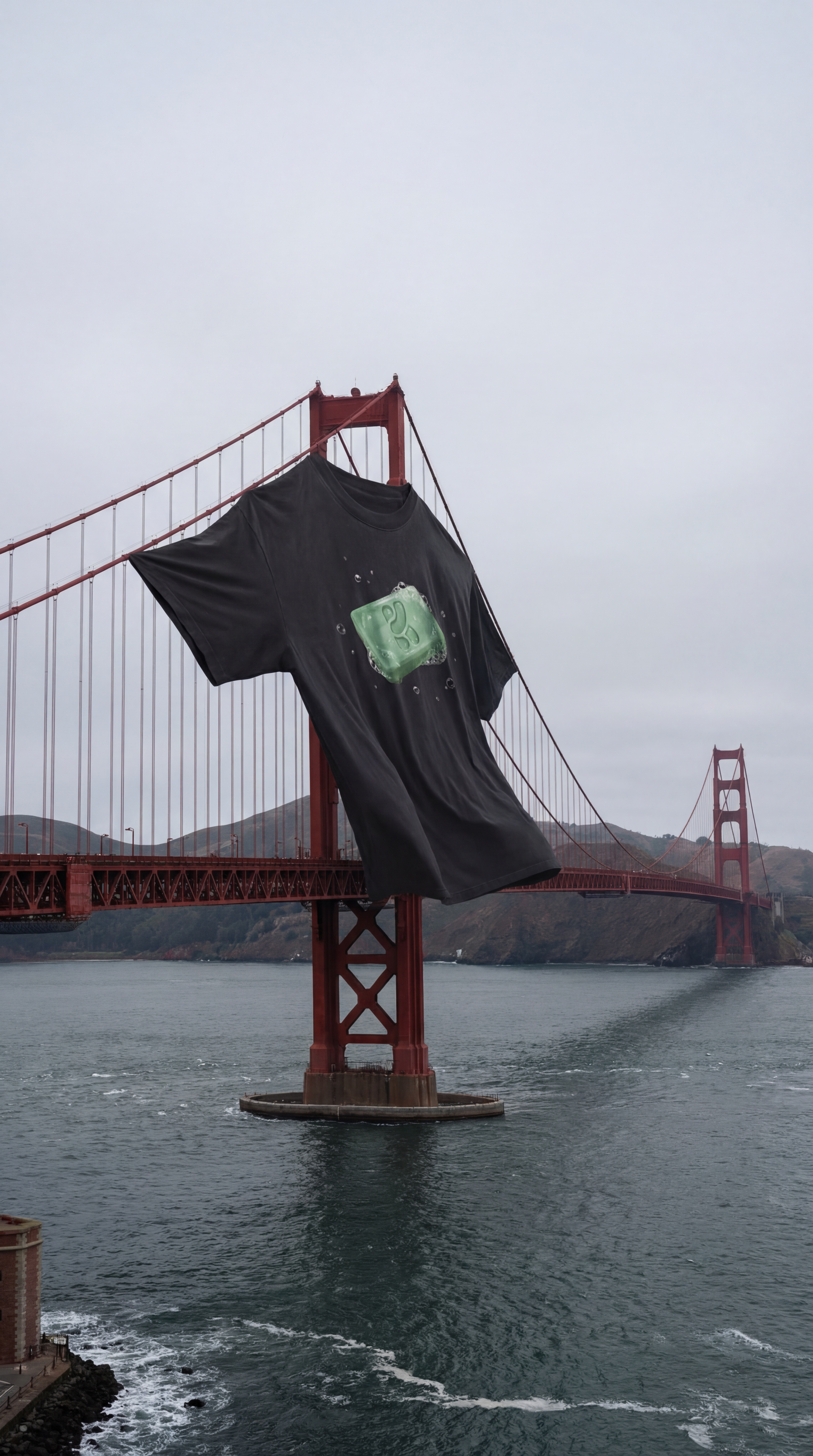
XXXL T Shirt
Upload a photo of your t shirt and let Krea do the rest!
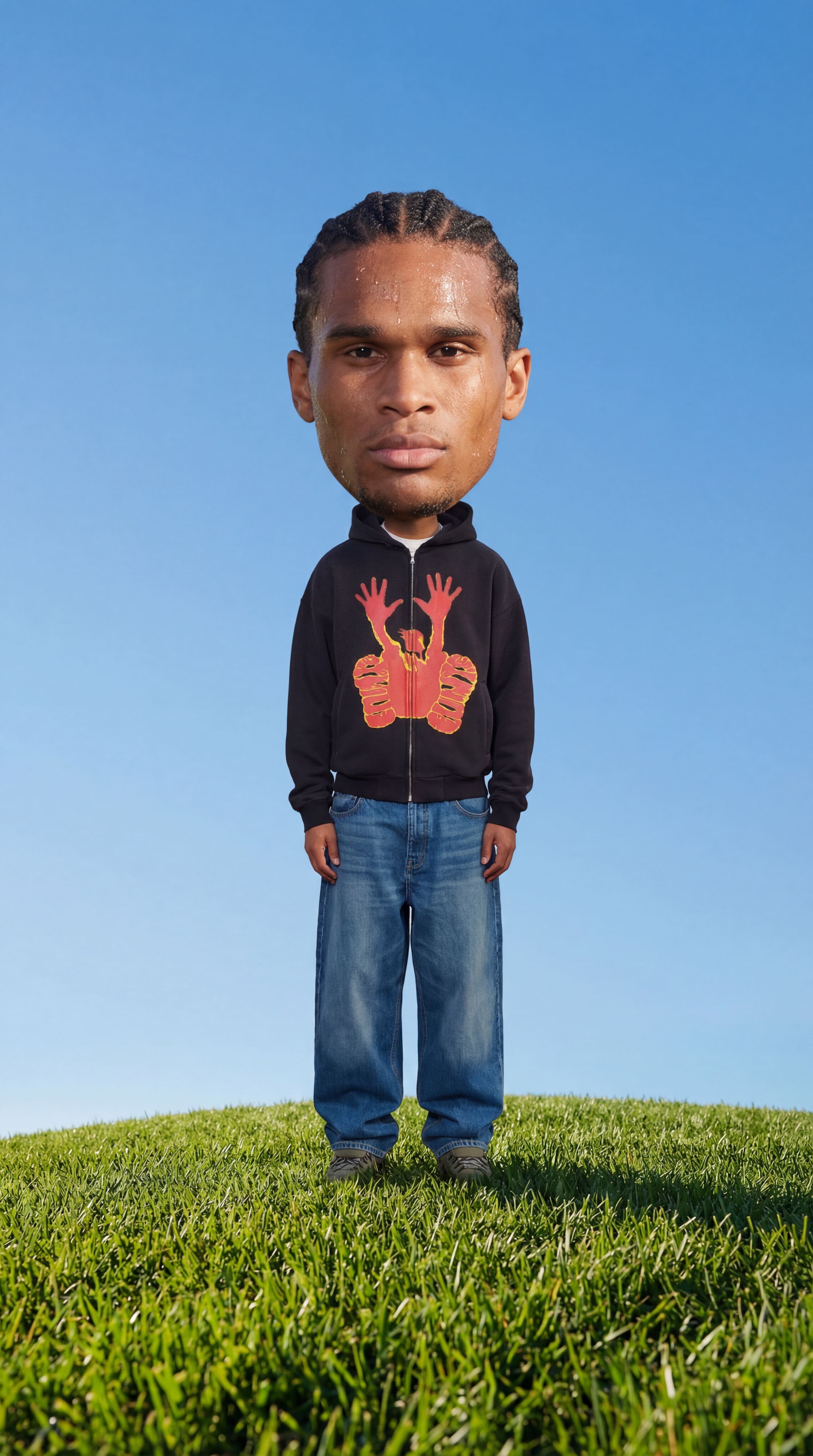
Big Head!
Insert a full length photo for best results
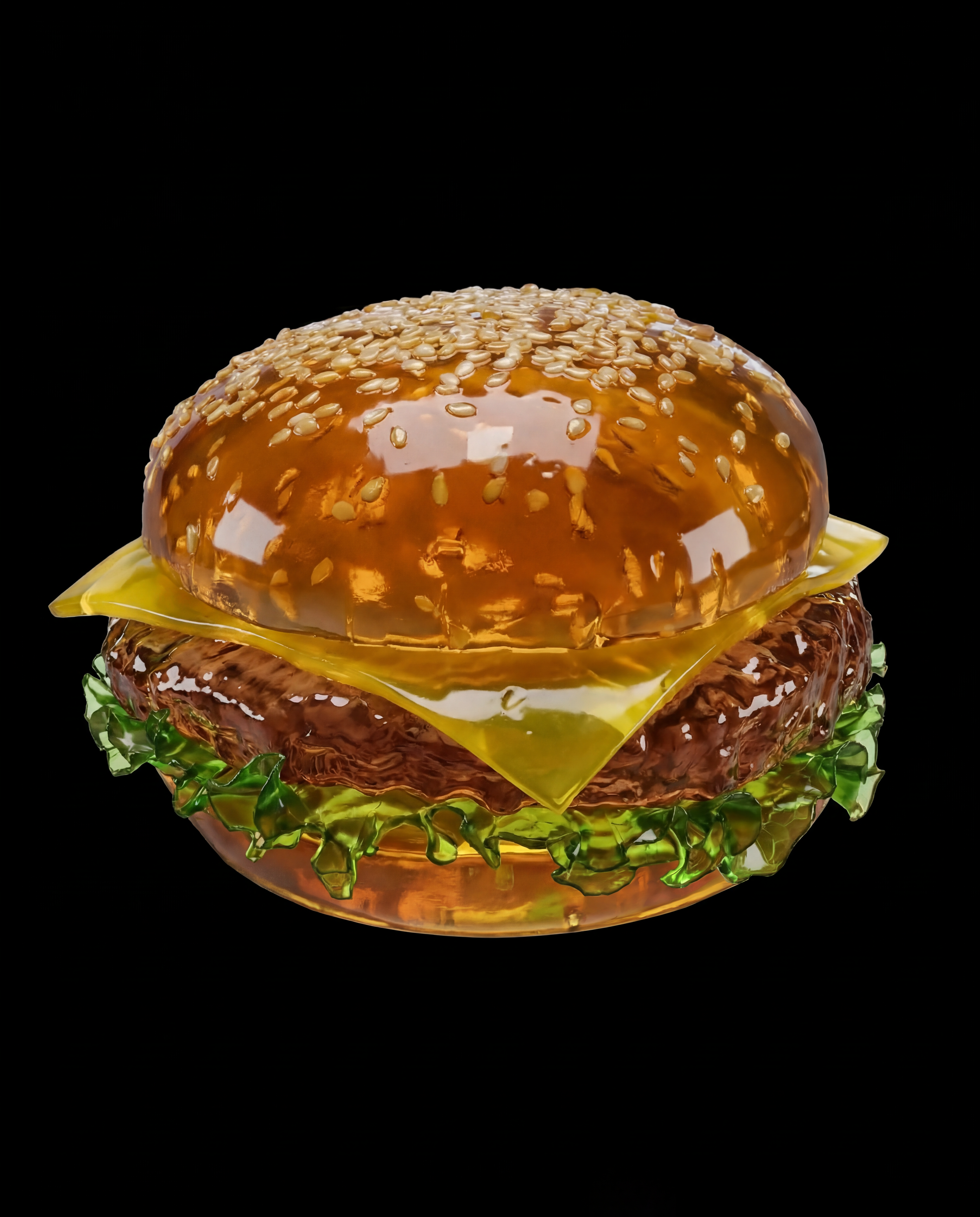
Jell-O This
Turn any object into soft Jell-O!
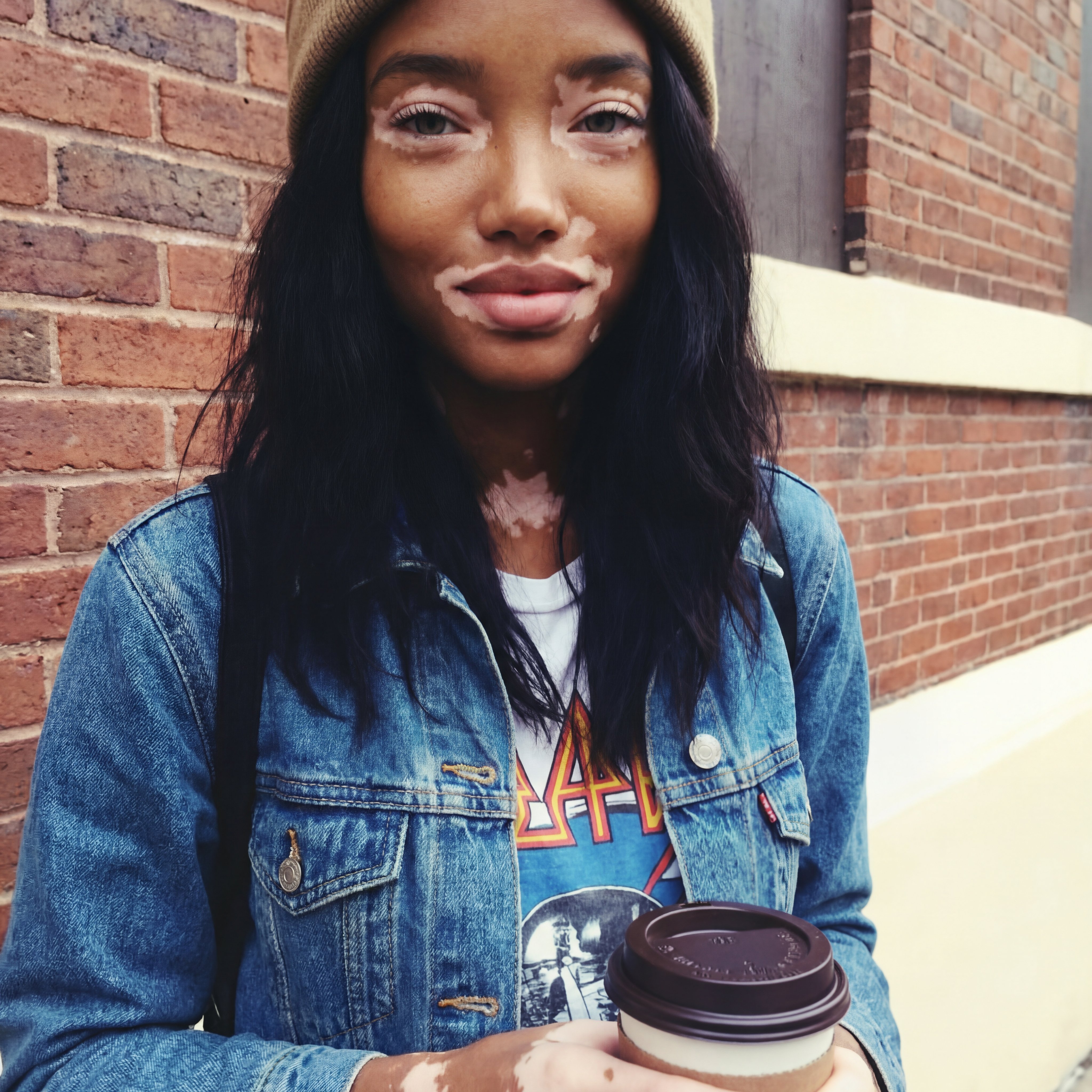
2016
Not got any throwbacks from 2016? No problem!
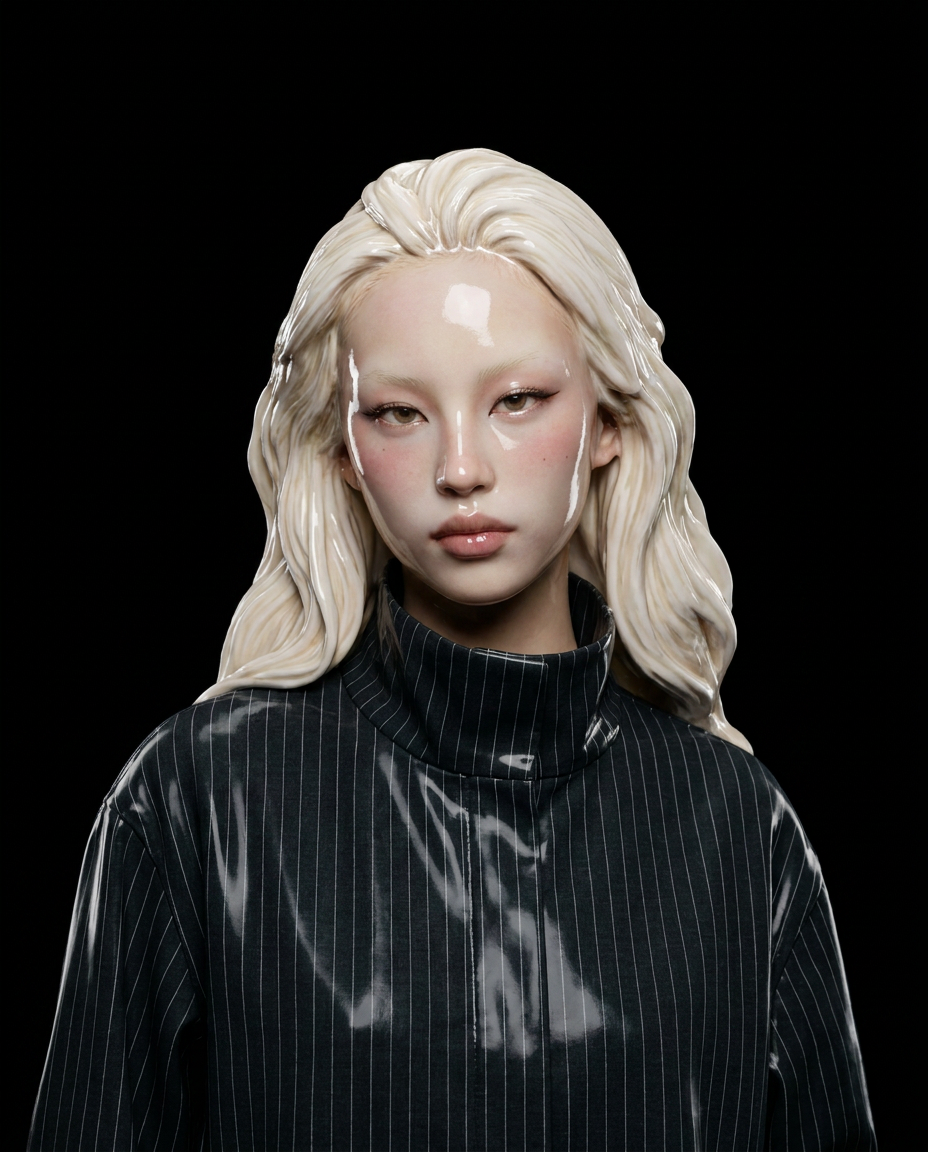
Ceramic Me
Upload a portrait and transform it into a realistic ceramic sculpture. Create beautiful ceramic versions of your photos in seconds. The app preserves facial features while reimagining the subject as ceramic artwork with glossy finishes.
Jungle Run
Jungle Run
Monday Blues
Monday Blues
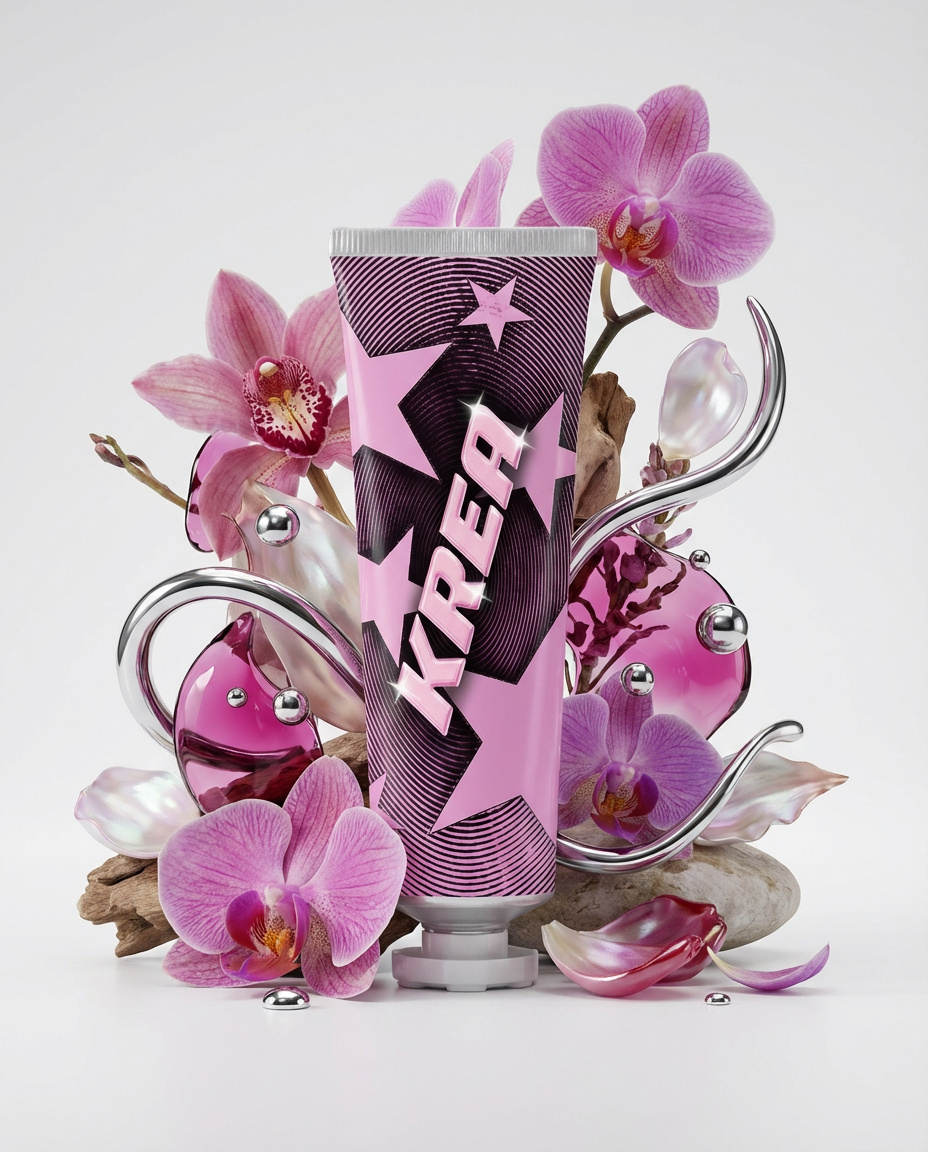
Floral Product Editorial
Create a floral product editorial in one click. Upload an image of your product and the template will generate a styled scene using florals, liquid splashes, and chrome elements inspired by the product’s colors.
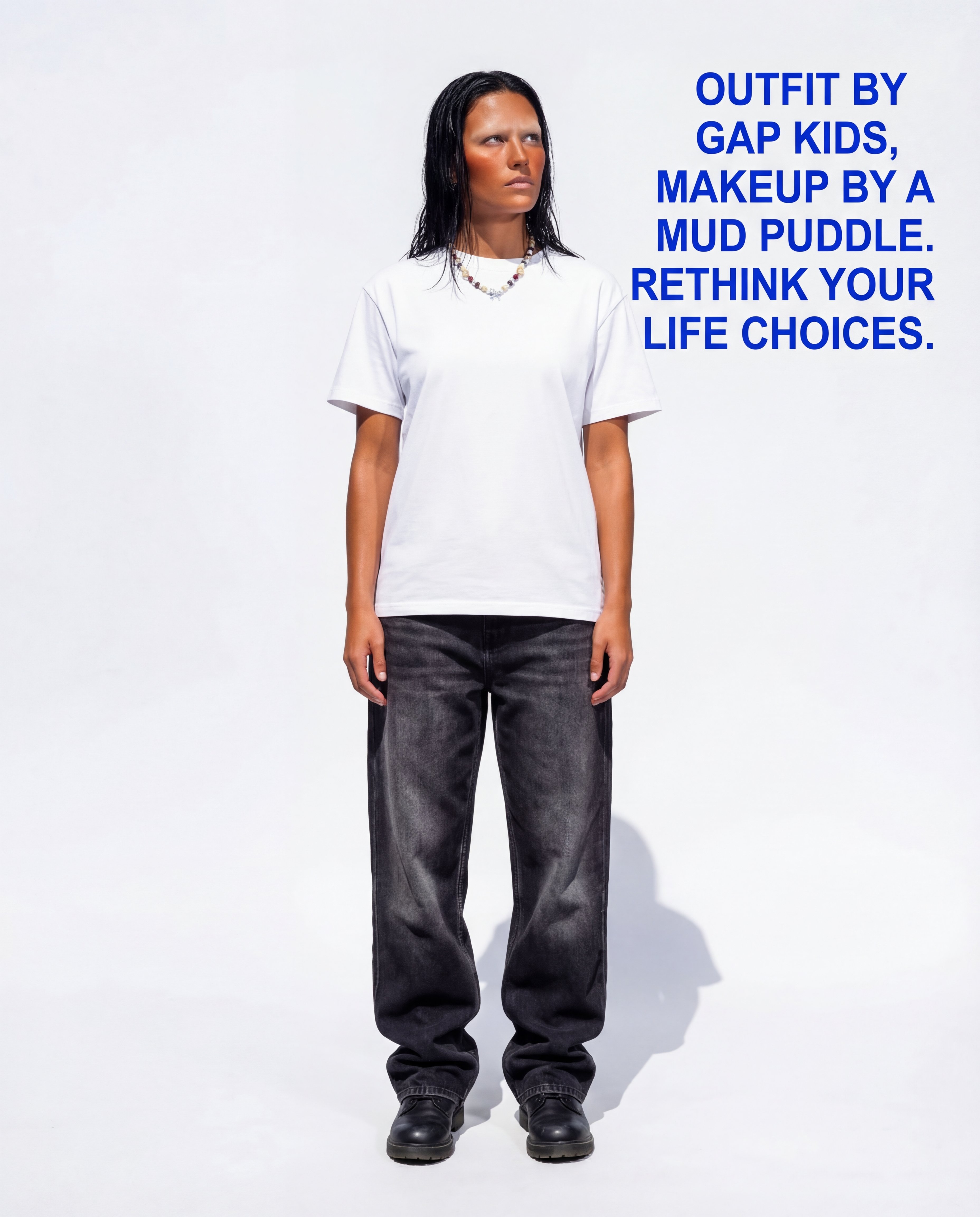
Roast Me
Upload a full outfit pic and let the Node roast you!