














Step 1
Upload
Add a selfie or portrait photo with good lighting and a visible face. The AI uses your features to build a GTA-style character look.
Upload your photo and generate GTA-style mission portraits in seconds. Customize the look, save high-res images, and share instantly. Try GTA Me! now.
How to use GTA Me!
Make a GTA-inspired portrait in minutes. Upload a clear photo, pick a mission vibe, and generate multiple AI options. Fine-tune the best result and download it in high quality.
Step 1
Add a selfie or portrait photo with good lighting and a visible face. The AI uses your features to build a GTA-style character look.

Step 2
Choose a mission theme, color mood, and background. Adjust intensity for a cleaner or grittier GTA aesthetic while keeping your likeness consistent.

Step 3
Generate several variations, pick your favorite, and export in high resolution. Save for avatars, posters, thumbnails, or social sharing instantly.
Features
Create GTA-inspired portraits from a single photo with fast, consistent results. GTA Me! generates mission-ready looks with dramatic lighting, urban backgrounds, and stylized detail. Customize mood and intensity, iterate quickly, and export high-quality images for profile pictures, posters, and gaming content without complex editing.
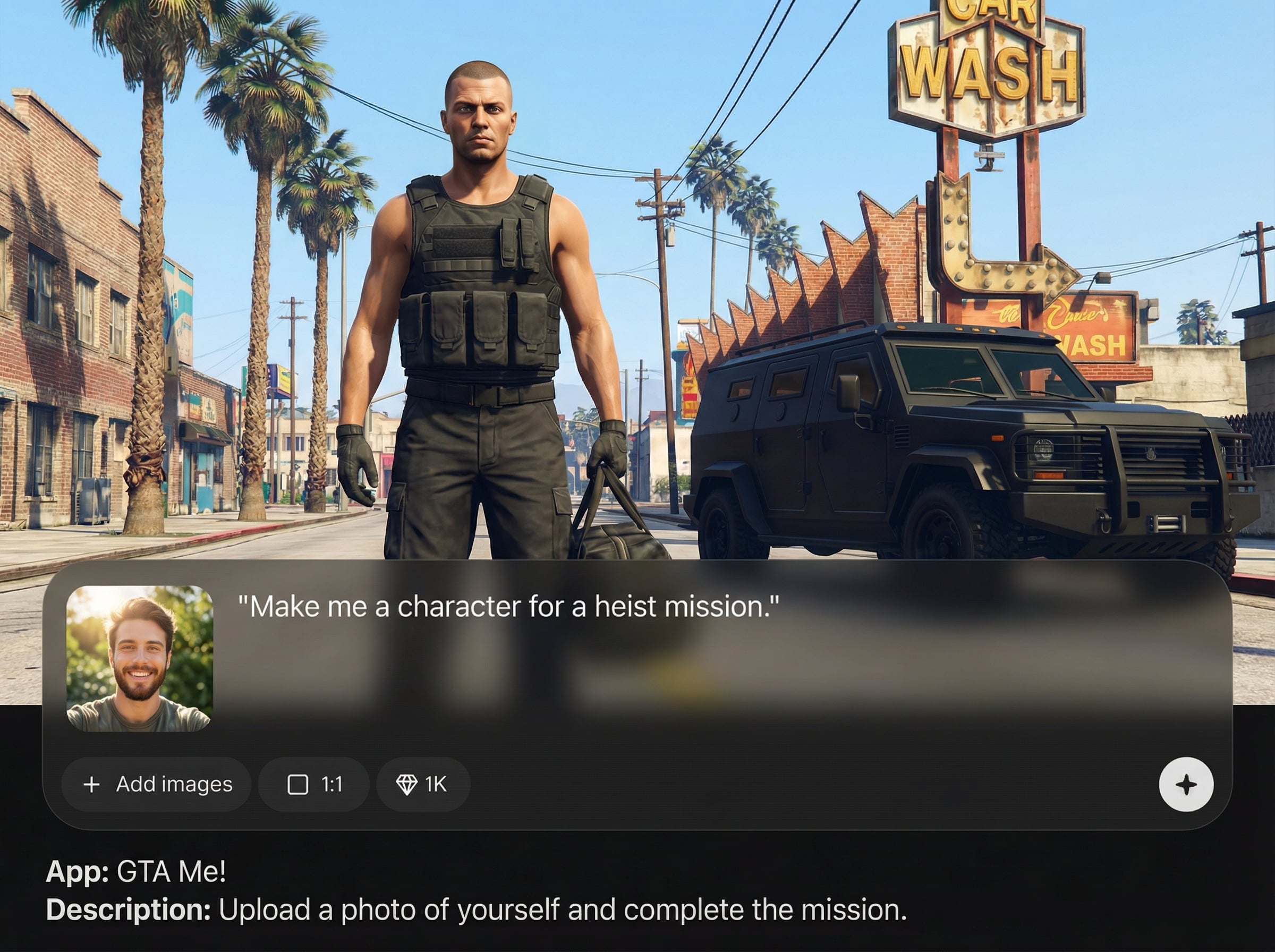
Upload a portrait and generate a GTA-style character image that keeps key facial features recognizable. Get multiple variations quickly to find the best mission-ready look.
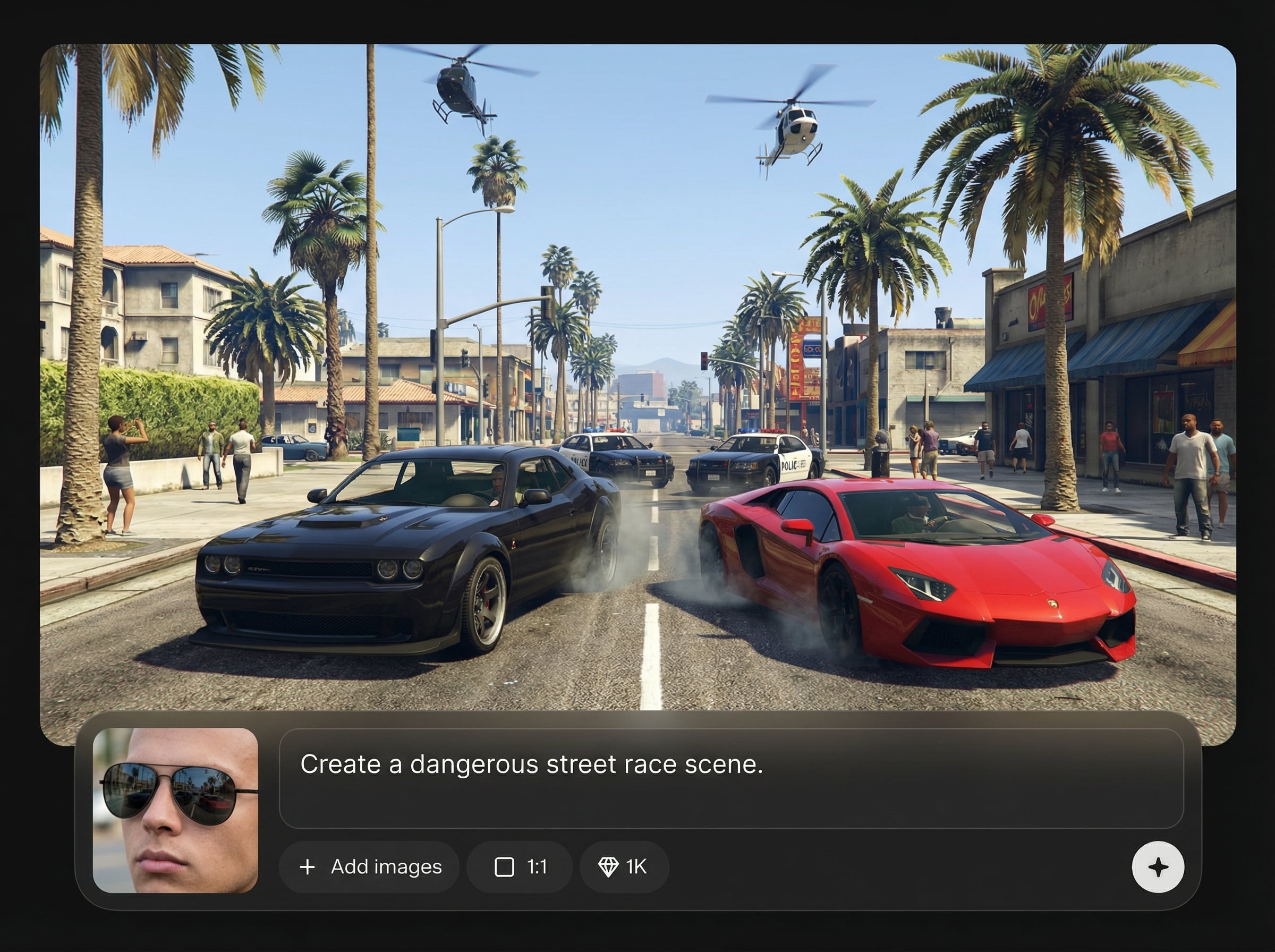
Tune mood, color, and grit level to match a wanted-poster feel or a polished cinematic shot. Create consistent styles for sets, series, or team profiles.
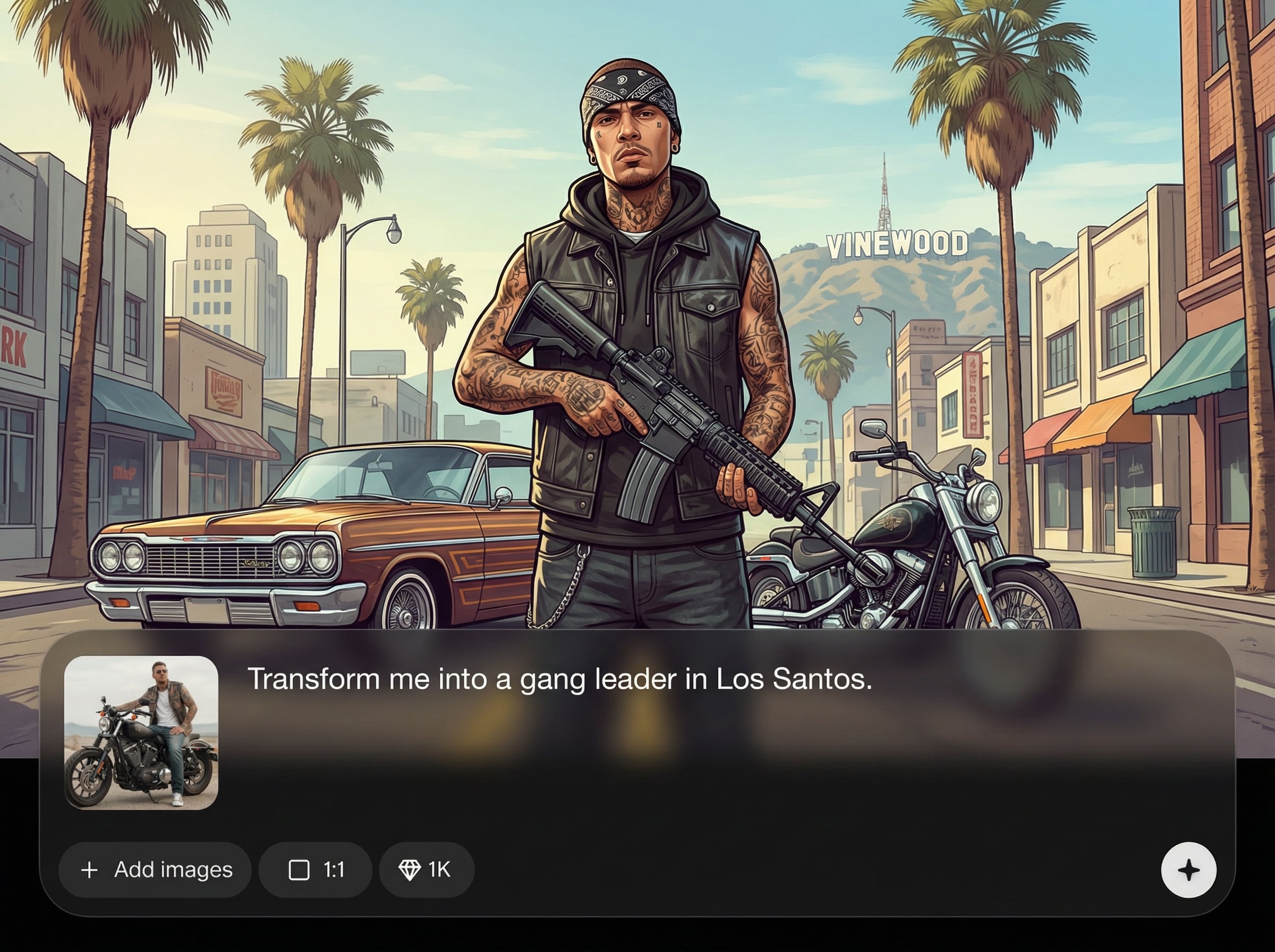
Download sharp, shareable images optimized for avatars, thumbnails, and posters. Generate quickly, compare options, and save the final result without extra software.
About
GTA Me! turns your photo into a GTA-style mission-ready portrait with cinematic lighting and gritty detail. Upload a selfie, choose a vibe, and generate multiple AI variations fast. Perfect for profile pics, posters, and gaming-themed visuals—download high-resolution results and complete the mission in minutes.
GTA Me! delivers fast, consistent photo-to-portrait results with simple controls for mood, grit, and background. Generate multiple variations quickly, choose the best, and export high-resolution images ready for avatars, posters, and gaming visuals—no editing skills required.
Upload a clear portrait, pick a mission vibe, and generate. Review variations, fine-tune the style, then download your favorite high-res GTA-inspired image in minutes.
Use cases
Discover how different creators use this app in their workflow.
Turn a selfie into a GTA-style avatar for Discord, Steam, or social profiles. Keep your likeness while upgrading to a bold, mission-ready look.
Generate GTA-inspired portrait art for posters, phone wallpapers, or prints. Create multiple versions with different moods and backgrounds for a cohesive set.
Make eye-catching GTA-style portraits for YouTube thumbnails, stream panels, and channel banners. Iterate fast to match each video’s theme and tone.
Krea is one of the world's leading generative AI platforms. See what others say.
Real reviews on TrustpilotSo many AI tools out there but I always come back to Krea. It's really the one AI platform that 'just works'.

FYN
Krea's interfaces are still the best in the industry. Everything looks and feels so clean and easy to use! Imo the easiest to use gen AI website.

Lynn
Ultra fast generations. Extremely simple to use. All the latest AI models.

Daniel
KREA is the only AI subscription I have right now besides ChatGPT.

Sophia M.
Answers to common questions about GTA Me!, photo uploads, and AI-generated GTA-style portraits.
It generates a GTA-style mission portrait based on your uploaded image. You’ll get multiple AI variations with cinematic lighting and urban styling, ready to download and share.
Use a clear, front-facing photo with good lighting and minimal blur. A visible face and simple background help the AI keep your likeness while applying the GTA-inspired style.
Yes. Adjust vibe, color mood, background feel, and grit intensity to create anything from clean cinematic portraits to rougher, high-contrast mission artwork in seconds.
Most results generate in seconds depending on demand and selected options. You can create several variations quickly, compare them side-by-side, and download the best one immediately.
Yes. Export high-quality images suitable for profile pictures, thumbnails, and posters. Downloads are optimized for sharp detail so your final portrait looks clean across platforms.

Generate a GTA-style mission portrait in seconds—customize the vibe and download high-res results instantly.

