










Step 1
Open Krea Video
Pick Kling 4.0 from the model selector in the Krea Video tool.
Create
Edit & enhance
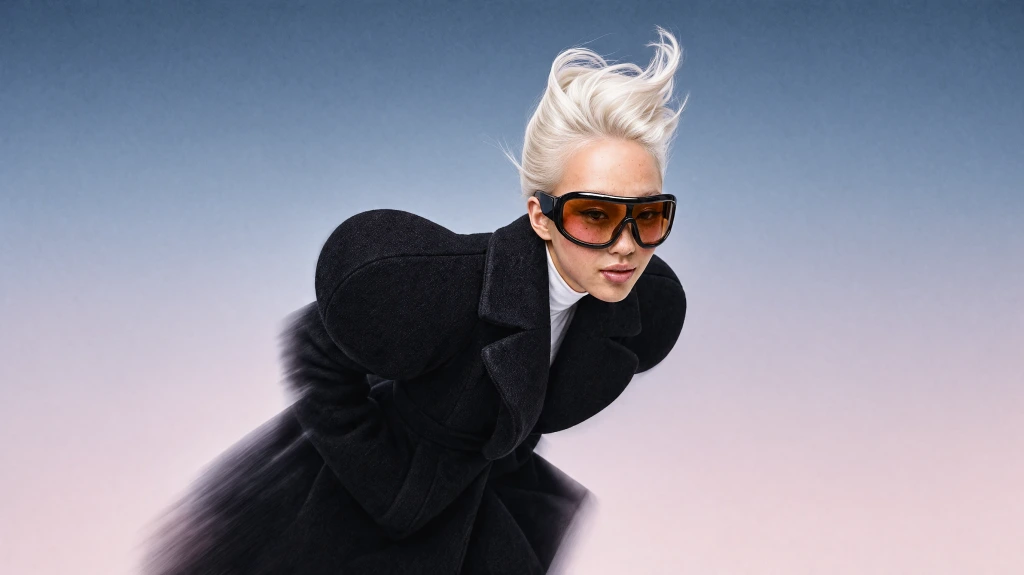
Krea 3
Our most advanced image model. Photoreal, editorial, on-brand.
Try Krea 320+ AI tools for images, video, 3D and audio in one app.
Open KreaCreate
Edit & enhance
Kling 4.0 (also written Kling 4) is the newest frontier video model from Kuaishou’s Kling team, and it is live on Krea. Generate 3 to 30 second clips at up to 1080p from text, a start frame, start and end frames, or tagged image and video references.
How It Works
From first prompt to production-ready video in four steps.
Step 1
Pick Kling 4.0 from the model selector in the Krea Video tool.
2Step 2
Optionally add a start frame, start and end frames, or tagged image and video references.
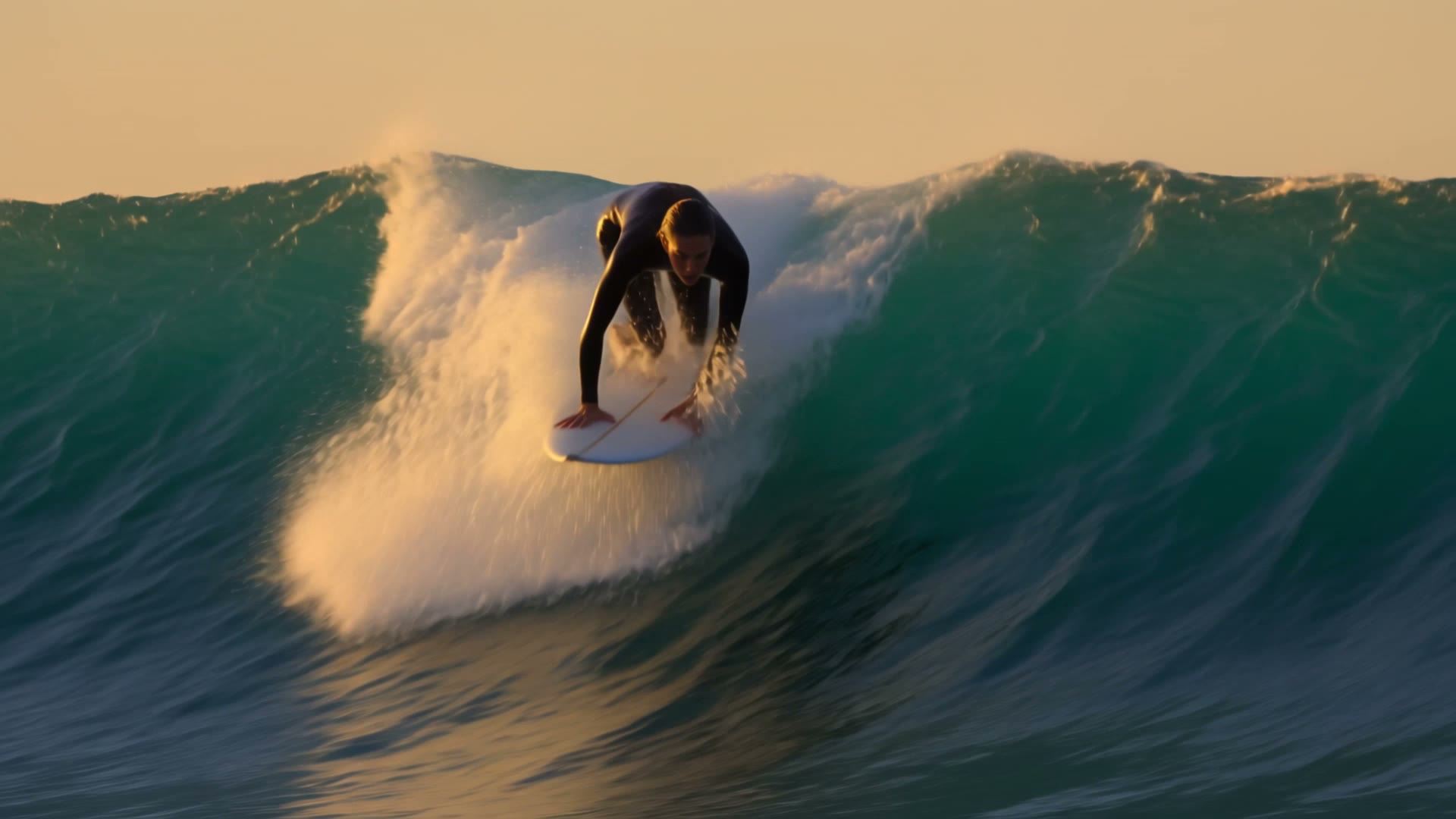
A lone surfer paddles into a towering turquoise wave at golden hour off a rocky coast. 0-3s: low tracking shot from the water as she paddles hard, spray catching the light. 3-6s: she pops up and drops down the face, camera swinging alongside on a jet ski. 6-8s: the lip curls over her into a glowing barrel. Cinematic 35mm, warm backlight, crisp water detail. Sound: roaring surf, wind, board slapping water. No subtitles, no background music.
Step 3
Describe the subject, camera, light, and sound, then write the action in timed beats.
Step 4
Choose 3 to 30 seconds and 720p or 1080p, then generate and compare takes.
Single clips from 3 to 30 seconds, chosen per second — double Kling 3.0
720p or 1080p output
16:9, 9:16, 1:1, and 21:9 widescreen
Animate a still, or lock how a shot begins and ends
Tag up to 10 images and 5 videos in the prompt as @Image1, @Video1
Dialogue, ambience, and sound effects generated with the picture
Kling 3.0 and 2.5 are still on Krea — switch models without changing your workflow
Write the action in timed beats and Kling 4.0 follows it across a single clip of up to 30 seconds, with camera moves and ambient sound described in the same prompt.
Generate Video from TextTag your product shots as @Image1, @Image2 and tell Kling 4.0 what to preserve. Useful for commercials, unboxings, and e-commerce loops that need the product to stay on model.
Make a Product VideoStart from a still and let Kling 4.0 animate it, or set an end frame too and lock how the shot begins and ends — handy for storyboards and transitions.
Animate a Start FramePrompt Examples
Real prompts behind the Kling 4.0 example videos on this page — each clip is paired with the exact prompt that generated it.
Prompt
A lone surfer paddles into a towering turquoise wave at golden hour off a rocky coast. 0-3s: low tracking shot from the water as she paddles hard, spray catching the light. 3-6s: she pops up and drops down the face, camera swinging alongside on a jet ski. 6-8s: the lip curls over her into a glowing barrel. Cinematic 35mm, warm backlight, crisp water detail. Sound: roaring surf, wind, board slapping water. No subtitles, no background music.
Try this promptA lone surfer paddles into a towering turquoise wave at golden hour off a rocky coast. 0-3s: low tracking shot from the water as she paddles hard, spray catching the light. 3-6s: she pops up and drops down the face, camera swinging alongside on a jet ski. 6-8s: the lip curls over her into a glowing barrel. Cinematic 35mm, warm backlight, crisp water detail. Sound: roaring surf, wind, board slapping water. No subtitles, no background music.
Try this promptPrompt
A neon-lit night market in a rainy Tokyo alley. 0-3s: slow dolly forward past steaming ramen stalls, paper lanterns swaying, reflections rippling in puddles. 3-6s: an elderly cook flips noodles in a wok, flames leaping up and lighting his face. 6-8s: camera rises above the umbrellas to reveal the crowded alley stretching into the haze. Moody cinematic grade, shallow depth of field. Sound: rain on canvas, sizzling wok, distant chatter. No subtitles, no background music.
Try this promptA neon-lit night market in a rainy Tokyo alley. 0-3s: slow dolly forward past steaming ramen stalls, paper lanterns swaying, reflections rippling in puddles. 3-6s: an elderly cook flips noodles in a wok, flames leaping up and lighting his face. 6-8s: camera rises above the umbrellas to reveal the crowded alley stretching into the haze. Moody cinematic grade, shallow depth of field. Sound: rain on canvas, sizzling wok, distant chatter. No subtitles, no background music.
Try this promptPrompt
A woman in a red wool coat stands on a windswept Icelandic black-sand beach at dawn. 0-3s: close-up, her hair whipping in the wind as she looks out to sea. 3-6s: she turns to camera and says softly, "I always come back here." 6-8s: slow pull back to a wide shot, waves rushing around ice chunks glittering on the sand. Natural soft light, filmic grain. Sound: wind, waves, her quiet voice. No subtitles, no background music.
Try this promptA woman in a red wool coat stands on a windswept Icelandic black-sand beach at dawn. 0-3s: close-up, her hair whipping in the wind as she looks out to sea. 3-6s: she turns to camera and says softly, "I always come back here." 6-8s: slow pull back to a wide shot, waves rushing around ice chunks glittering on the sand. Natural soft light, filmic grain. Sound: wind, waves, her quiet voice. No subtitles, no background music.
Try this promptPrompt
Product commercial: a matte black wireless headphone floats in a dark studio. 0-3s: macro shot gliding across the brushed-metal hinge, a thin rim light sweeping along the edge. 3-6s: the headphone slowly rotates as droplets of water suspend in the air around it. 6-8s: the droplets burst outward in slow motion and the headphone settles into a hero three-quarter view. Premium ad lighting, glossy reflections, high contrast. Sound: deep bass hit, soft whoosh, shimmering droplets. No subtitles, no background music.
Try this promptProduct commercial: a matte black wireless headphone floats in a dark studio. 0-3s: macro shot gliding across the brushed-metal hinge, a thin rim light sweeping along the edge. 3-6s: the headphone slowly rotates as droplets of water suspend in the air around it. 6-8s: the droplets burst outward in slow motion and the headphone settles into a hero three-quarter view. Premium ad lighting, glossy reflections, high contrast. Sound: deep bass hit, soft whoosh, shimmering droplets. No subtitles, no background music.
Try this promptPrompt
A red fox trots through a snowy birch forest as heavy snow falls. 0-3s: low ground-level shot, the fox's paws pressing into fresh powder. 3-6s: it pauses, ears twitching, and pounces headfirst into the snow. 6-8s: it pops back up with snow on its muzzle and looks into the lens. Nature documentary style, soft overcast light, telephoto compression. Sound: muffled crunch of snow, gentle wind through branches. No subtitles, no background music.
Try this promptA red fox trots through a snowy birch forest as heavy snow falls. 0-3s: low ground-level shot, the fox's paws pressing into fresh powder. 3-6s: it pauses, ears twitching, and pounces headfirst into the snow. 6-8s: it pops back up with snow on its muzzle and looks into the lens. Nature documentary style, soft overcast light, telephoto compression. Sound: muffled crunch of snow, gentle wind through branches. No subtitles, no background music.
Try this promptTrusted by over 30 million creators worldwide.
Real reviews on TrustpilotSo many AI tools out there but I always come back to Krea. It's really the one AI platform that 'just works'.

FYN
Verified review
Krea's interfaces are still the best in the industry. Everything looks and feels so clean and easy to use! Imo the easiest to use gen AI website.

Lynn
Verified review
Ultra fast generations. Extremely simple to use. All the latest AI models.

Daniel
Verified review
KREA is the only AI subscription I have right now besides ChatGPT.

Sophia M.
Verified review
I'm a Krea Max user. It's crazy how fast they add models. I see a new AI model on twitter and the same day krea already offers it.

Wirot Ch.
Verified review
Still the most powerful AI creative suite out there.

Gravion
Verified review
Free
Get free daily credits to try basic features.
100 units / day
Basic
Access our most popular features
5,000 units / month
Pro
Advanced features and discounts on compute units
20,000 units / month
Max
Full access with higher discounts on compute units
60,000 units / month
For Teams and Enterprises
Workplace management, collaboration, and enterprise customizations
Business
Secure and collaborative workspace for growing teams
80,000 units / month

Enterprise
Enterprise-grade security with dedicated support and admin features
Kling 4.0 is the newest frontier video model from Kuaishou’s Kling team, released on 14 October 2026. It generates single clips of 3 to 30 seconds from a text prompt, a start frame, start and end frames, or tagged image and video references.
Yes. Kling 4.0 is live in Krea Video. Pick Kling 4.0 from the model selector, write a prompt or add frames and references, and generate. Kling 3.0 and Kling 2.5 stay available alongside it.
Compared with Kling 3.0, Kling 4.0 doubles the single-clip length to 30 seconds, adds tagged image and video references in the prompt, and keeps start and end frame animation. Kling’s guide also describes longer prompts of up to 8,000 tokens and two-channel stereo audio.
Between 3 and 30 seconds, chosen per second. The default is 5 seconds. Longer clips cost more compute, so start short while you dial in the prompt.
Krea renders Kling 4.0 at 720p or 1080p, in 16:9, 9:16, 1:1, and 21:9. Image-to-video follows the shape of your start frame.
Yes. Kling 4.0 generates sound with the picture, including dialogue, ambience, and effects. Describe the sound in the prompt, put spoken lines in quotes, and add “no subtitles” or “no background music” to keep those out.
Add up to 10 reference images and up to 5 reference videos (30 seconds combined), then address them in the prompt as @Image1, @Image2, @Video1 and so on. Say what each one controls, for example “@Image1 is the product, keep the label unchanged.”
Yes. Add a start frame to animate a still, or a start and an end frame to lock how the shot begins and ends. An end frame needs a start frame and cannot be combined with references in the same generation.
Describe what the viewer should see, label what each reference controls, and write the action in timed beats such as “0–3s … 3–6s …”. Add “no subtitles” and “no background music” if you don’t want them. The Kling 4 prompt guide has the full formula and copy-ready examples.
Kling 3.0 generates up to 15 seconds. Kling 4.0 goes to 30 seconds and adds tagged image and video references and 21:9 output. Both are on Krea, so you can run the same prompt through each and compare. See Kling on Krea for the whole family.
Both generate up to 30 seconds at up to 1080p. Seedance 2.5 accepts up to 50 references, including audio. Kling 4.0 takes up to 10 images and 5 videos. Try the same prompt on both in Krea Video, or read the Seedance 2.5 page.
Yes. On Krea paid plans, generated videos include commercial licensing for campaigns, products, client work, and other production projects.
Latest news, tutorials, and updates from the Krea team
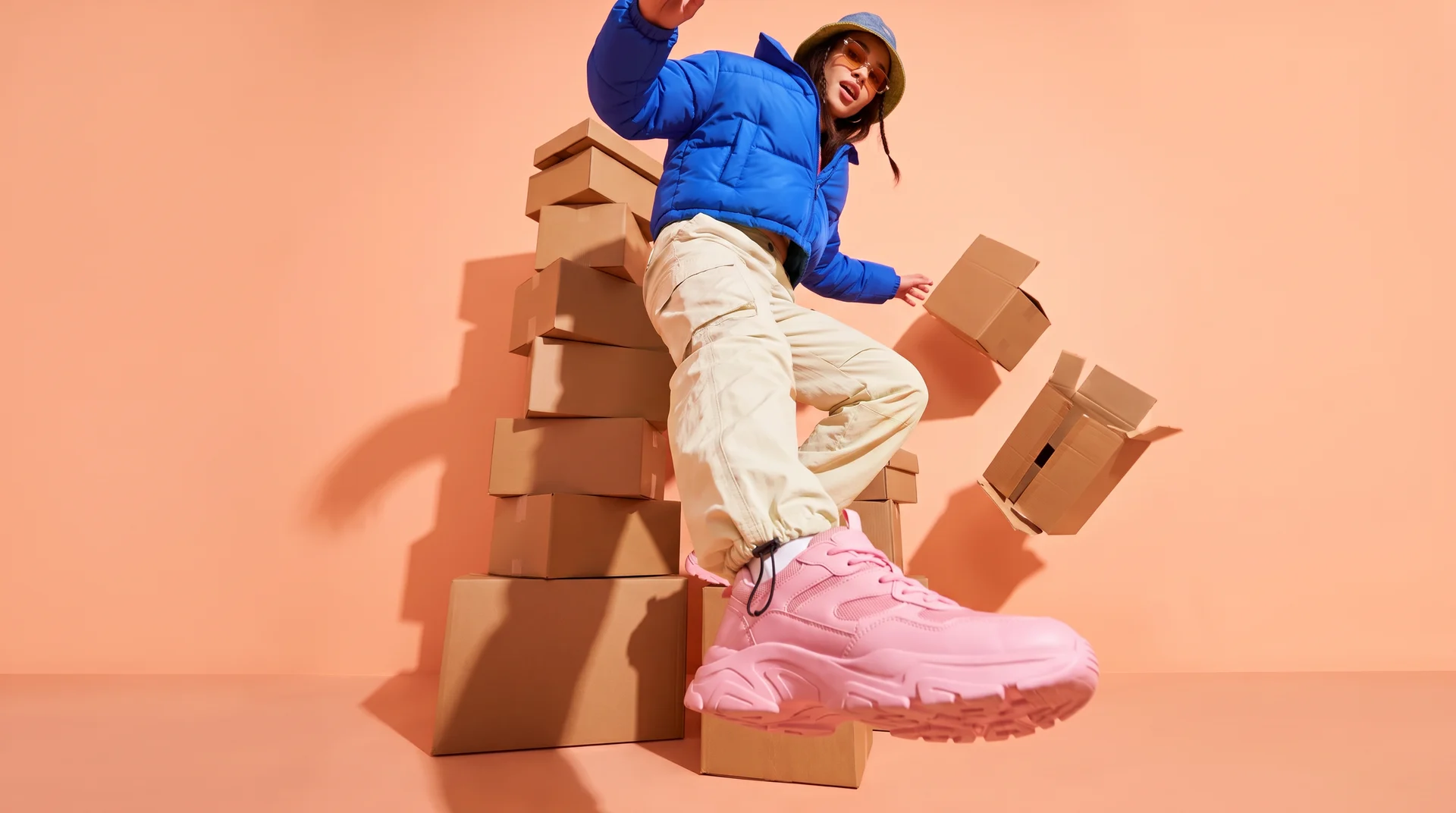
Compare the top 6 AI video models for ecommerce ads in 2026 — Kling, Seedance, Creatify, Runway, Veo, and PixVerse — and which ad job each one fits.
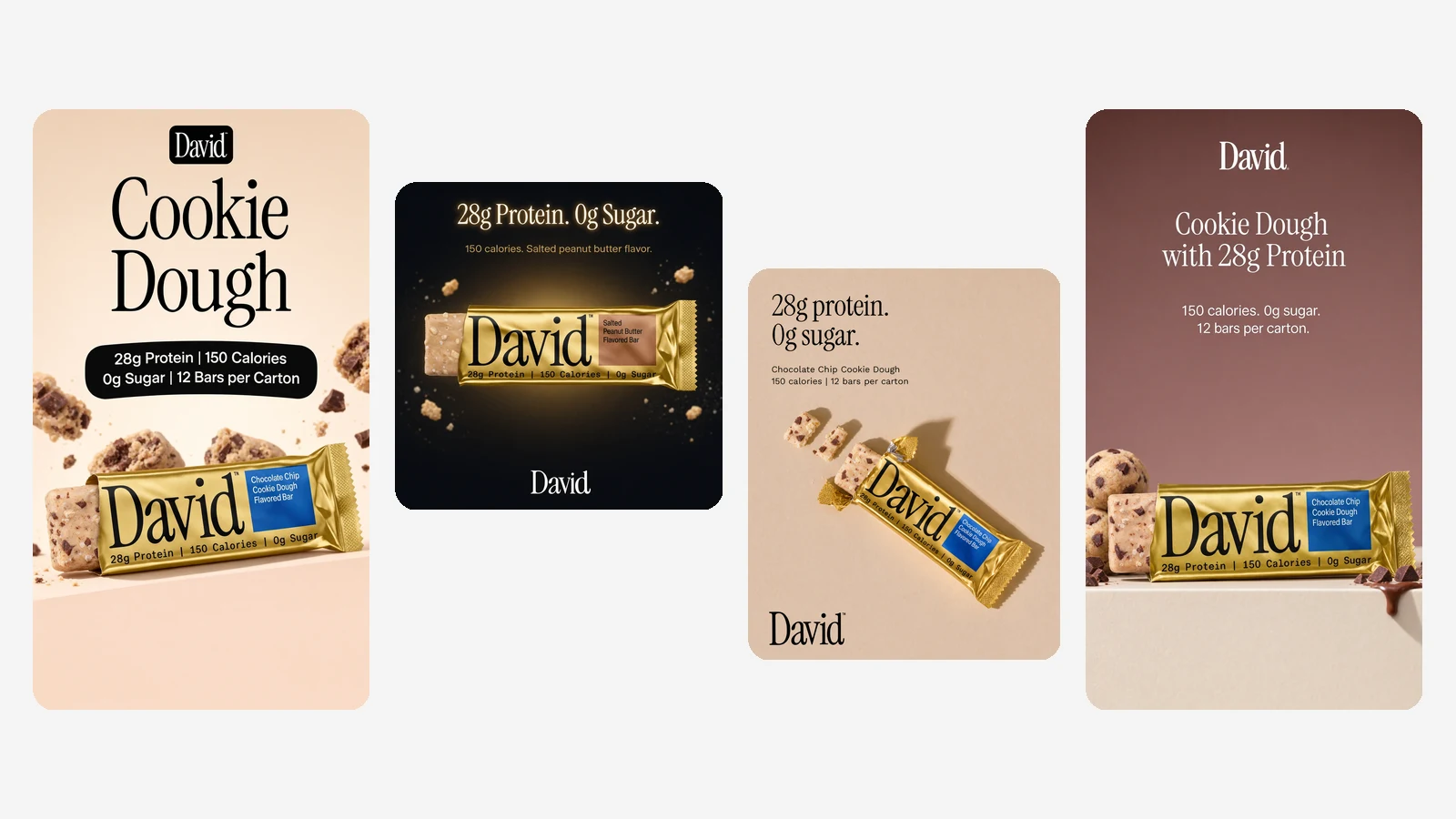
Ad Studio turns your website into a brand kit and on-brand ads made with Krea 3. Paste a URL, pick your products and placements, and get a batch of ads in minutes.
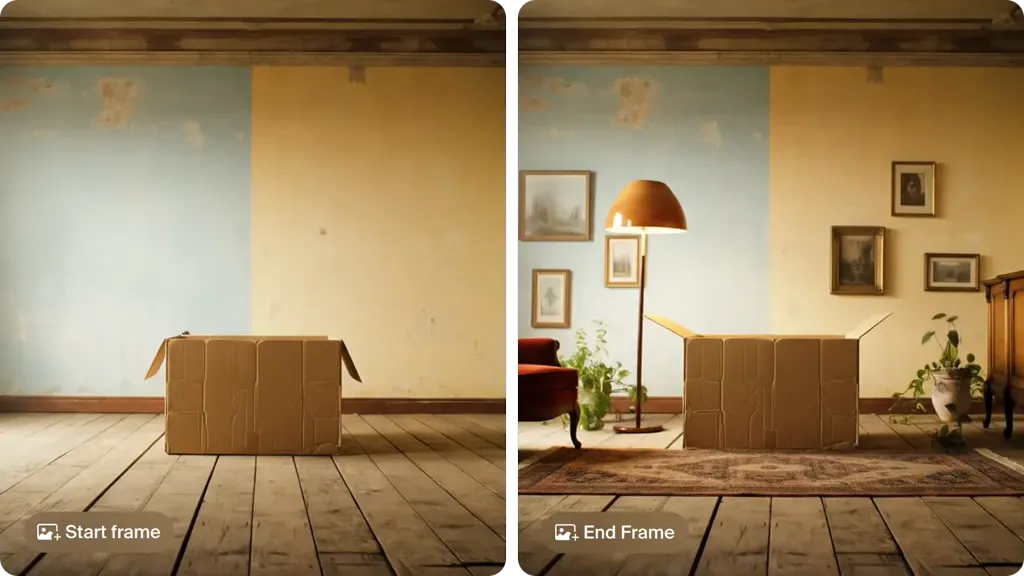
The best image to video AI tools in 2026: Krea, Kling 4.0, Veo 3.1 in Google Flow, Runway, Firefly, Luma, Pika, HeyGen, Hailuo and Vidu, with free tiers, prices and clip lengths.
Kling 4.0 (also written Kling 4) is the newest frontier video model from Kuaishou’s Kling team, and it is live on Krea. Generate 3 to 30 second clips at up to 1080p from text, a start frame, start and end frames, or tagged image and video references.
Try Kling 4 on KreaExplore other Kling models available on Krea
Kling o1 Image
ImageFrontier model for complex image references.
Kling 3.0
VideoFrontier model with audio and up to 15s.
Kling 3.0 Turbo
VideoFast text and image-to-video model with up to 15s outputs.
Kling o1
VideoIntelligent model that thinks before generating.
Kling o3
VideoAdvanced reasoning model with references.
Kling o3 Pro
VideoAdvanced reasoning model, high-quality 1080p.
Kling Motion Control v3
Motion TransferTransfer motion from one video to another character
Kling Motion Control v2.6
Motion TransferTransfer motion from one video to another character
Kling 1.0 Pro
VideoHigh control with 10s duration.
Kling 2.6
VideoFrontier model with native audio.
Kling o3 Edit
VideoEdit video content directly with text, image, and element references.
Kling o3 Reference
VideoGenerate new shots preserving the cinematic style of a reference video.
Discover more AI models for images and videos on Krea
Or try every model side by side in Krea's free AI video generator and AI image generator.
Kling 4.0 is developed by Kuaishou’s Kling team. For the full feature list and prompting advice, read Kling’s official user guide.
Read the Kling 4.0 user guidePage last updated