















Step 1
Choose an item
Enter a text prompt or upload an image of what you want crushed. Select a style such as realistic, cinematic, or satisfying loop for the best match.
Generate realistic AI hydraulic press crush videos from text or images. Pick materials, pressure, and speed, then export and share in seconds—try it now.
How to use Hydraulic Press
Create a crush clip in minutes with a simple workflow. Upload an image or describe an item, tune press settings, and generate a realistic hydraulic press animation you can download and share.
Step 1
Enter a text prompt or upload an image of what you want crushed. Select a style such as realistic, cinematic, or satisfying loop for the best match.

Step 2
Set pressure, speed, and compression depth. Pick material behavior like brittle, rubbery, or metallic to control cracking, deformation, and debris for believable results.

Step 3
Click generate to render your AI crush video. Preview, refine settings if needed, then export as MP4 or loop format optimized for social sharing.
Features
Generate AI hydraulic press crush animations with realistic motion, materials, and sound-ready timing. Control pressure, speed, and deformation to create clean loops or dramatic slow crushes. Export in share-friendly formats, iterate quickly with presets, and keep results consistent across multiple items and scenes.
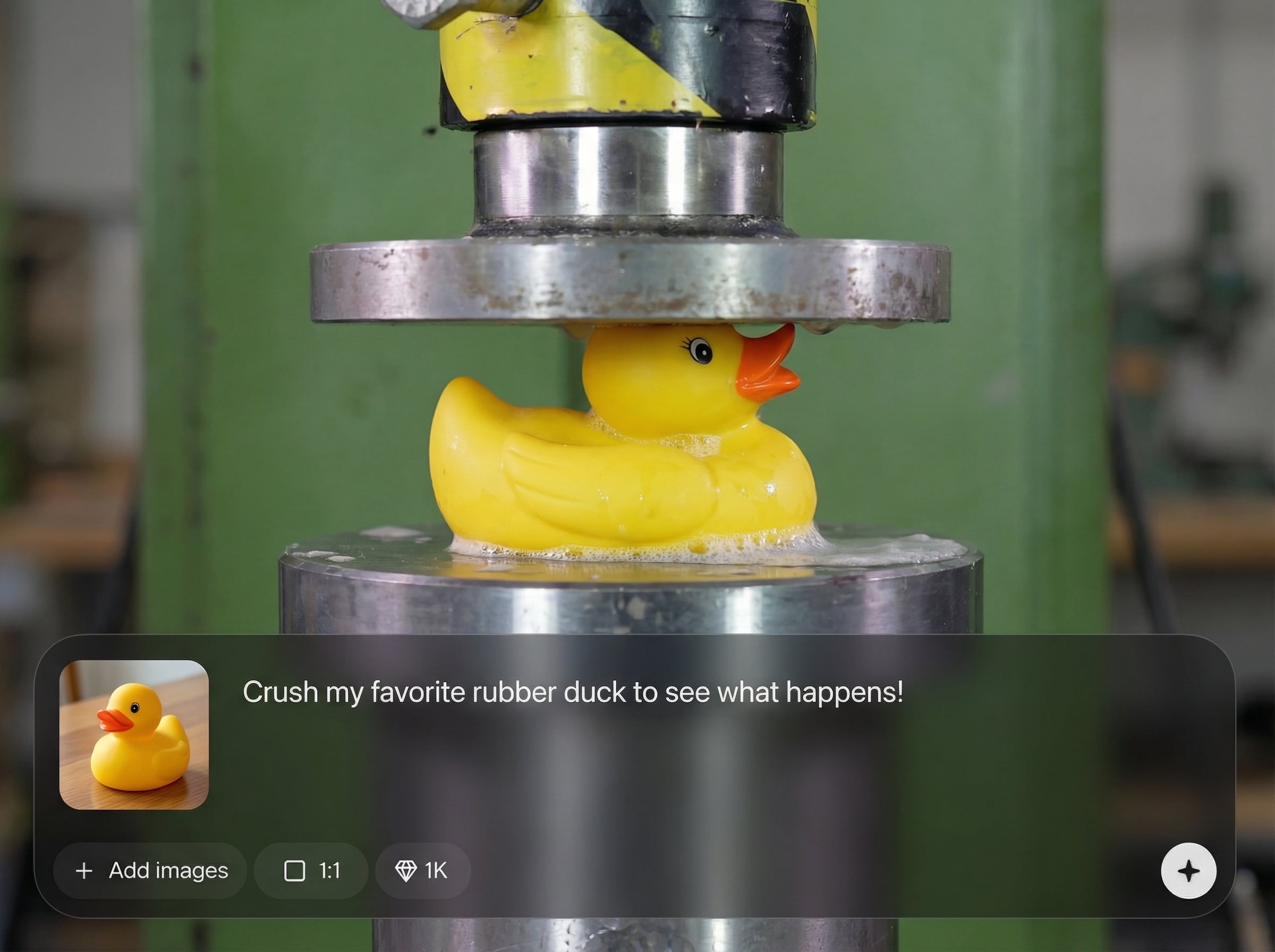
Start from a prompt or an uploaded item photo. The AI builds a crush-ready scene and preserves key shapes, colors, and details for recognizable, satisfying results.
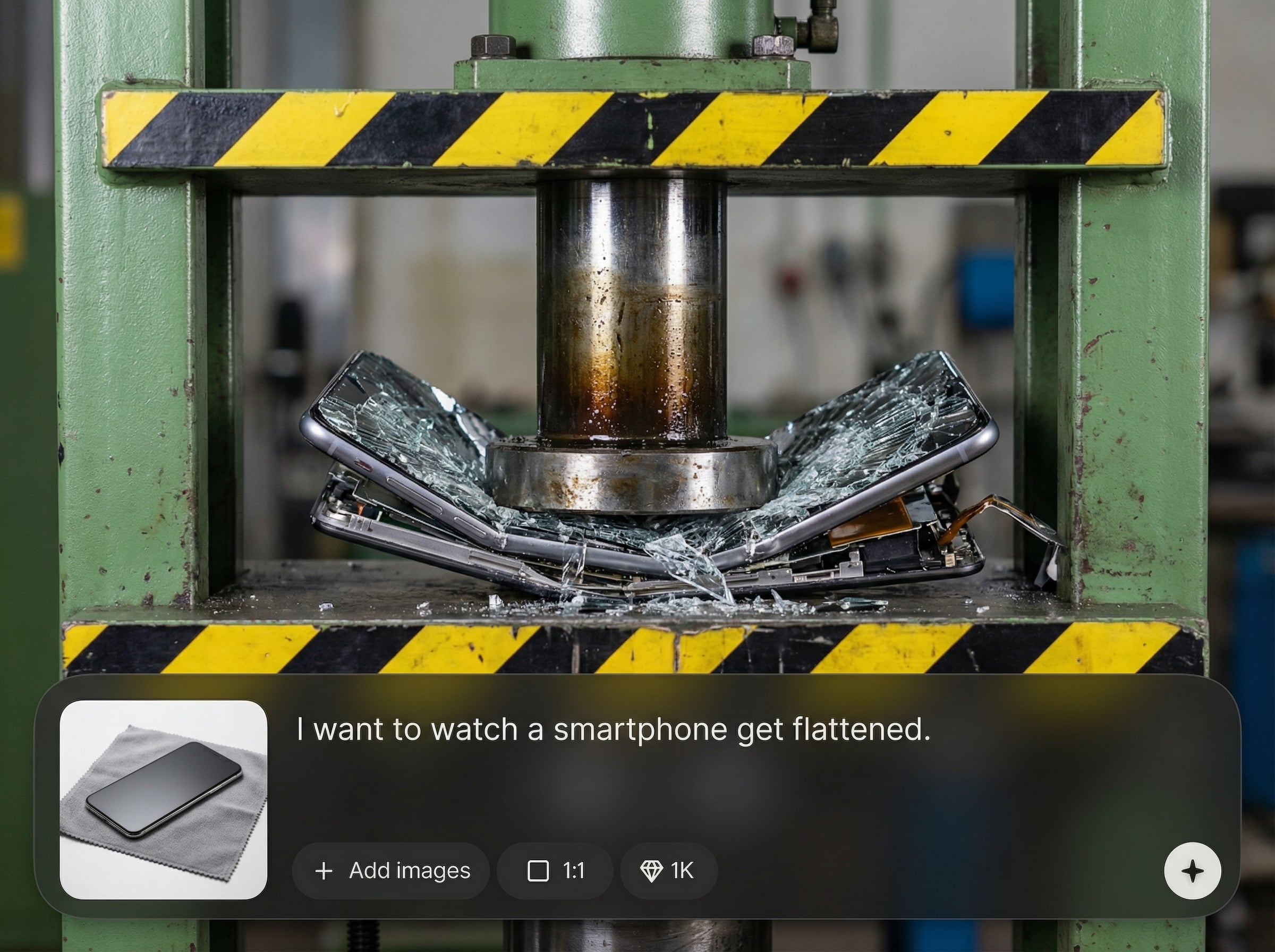
Tune pressure, speed, and compression depth to change the feel of every crush. Adjust material response for cracking, bending, shattering, or squishing with consistent physics-style motion.
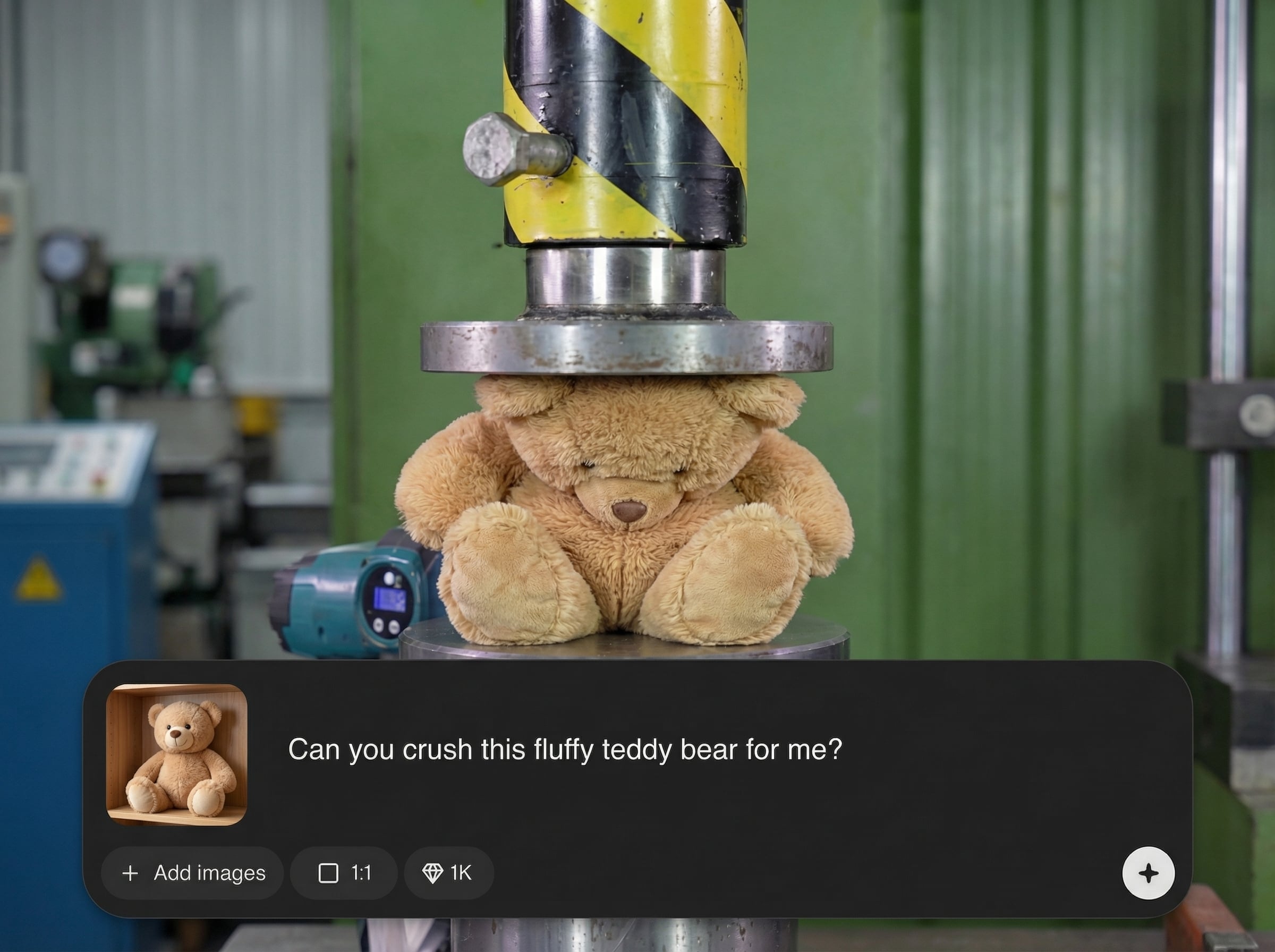
Render quickly, preview variations, and iterate without re-shooting footage. Export MP4 or looping clips in high quality, sized for feeds, shorts, and presentations.
About
Hydraulic Press is an AI crush video generator that lets you watch your favorite items get crushed with satisfying, realistic results. Choose what to press, set pressure, speed, and material behavior, then generate smooth, share-ready clips in moments. Perfect for quick visual experiments, looping content, and stress-test style simulations without filming or props.
Hydraulic Press delivers fast, controllable AI crush videos with consistent motion and material behavior. Fine-tune pressure and speed, iterate with quick previews, and export clean loops or cinematic crushes without filming, props, or complex editing.
Type what you want to crush or upload an image, pick a style, and adjust pressure settings. Generate, preview, tweak, and export a share-ready video in just a few clicks.
Use cases
Discover how different creators use this app in their workflow.
Generate seamless hydraulic press loops for reels, shorts, and background visuals. Keep timing consistent while changing items, materials, and crush intensity.
Create dramatic crush simulations for concept demos and pitches. Show impact, compression, and failure modes without building rigs or filming physical prototypes.
Illustrate deformation and material behavior for lessons and explainers. Use controlled pressure settings to compare brittle vs. elastic outcomes across objects.
Krea is one of the world's leading generative AI platforms. See what others say.
Real reviews on TrustpilotSo many AI tools out there but I always come back to Krea. It's really the one AI platform that 'just works'.

FYN
Krea's interfaces are still the best in the industry. Everything looks and feels so clean and easy to use! Imo the easiest to use gen AI website.

Lynn
Ultra fast generations. Extremely simple to use. All the latest AI models.

Daniel
KREA is the only AI subscription I have right now besides ChatGPT.

Sophia M.
Answers to common questions about generating AI hydraulic press crush videos.
It’s an AI tool that generates hydraulic press crush videos from text prompts or images. You choose press settings and material behavior, then export a realistic, share-ready clip.
Yes. Upload an image to guide the object’s shape and look, then adjust pressure and speed. The generator uses your input to produce a recognizable crush sequence.
Use realistic style, set moderate press speed, and pick the closest material type. Small increases in pressure and deeper compression often improve cracking, bending, and debris timing.
Export high-quality MP4 for easy sharing, plus loop-friendly outputs for seamless playback. If you need multiple sizes, generate variants optimized for feeds, shorts, or presentations.
No physical setup is needed. Everything is generated digitally, so you can explore crush scenarios without equipment, cleanup, or risk—just adjust settings and render your clip.
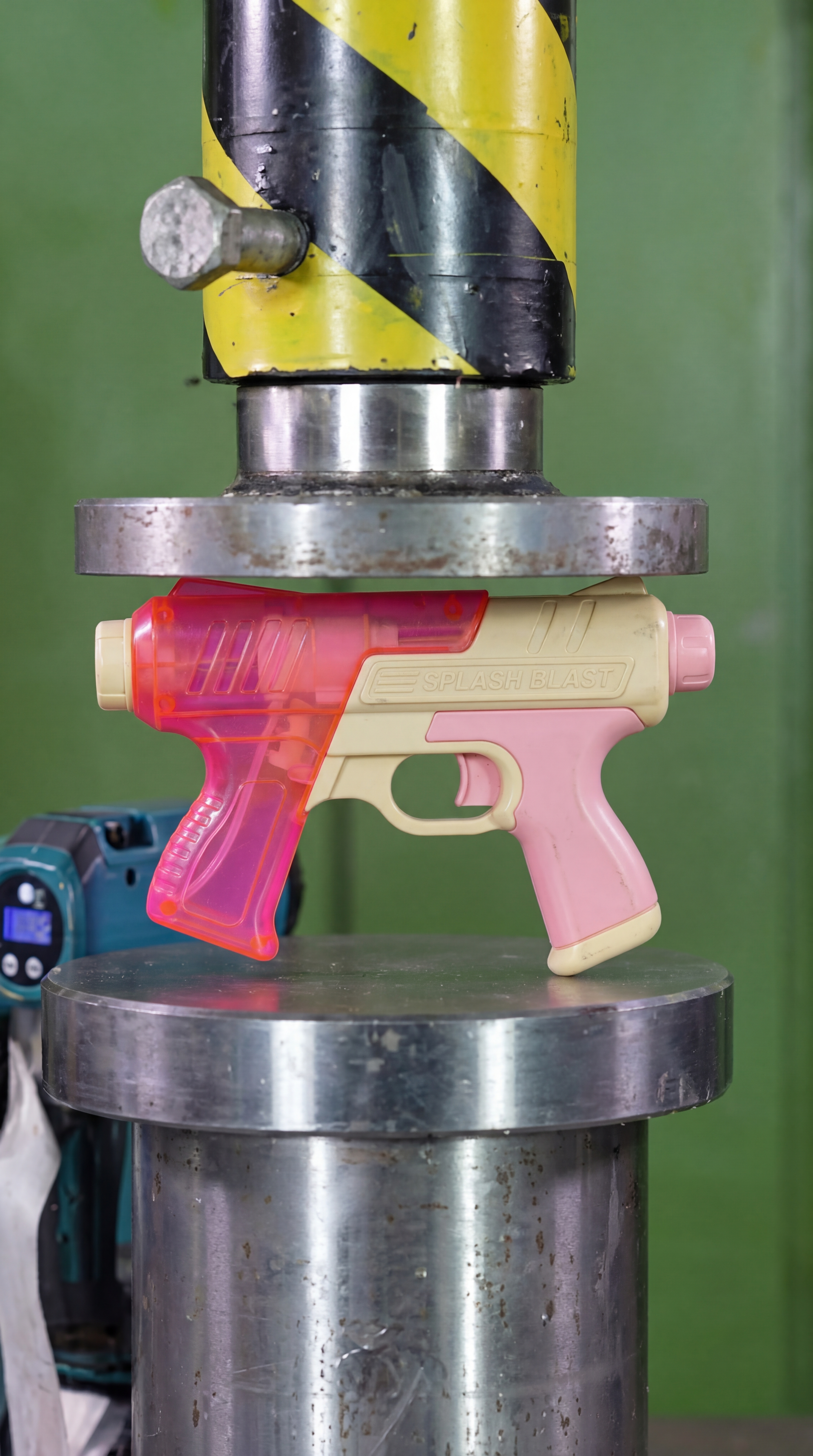
Upload an item or type a prompt, set press controls, and export a satisfying crush clip in minutes.

