
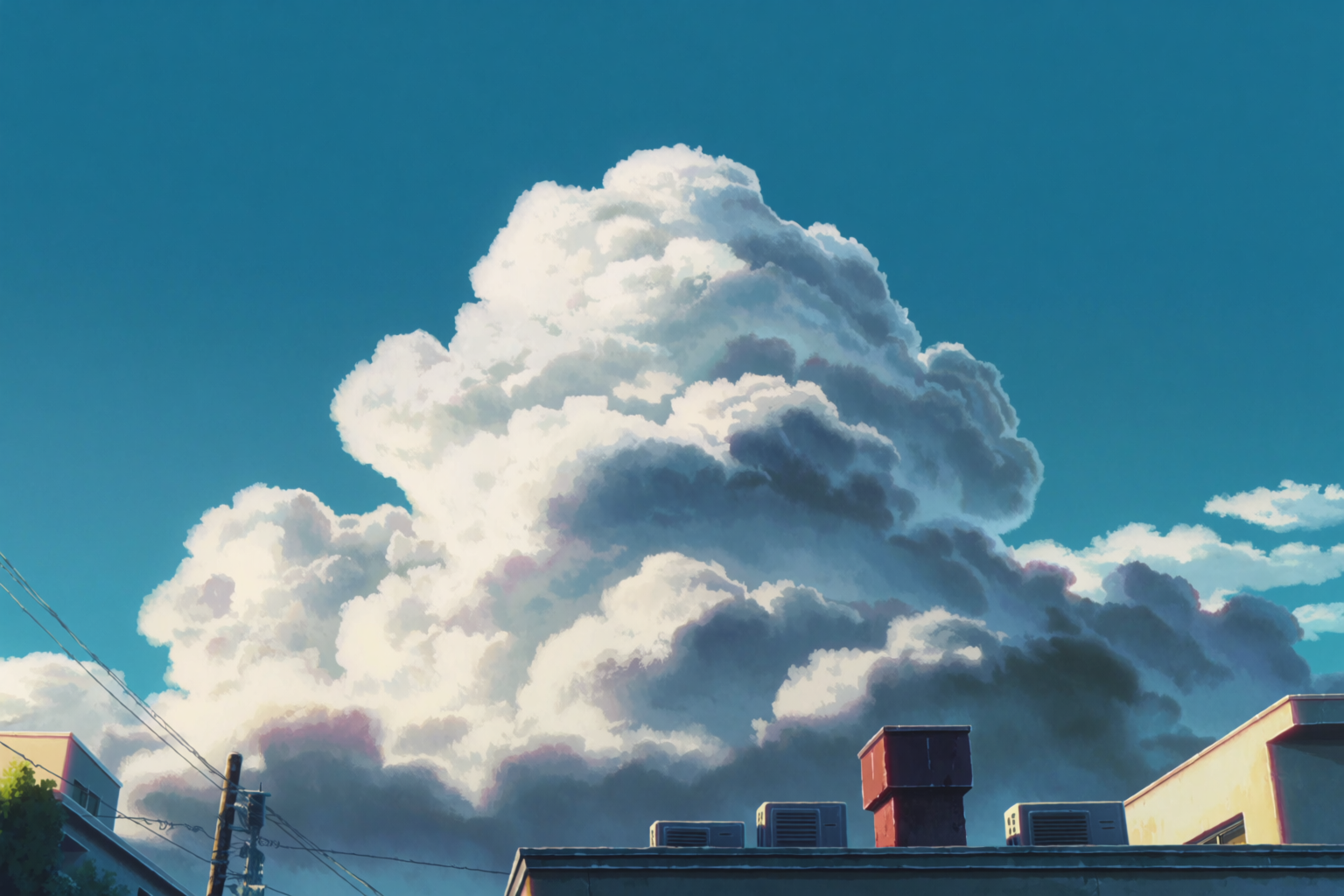
Backgrounds are the quiet bottleneck of indie anime, manga, light novel illustration, and visual-novel work. Characters are the part that earns followers. Backgrounds are the part that takes three weeks per chapter and stops most projects in their tracks.
Krea 2 handles anime-style scenic backgrounds — empty locations, no characters in frame, ready for you to drop your cast into — better than any model we've shipped. This article is about how to use it for that specific job.
What "anime background" actually means
Anime backgrounds are a specific painting tradition. They are not 3D renders. They are not photoreal. They are not the generic AI illustration look. They are cel-painted, mostly hand-drawn line work over flat-to-gradient color, with deliberate brush texture, sharp light direction, and atmospheric color choices that lean further than reality.
The most influential studios for the look most creators want are:
- CoMix Wave Films (Makoto Shinkai) — hyper-saturated skies, neon urban evenings, telephone-pole framing
- Studio Ghibli — lush green countryside, weathered rural architecture, gentle weather
- Kyoto Animation — bright but melancholic school interiors, soft natural light, careful clutter
- Production I.G / Madhouse — colder, more urban realism
Krea 2 can render any of these on cue. The two galleries below were all generated for this article, no style references, no moodboards — just text prompts.
Locations indie creators ask for
These are the locations that show up over and over in manga, light novel illustration, and indie animation pitches. School interiors, urban night scenes, the train platform between scenes, the empty classroom after the rain.
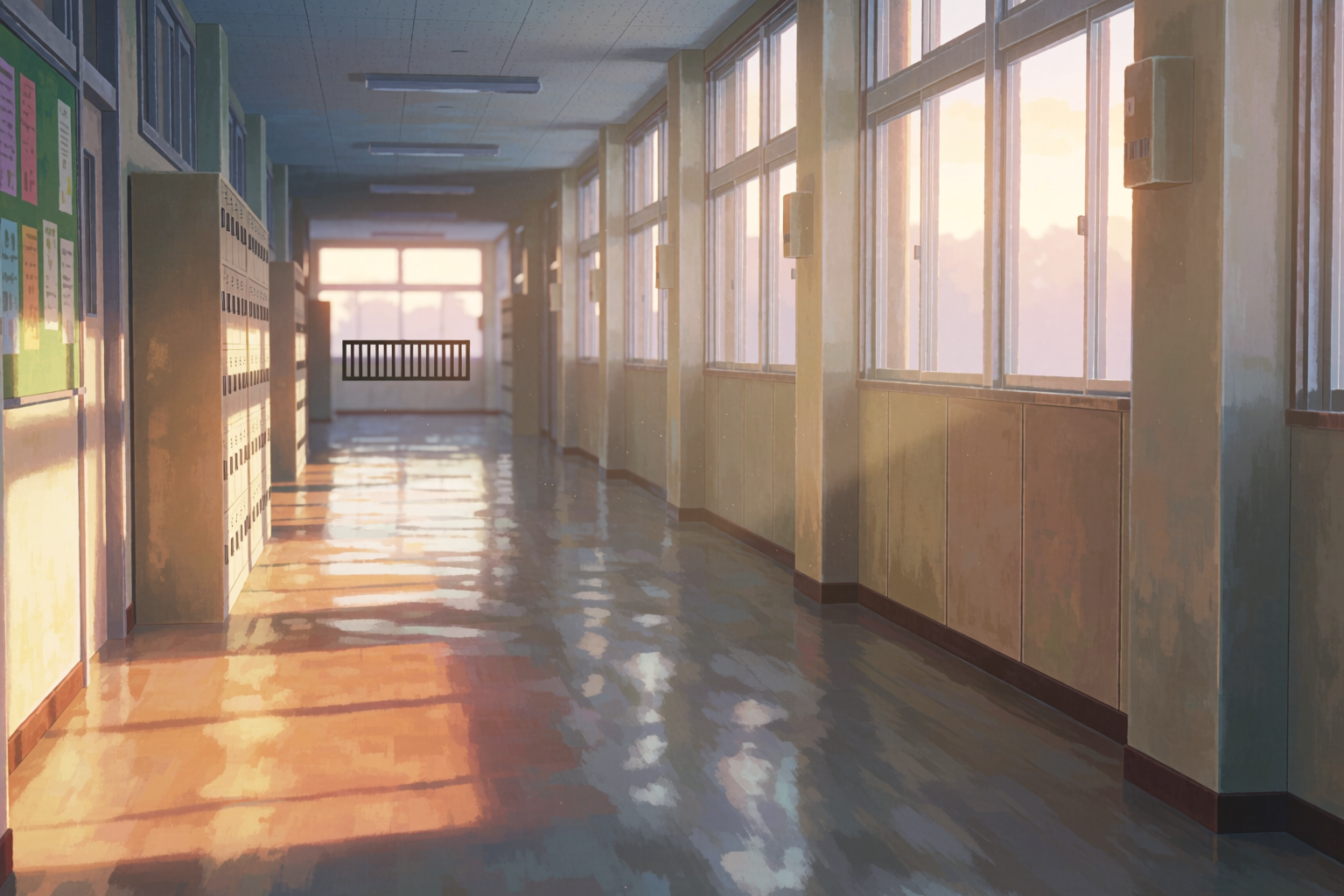
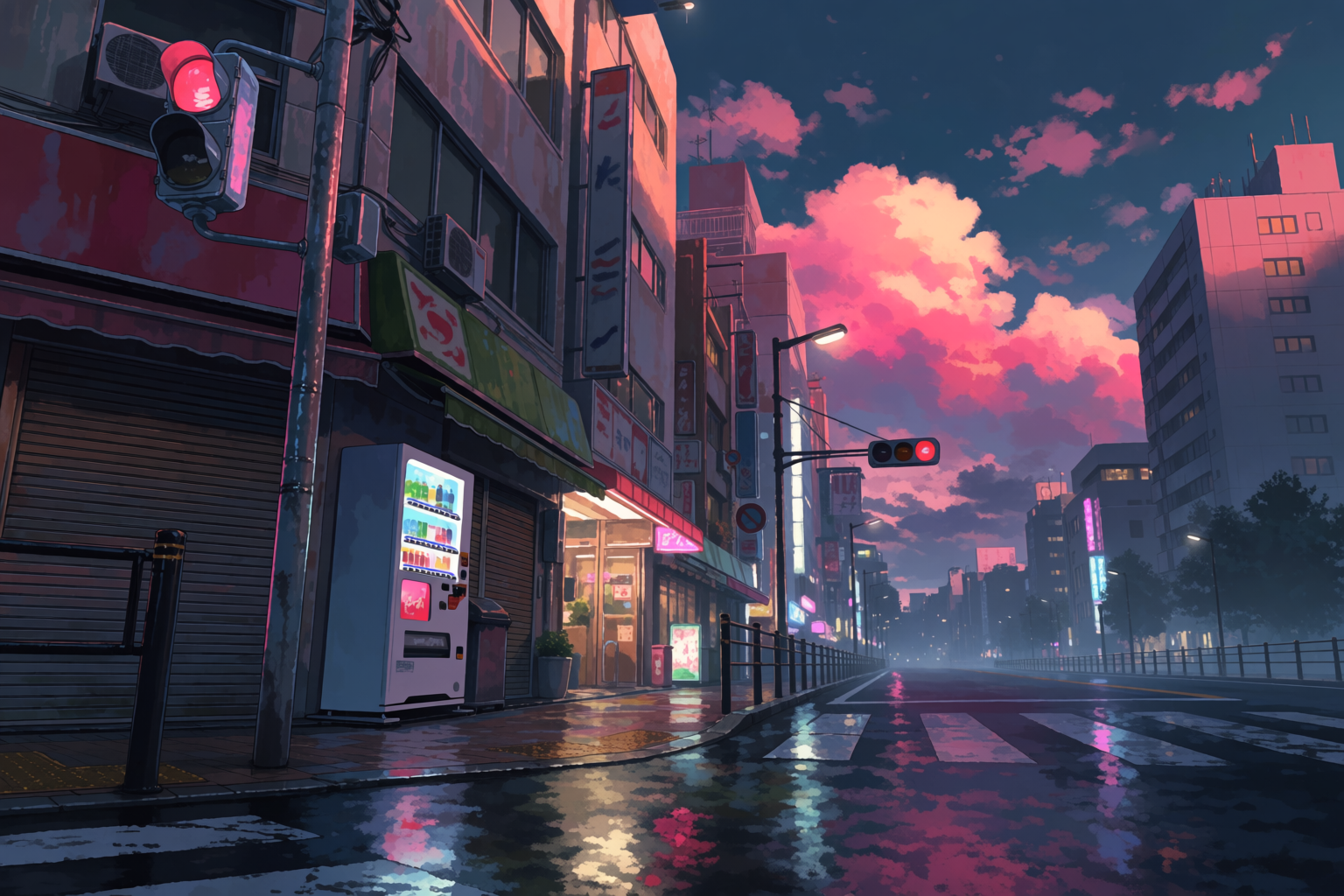
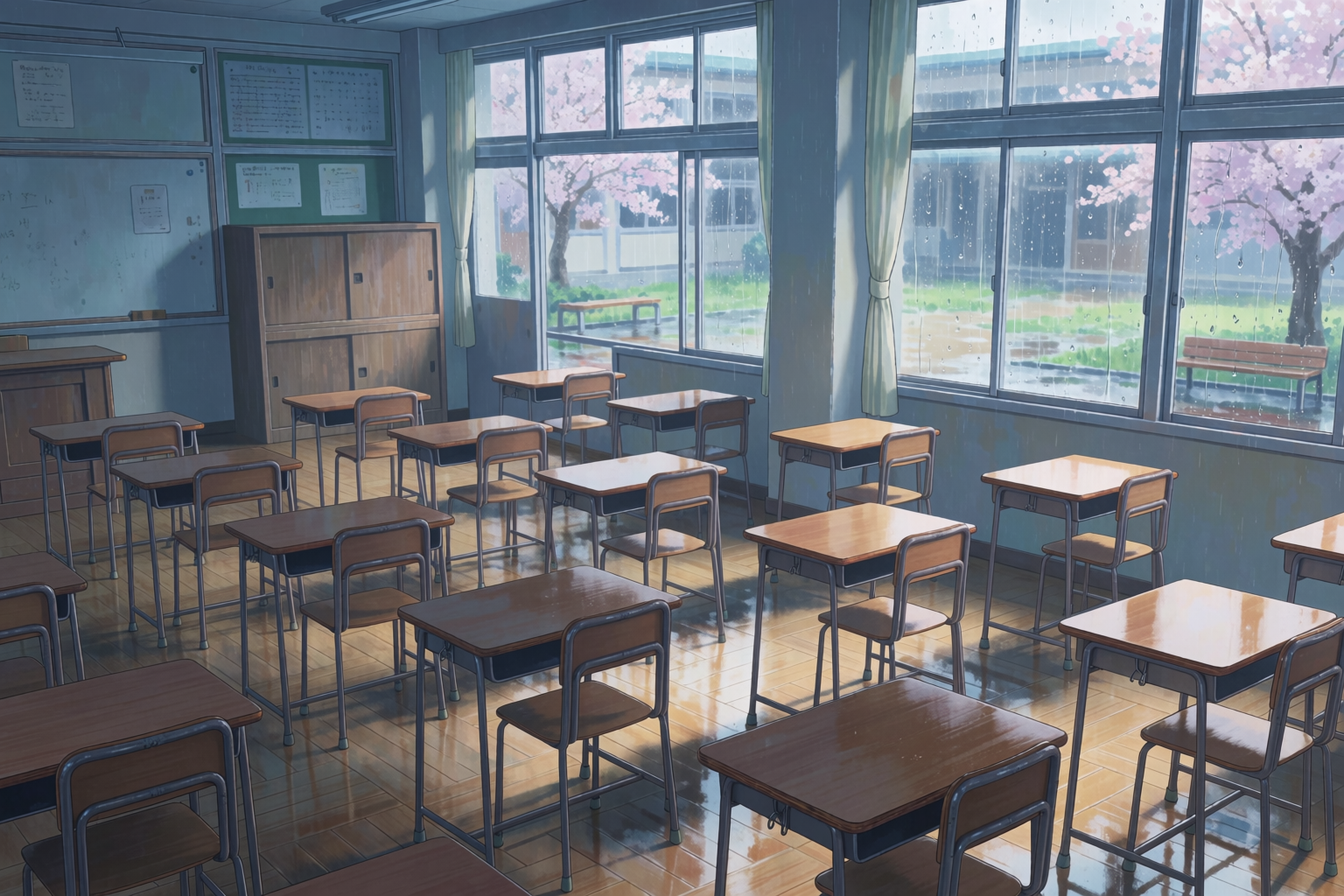
The setting library, part one
Empty school hallway at golden hour, Tokyo dusk in the rain, rural train platform at twilight, classroom after rain with sakura outside.
Beyond the school day
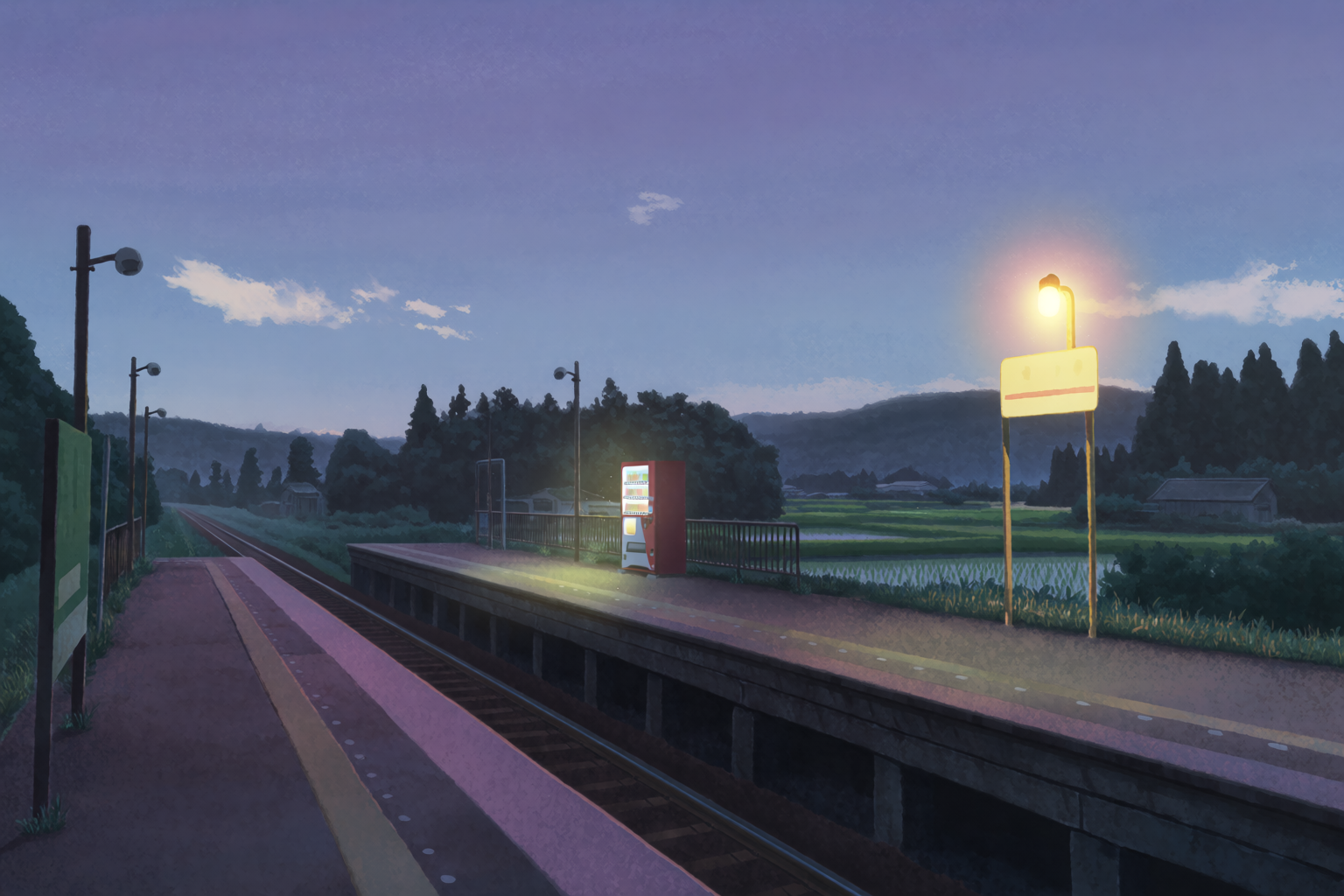
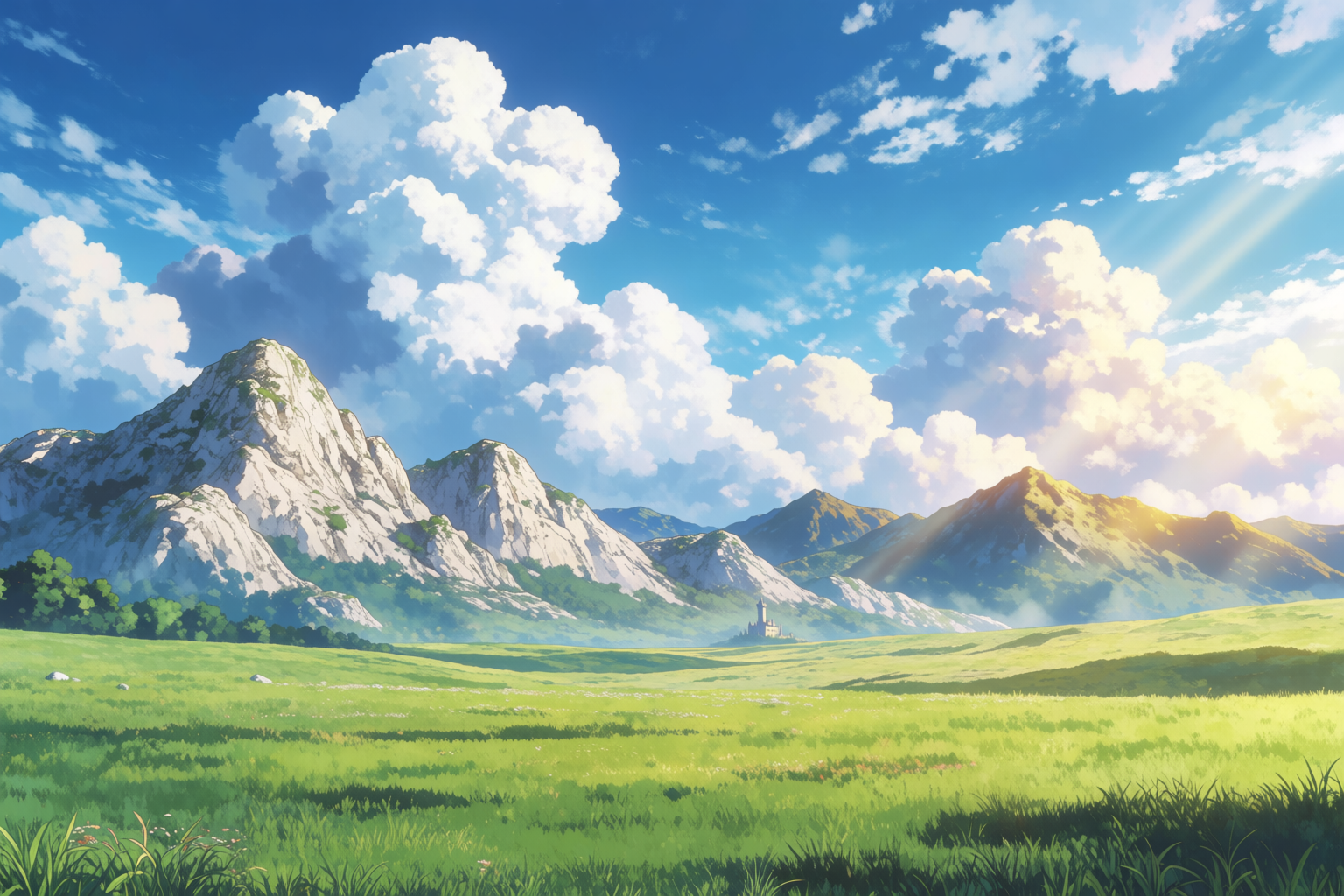
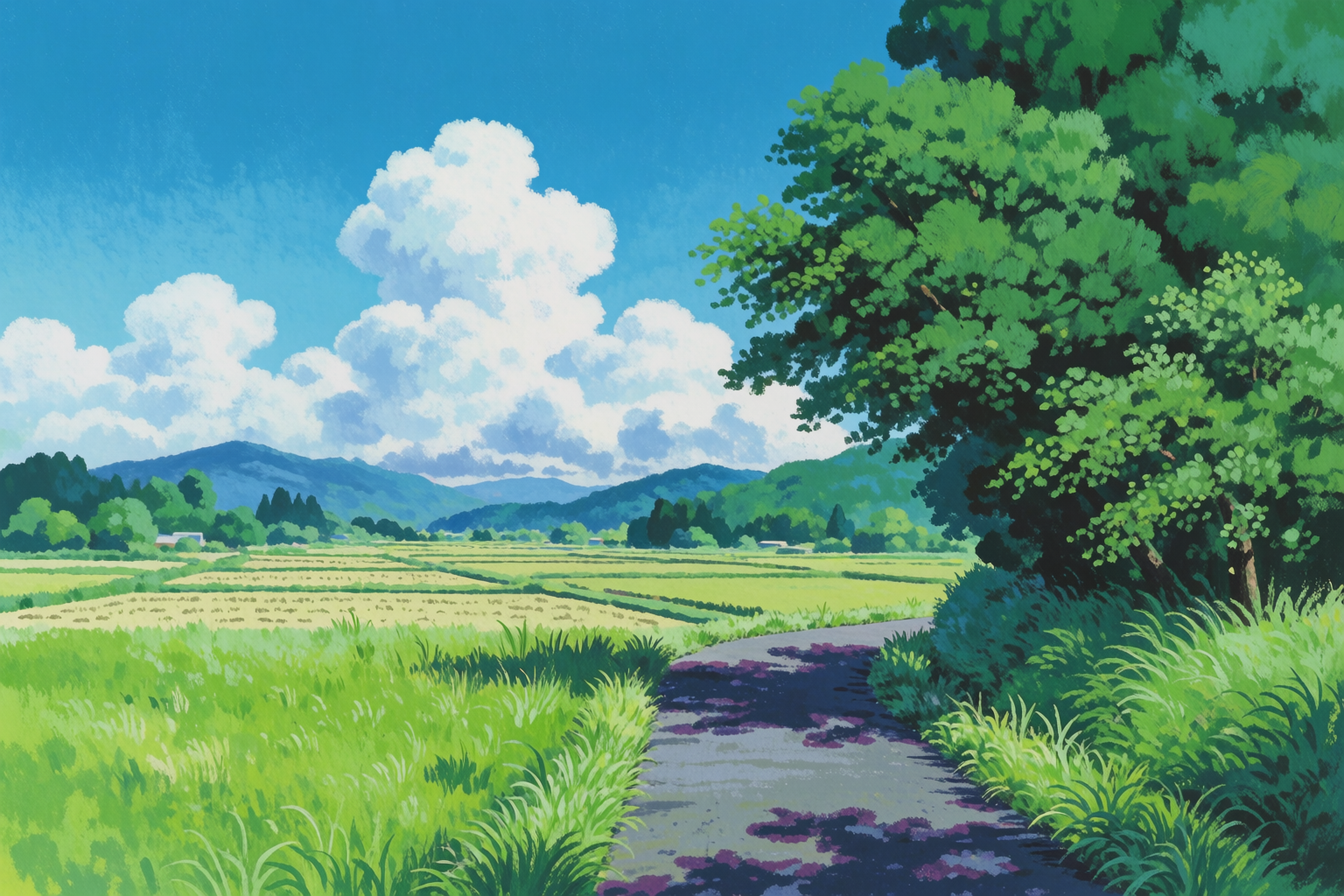
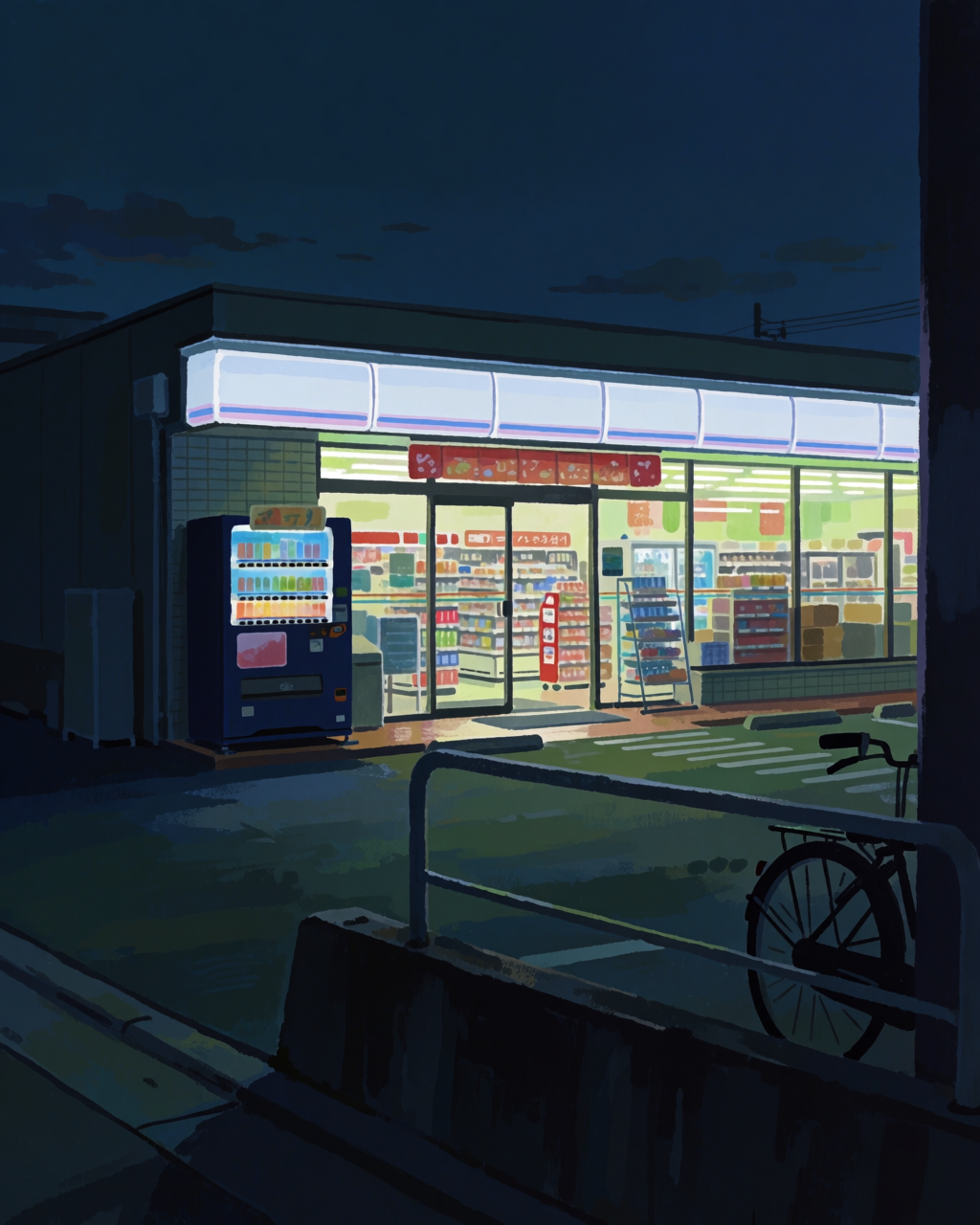
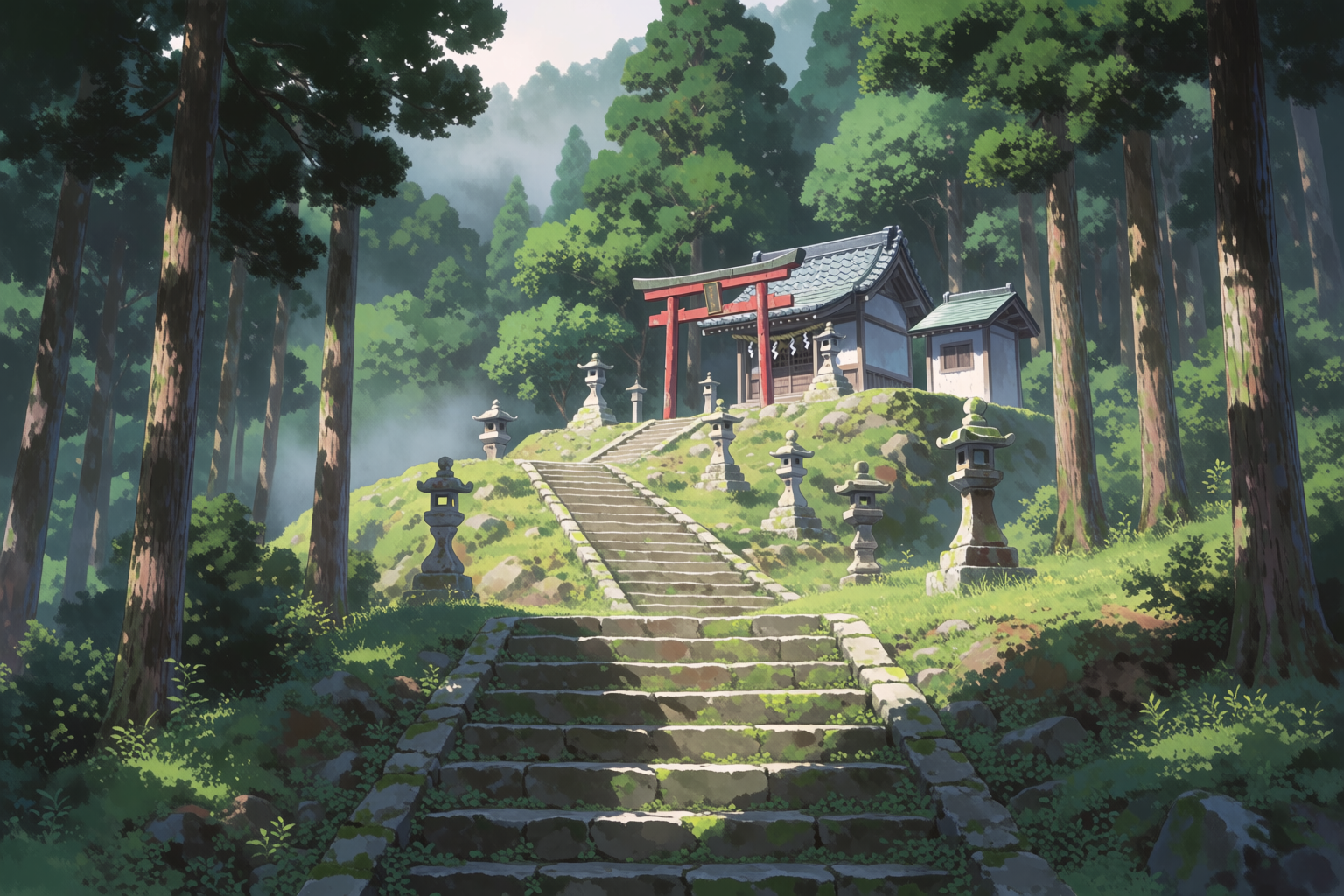
The same model, four very different worlds — countryside Ghibli-style, isekai high fantasy, lo-fi convenience store at night, mountain shrine.
The setting library, part two
Isekai grassland with a distant castle, Japanese summer countryside in Ghibli style, lo-fi convenience store at night, Shinto mountain shrine through cedar forest.
Pinning the style
If you have a specific studio's aesthetic in mind, two tools do most of the work.
Style references. Drop a single background painting into the prompt box as a style reference. Krea 2 will extract the palette, the cloud shapes, the line weight, and the cel-painting texture, then apply them to whatever you prompt next. A frame from a Makoto Shinkai film as the reference will give you Shinkai-style skies on demand. Push the strength slider higher if you want the reference to dominate.
Mood boards. For a more open-ended studio profile, build a mood board from 20 to 40 background paintings across the style you want — different times of day, different settings, same visual world. Krea 2 will analyse the whole set, build a taste profile, and apply that profile to every generation against the board. This is the right tool when you want the feeling of a studio rather than a literal style copy.
Prompt patterns that work
A few prompt-craft notes that show up across the images above:
- Start with the medium, not the subject. "Anime background painting of..." anchors the model in cel-painted territory before it commits to subject details.
- Name the time of day. "Golden hour," "twilight," "blue hour," "midday with heat haze," "fluorescent night" — each one pulls a different lighting model out of the network.
- Specify whether characters are in frame. "No characters, no people, no figures" three times is not overkill — the model wants to draw people if it sees an interior. Saying it explicitly keeps the frame clean for your own characters to live in.
- Reference real studios sparingly. Naming "Shinkai" or "Ghibli" or "Kyoto Animation" works strongly. One reference per prompt is plenty; stacking three of them dilutes everything.
- Avoid the AI default words. "Beautiful," "stunning," "masterpiece," "8k" all pull the model toward generic AI gloss. The prompts in this article use none of them.
Use cases
Indie creators are using Krea 2 for backgrounds across:
- Manga — chapter backgrounds, establishing shots, scene transitions
- Light novel illustration — single-frame paintings of a scene
- Visual novels and indie games — background art at consistent style across dozens of scenes
- Indie animation — pre-production background plates, key-frame layouts
- VTuber sets — looped or static background scenes for streams
- Music videos and lyric videos — anime-style still frames for non-anime tracks
- Fan art and personal projects — scene paintings without the bottleneck of doing them by hand
The shared workflow looks like this: generate 6–12 candidate backgrounds for a scene with a tight prompt, pick the one that fits the story beat, drop it into your composition, and add your characters on top.
Paint your next scene in Krea 2
Free to start. Style references and mood boards are included on every plan.
Try Krea 2Frequently asked questions
Yes. Naming the studio or director in the prompt works strongly, and adding a real frame from the studio as a style reference will lock the visual language tightly. Mood boards do the same job for an entire body of work rather than a single frame.
Add "no characters, no people, no figures" to the prompt. The model leans toward populating interior scenes by default, so being explicit about an empty frame helps. For locations like train platforms and convenience stores, naming a single object that "owns" the frame (a vending machine, a bicycle, a lantern) also reduces the urge to add figures.
Generate at the final aspect ratio you need — 16:9 for animation plates, 4:5 or 2:3 for light novel illustration, 1:1 for square panels. Krea 2 generates up to 1024 × 1024 natively. For larger output, use the Enhancer afterwards.
Yes — that is exactly what mood boards are for. Build the board once from reference images of the look you want, and use it on every generation for the project. Every background will share palette, line weight, and atmosphere.
Yes. Generate the background empty, then composite your characters in your usual tool — Procreate, Clip Studio, Photoshop, or Krea's own Edit tool, which can place a character into a scene while matching the lighting.