













Step 1
Upload
Import a photo and select the main subject. Adjust crop or mask if needed so Geo Swapper can preserve edges and keep details sharp during the swap.
 App by vicc
Geo Swapper uses AI to swap backgrounds and locations in seconds. Upload a photo, pick a place, and generate realistic results online—try it now.

How to use Geo Swapper
Geo Swapper makes AI geo swapping simple: upload your image, choose a new location, and generate variations. Follow these steps to get realistic background replacements with consistent perspective and lighting.
Step 1
Import a photo and select the main subject. Adjust crop or mask if needed so Geo Swapper can preserve edges and keep details sharp during the swap.
Step 2
Pick a destination, landmark, or environment prompt. Set style and realism settings to match your original photo, including time of day and overall color tone.
Step 3
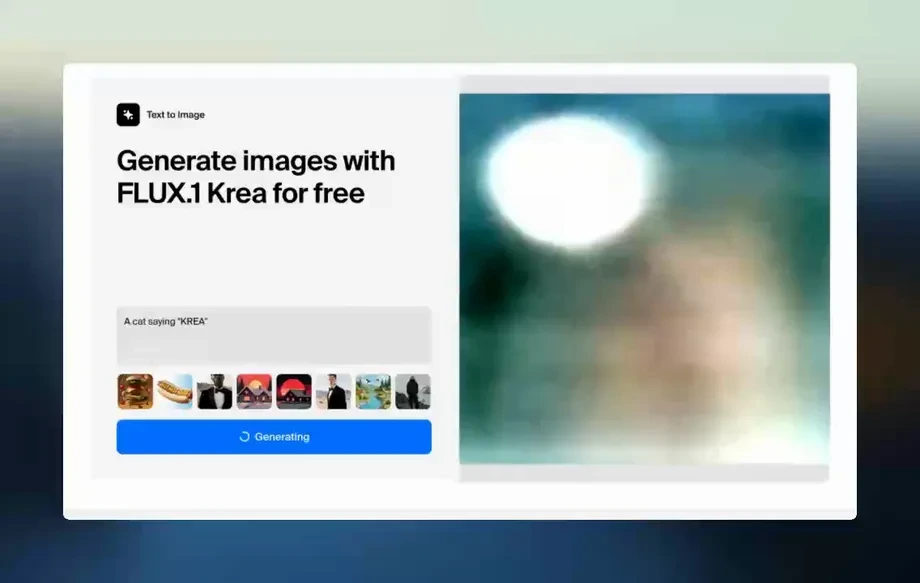
Generate multiple AI results, compare variations, and refine your prompt or mask. Download the best image for social posts, ads, presentations, or mockups.
Features
Geo Swapper uses AI and machine learning to replace locations while keeping subjects natural and consistent. Generate multiple variations quickly, refine with prompts and masking, and export high-quality results. Perfect for photo editing AI workflows where realism, speed, and control matter.
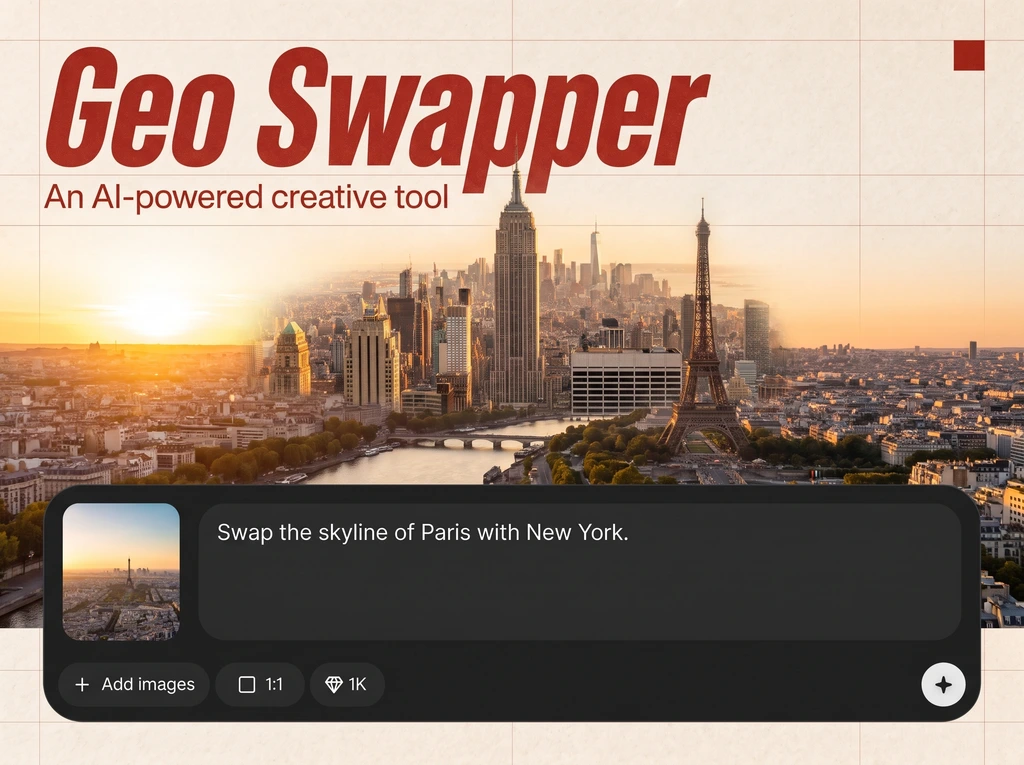
Swap geography and scenery with accurate perspective, lighting, and shadows. Geo Swapper keeps the subject intact while blending the new location for a believable composite.
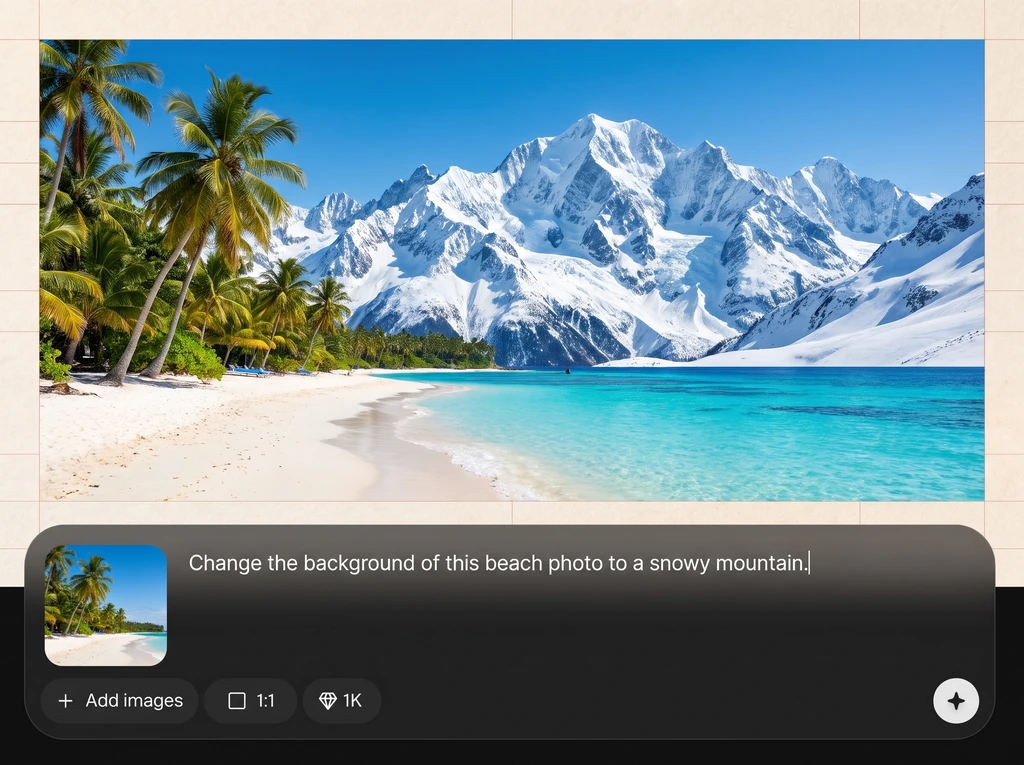
Generate several geo-swapped options in seconds and fine-tune with simple prompts. Quickly explore destinations, weather, and styles without restarting your edit from scratch.
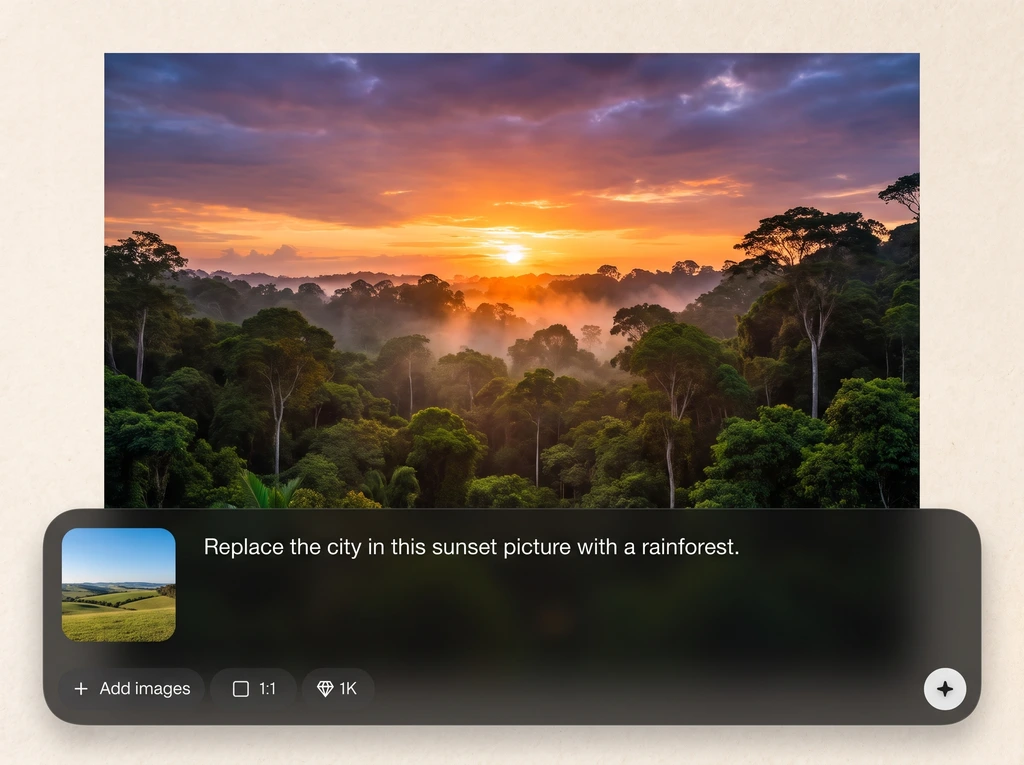
Use targeted masking to protect key areas and guide the swap. Combine location prompts with detail cues to improve edges, reduce artifacts, and maintain brand-ready results.
About
Geo Swapper is an AI location swap tool that replaces backgrounds and geography while keeping your subject consistent. Upload a photo, choose a destination or style, and generate realistic geo-swapped images in seconds. Use it for travel mockups, marketing visuals, and creative edits with clean edges, natural lighting, and fast iteration.
Geo Swapper combines AI realism with practical editing control. Generate fast location swaps, iterate through variations, and refine results with prompts and masking for cleaner edges and better lighting matches. It’s built for dependable, export-ready images across marketing, mockups, and creative photo edits.
Open Geo Swapper, upload your photo, and choose a new location or write a prompt. Generate several options, refine with masking if needed, then download a high-quality result.
Use cases
Discover how different creators use this app in their workflow.
Create destination shots without traveling. Swap backgrounds for beaches, cities, or mountains to test concepts, plan content, or build mood boards faster.
Place products in region-specific environments for localized campaigns. Generate consistent location swaps for ads, landing pages, and seasonal promotions with minimal editing time.
Visualize properties in different surroundings or climates. Use AI location swapping to explore curb appeal, scenery options, and presentation visuals for listings and proposals.
Krea is one of the world's leading generative AI platforms. See what others say.
Real reviews on TrustpilotSo many AI tools out there but I always come back to Krea. It's really the one AI platform that 'just works'.

FYN
Krea's interfaces are still the best in the industry. Everything looks and feels so clean and easy to use! Imo the easiest to use gen AI website.

Lynn
Ultra fast generations. Extremely simple to use. All the latest AI models.

Daniel
KREA is the only AI subscription I have right now besides ChatGPT.

Sophia M.
Answers to common questions about Geo Swapper, AI location swapping, and export-ready results.
Geo Swapper is an AI photo tool that swaps locations and backgrounds while preserving your subject. It uses artificial intelligence and machine learning to blend perspective, lighting, and edges for realistic results.
You upload an image, select or describe a new location, and Geo Swapper generates a composite. The model predicts environment details and merges them with your subject to match color, depth, and lighting.
Yes. Use masking or subject selection to protect the main subject. Geo Swapper focuses changes on the background and surrounding geography while keeping faces, clothing, and product details consistent.
Clear subjects with good contrast and visible horizon or background depth work best. High-resolution photos and simple backgrounds improve edge accuracy and help the AI match perspective and lighting more naturally.
Yes. Enter precise prompts like “Tokyo street at night” or “Eiffel Tower at sunset.” Adding details such as weather, lens look, and time of day helps generate more accurate location matches.
It can. Along with location swapping, you can request stylistic changes such as cinematic color grading, film grain, or illustrated looks. Keep prompts focused to maintain realism when needed.
Refine your mask edges, simplify the prompt, and specify lighting cues like “soft daylight” or “golden hour.” Generating multiple variations and selecting the best blend is often the fastest fix.
Export high-quality images suitable for web and marketing use. Choose the best variation, then download the result for social media, ads, presentations, or mockups with clean, sharable output.
Yes. Geo Swapper runs online and performs AI location swapping directly in your browser workflow. Upload, generate, and export without complex software setup or manual compositing steps.


Upload a photo, choose a destination, and generate realistic geo swaps in seconds with controllable results.

